Making Custom Menus
56 Chapter 8
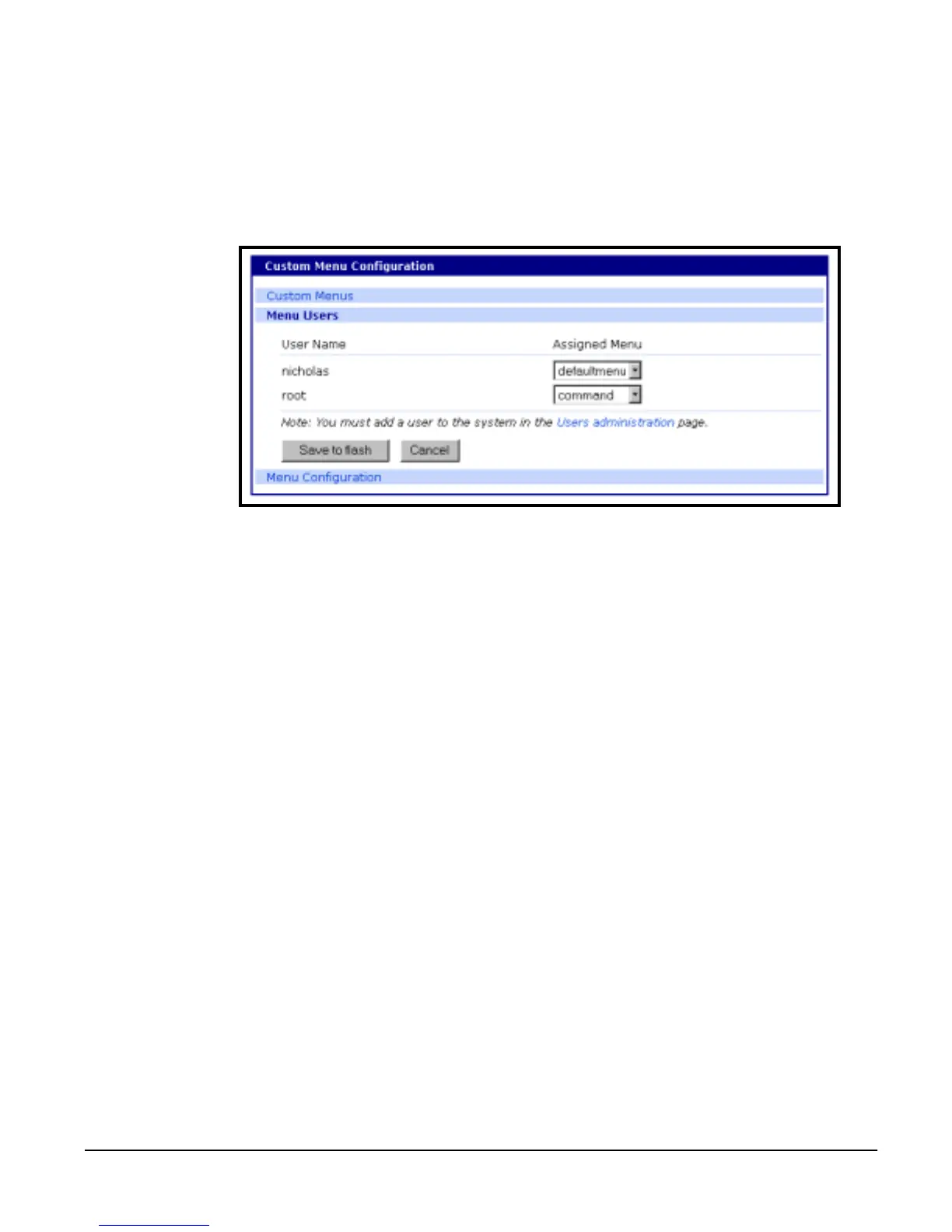
Assigning Users To A Menu
Once a menu has been created users can be assigned. To assign users to a
menu, do the following:
1. Access the web interface.
2. Choose Configuration under the Custom Menus heading > Menu Users.
A list of available users is displayed.
3. Choose a menu for a user by selecting a menu from the drop down
Assigned Menu list.
4. Choose Save to flash.



 To Next Page