System Administration
Chapter 12 73
Configuring A Device Name
The system administrator can assign a device name to the Digi CM. This is
often helpful for administration purposes in locating the specific Digi CM on the
network. To assign the Digi CM a device name, do the following:
1. Access the web interface.
2. Under the System administration heading choose Device name.
3. Enter the name you want to assign the Digi CM.
4. Choose Save to flash and apply changes.
Adding, Editing, and Removing Users
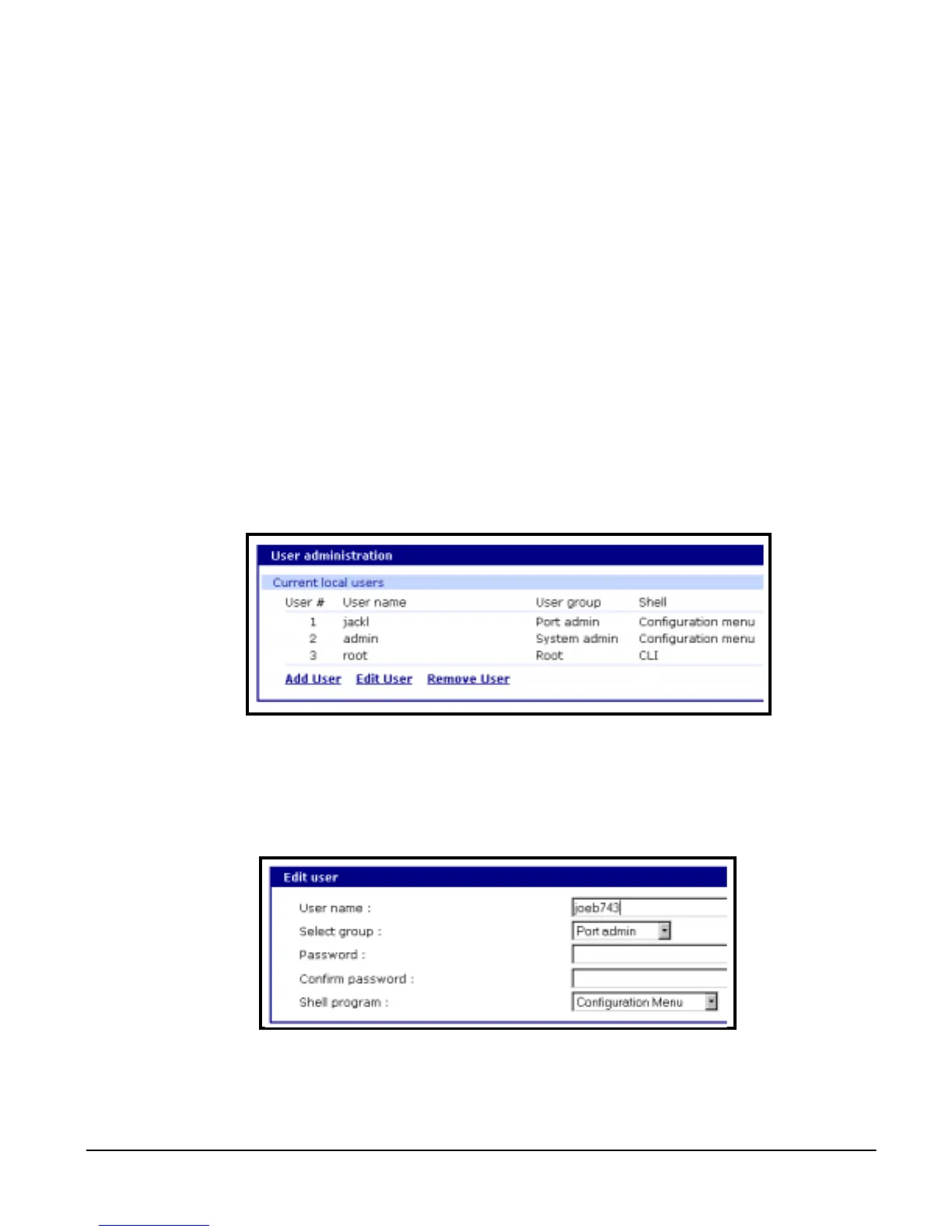
The system administrator can add, remove, or edit users files easily from the
web interface. To add or remove users or edit user files do the following:
1. Access the web interface.
2. Under the System administration heading choose Users administration.
3. Choose to Add User, Edit User, or Remove User. You can:
• Add a user: Assign a name, user group, and a password
• Edit user files: Change user group, password, or their shell
• Remove a user: Remove a user from the system
4. Choose Save to flash and apply changes.
Note: The password for root can only be changed from the command line interface
using the command passwd.



 To Next Page