Configuring Ports
Chapter 4 29
Dial-In Terminal Server
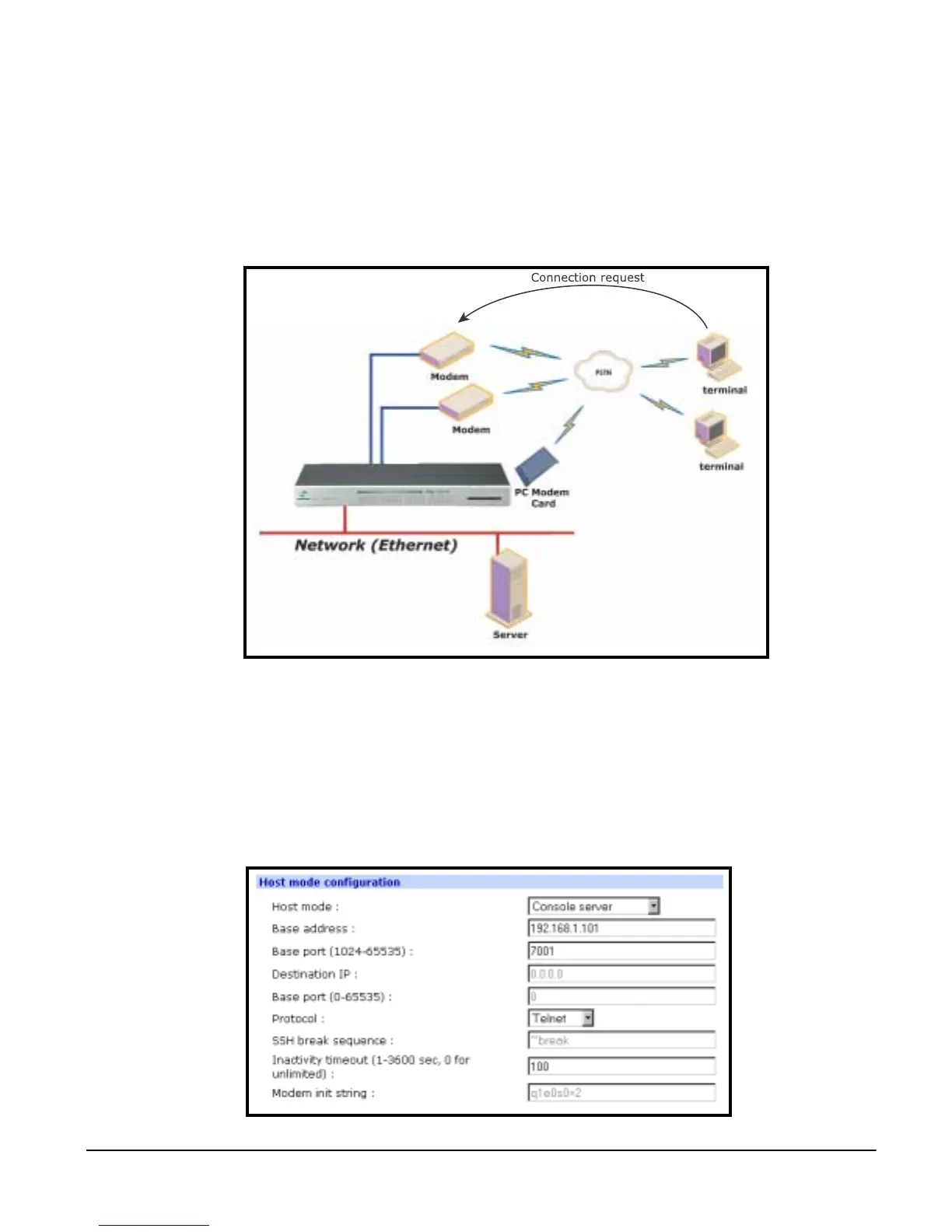
Dial-in terminal server mode is a combination of the terminal server mode and
the dial-in modem mode. In the dial-in terminal server mode, the Digi CM
assumes the serial port is connected to an external modem and is waiting for a
dial-in connection from a remote site. When users dial-in using terminal
applications, the Digi CM accepts the connection as a Telnet or SSH client to a
pre-defined server. This mode is most frequently used when users want to use
modems to access servers on a network.
Configuring Host Mode
To configure a serial port for host mode, enter the values in the applicable
fields.To access the Host mode configuration screen, do the following:
1. Access the web interface.
2. Under the Serial Port heading choose Configuration.
3. Choose All or an Individual port > Host mode configuration.



 To Next Page