Configuring Remote Dial-In Access
Chapter 9 61
Configuring For Dial-In Terminal Server Access
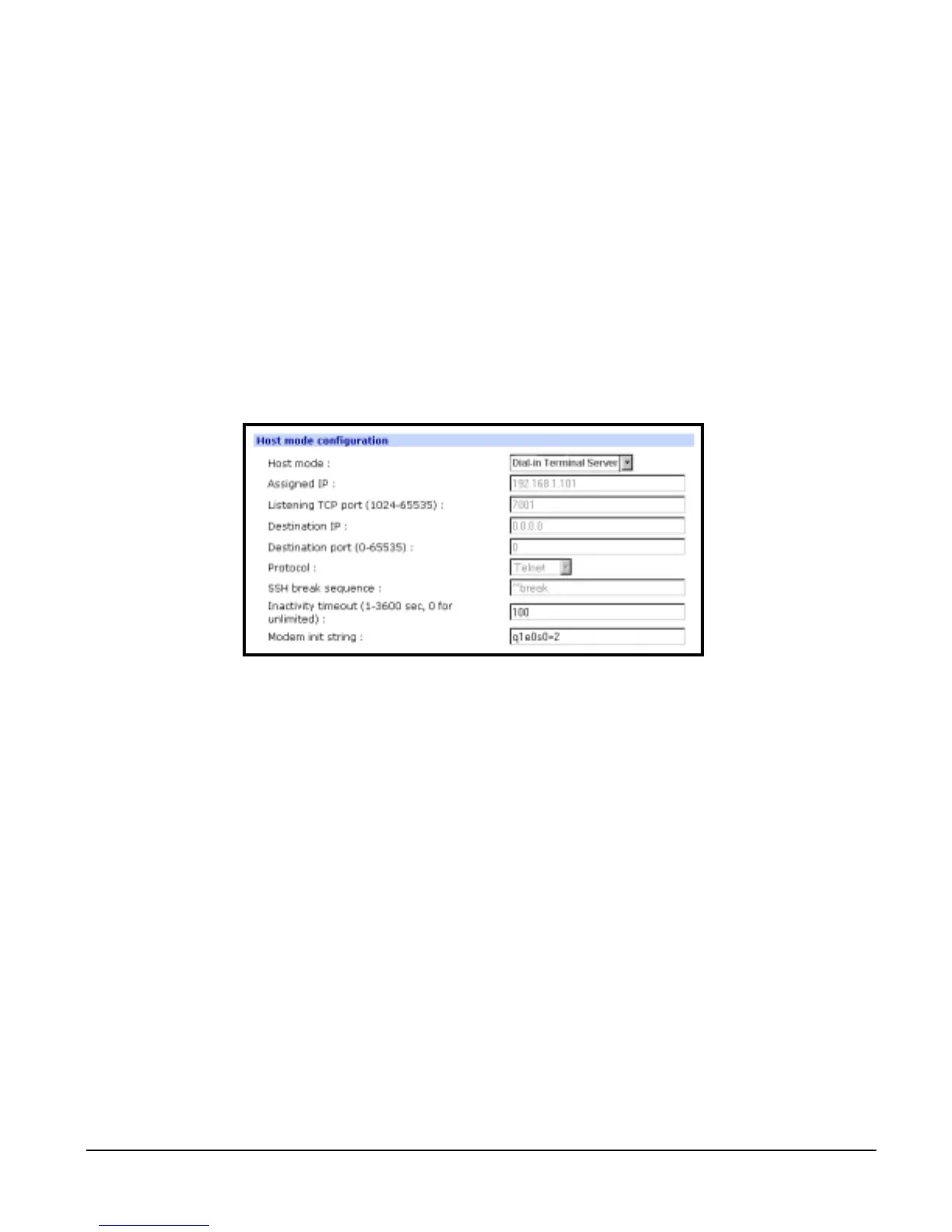
To configure a serial port for a dial-in terminal server access, enter the values
for these fields: Host mode, Destination IP, Base Port, Protocol, Inactivity
timeout, and Modem init string. To access the Host mode configuration screen,
do the following:
1. Access the web interface.
2. Under the Serial Port heading choose Configuration.
3. Choose a specific port under Individual port configuration > choose Host
mode configuration.
4. Choose Dial-in terminal server for the Host mode.
5. Fill in the appropriate fields as they apply to your configuration.
• Host mode: The options are console server mode, terminal server
mode, dial-in modem mode, and dial-in terminal server mode
• Assigned IP: Also known as alternate IP where the user can Telnet
directly to a serial port using an IP address
• Listening TCP port: Also known as reverse Telnet where a user Telnets
to a port using an IP address and a port number
• Destination IP: In terminal server mode the user connects directly to a
port using an IP address
• Destination port: In terminal server mode the user connects directly to a
port with an IP address and port number
• Protocol: The options are SSH, RawTCP, and Telnet
• SSH break sequence: Sequence of characters that sends a break char-
acter to a device
• Inactivity timeout: The timeout length ranging from 1 to 3600 seconds, 0
is unlimited timeout
• Modem init string: Use the default string or enter your own string
6. Choose Save to Flash and Apply changes.



 To Next Page