Installing and Configuring PC Cards
Chapter 3 23
Automatic Configuration File Backup
The Digi CM provides for automatic backup and restoration of the
configuration files. Enter the parameters for enabling or disabling automatic
back up configuration. The parameters are:
• Automatically backup configuration: The choices are Yes to enable and No
to disable automatic backup.
• Restore previously saved configuration: The choice is to Restore.
• Restore currently saved configuration: The choice is to Restore.
6. Save to flash and choose Apply changes.
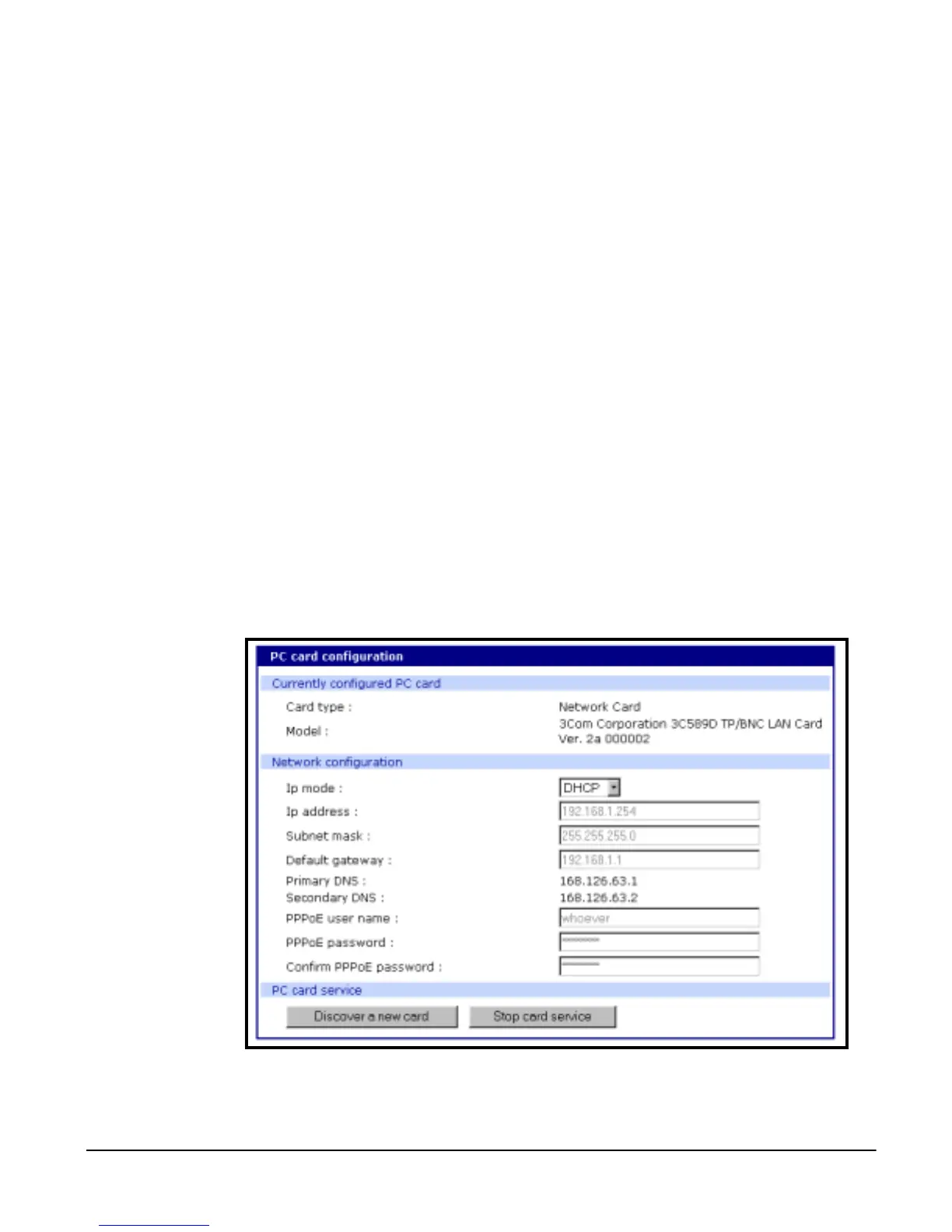
Adding a Network Card
To install and configure a network card on the Digi CM, do the following.
1. Insert the card into the PC slot.
2. Access the web interface.
3. Under the PC card heading choose Configuration.
4. Choose Discover a new card.
The Digi CM searches for the PC card and displays a configuration menu.
5. Enter the appropriate parameters in the configuration menu.
6. Save to flash and choose Apply changes



 To Next Page