Configuring Security and Authentication
Chapter 7 51
Using the Configuration Menu
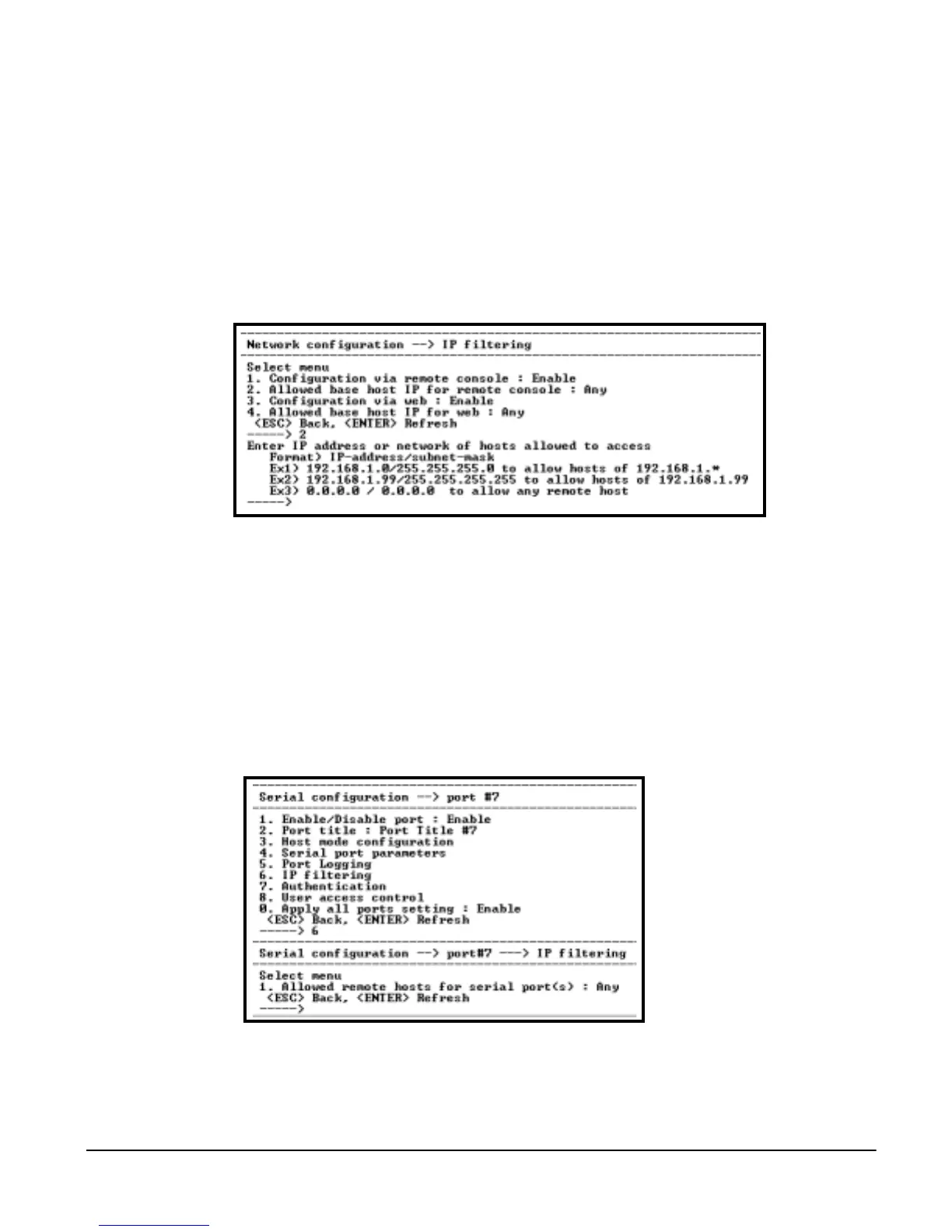
Network IP Filtering
To configure the Digi CM for Network IP filtering, do the following:
1. Access the configuration menu.
2. Choose Network configuration > IP filtering.
3. Choose a menu item and enter the desired parameters for the menu items.
4. Use the ESC key to return to the main menu.
5. Choose Save changes.
Port IP Filtering
To configure the Digi CM for Port IP filtering, do the following:
1. Access the configuration menu.
2. Choose Serial port configuration.
3. Choose an individual port number or 0 (zero) for all ports > IP filtering.
4. Choose a menu item and enter the desired parameters for the menu items.
5. Use the ESC key when all parameters are entered to return to the main
menu.
6. Choose Save changes.



 To Next Page