Installing and Configuring PC Cards
Chapter 3 25
Adding A Serial Modem
The modem must first be inserted and installed on your system before it can
be used. To configure the modem do the following:
1. Access the web interface.
2. From the menu choose Configuration under the PC card heading.
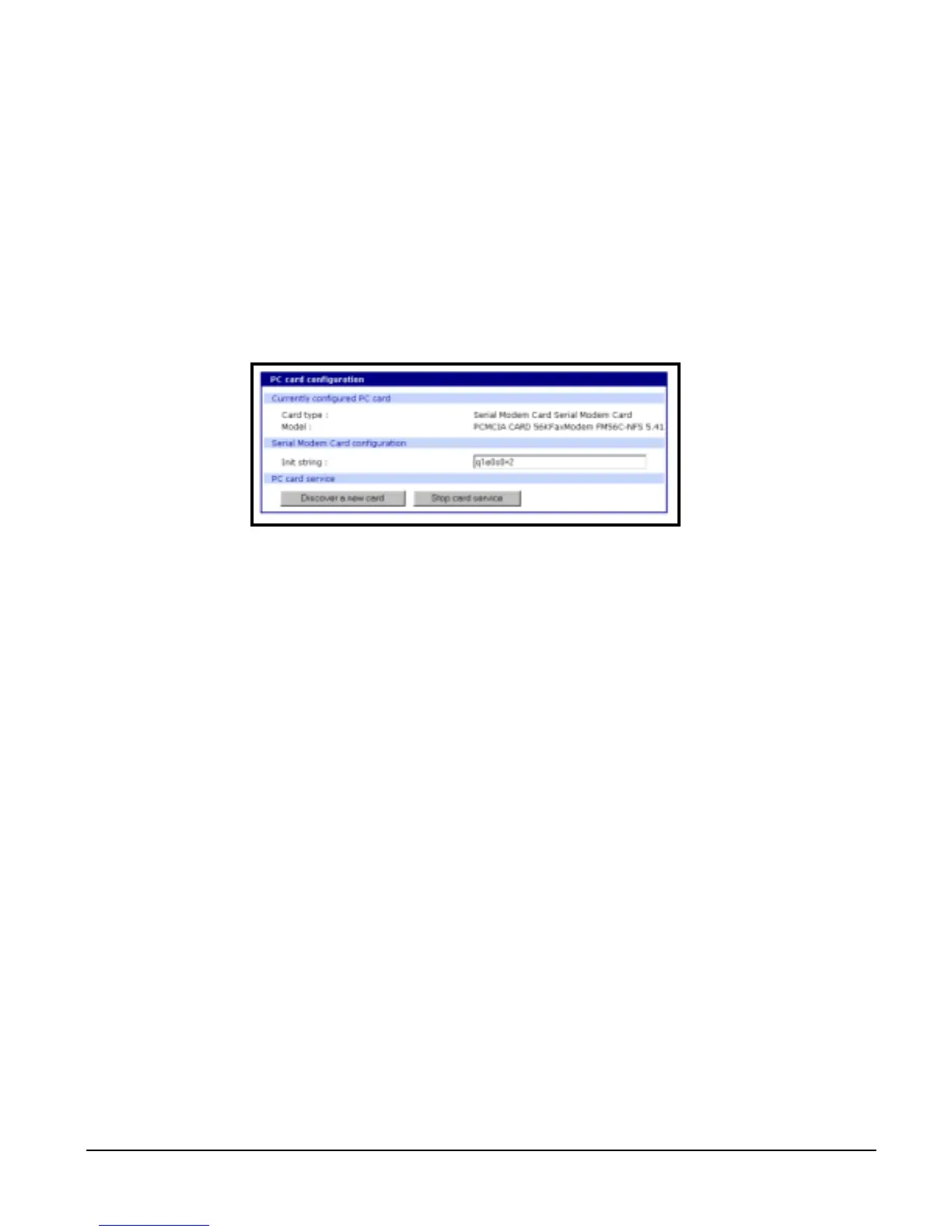
3. Choose Discover a new card.
The Digi CM searches for a PC card and displays a configuration menu.
4. Modify or accept the default in Init string.
5. Save to flash and choose Apply changes.



 To Next Page