Accessing the Boot Loader Program
76 Chapter 12
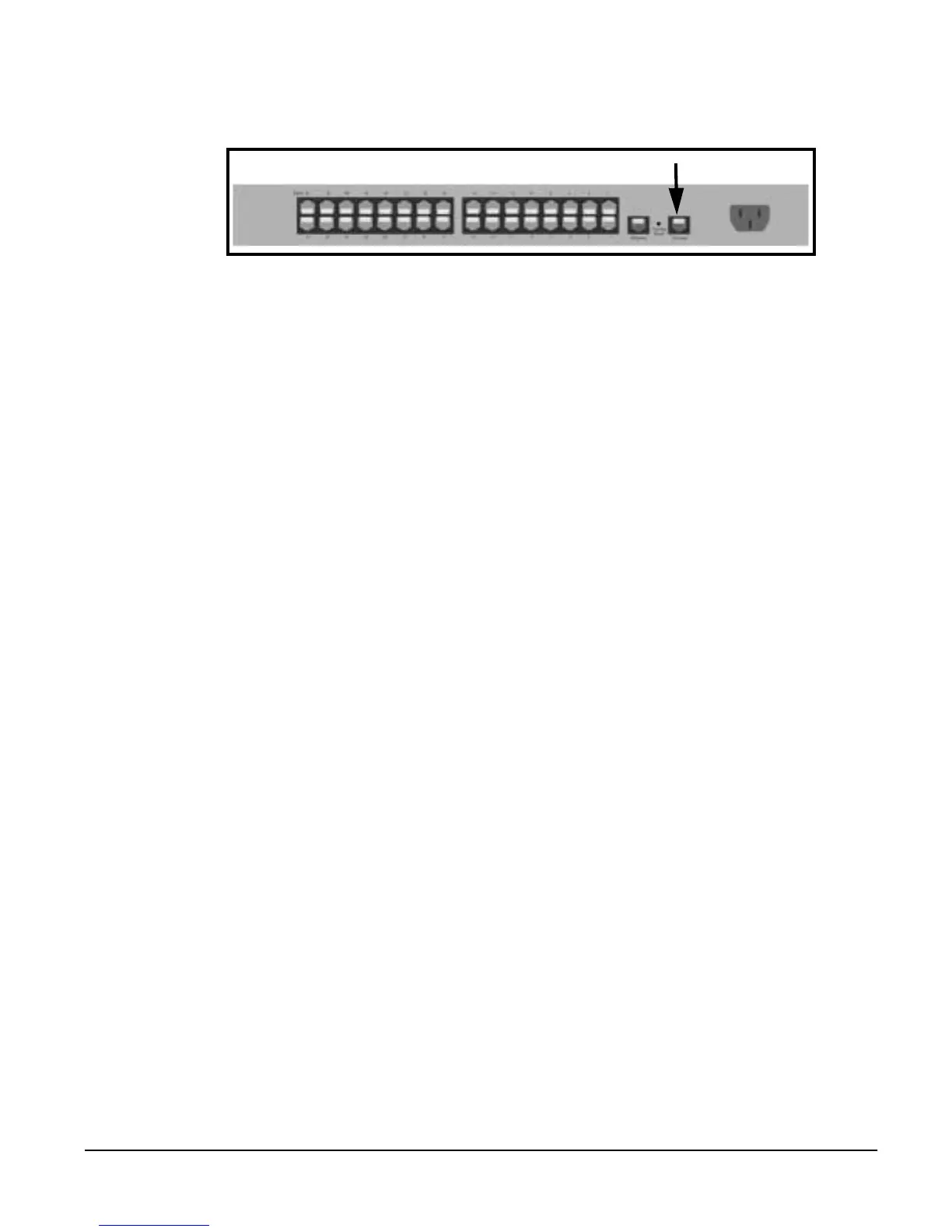
with the Digi CM and attach the DB-9 adapter. The arrow in the following
graphic points to the Console Port.
2. Setup a terminal emulation program, such as HyperTerminal, using the
following port parameters: bps=9600, data bits=8, parity=none, stop bits=1,
and flow control=none.
3. Turn the power on to the unit.
4. Press ESC within 3 seconds of booting the unit to get a command prompt.
5. Enter the username admin and the default password admin to access the
Boot Loader menu.
Hardware Test Menu
The Boot Loader program provides a hardware test for detecting and testing
hardware components on the Digi CM. From the Boot Loader menu choose
the number 3 to access the Hardware test. Options for several components
appear.
Disaster Recovery
The Digi CM provides a disaster recovery procedure in the event the
configuration data is destroyed or corrupted. The Digi CM automatically
restores a corrupted configuration file system to the factory default settings.
However, if the Digi CM fails to boot in spite of being reset to the factory default
settings, the firmware can be restored by using the Boot Loader program.
To restore the Digi CM to the factory default configuration settings you will
need to use a TFTP or BOOTP server. To use the Boot Loader program to
flash new firmware, do the following:
1. Connect the console port on the rear panel of the Digi CM to a serial port
on a workstation. Use an Ethernet cable with a DB9 adapter.
2. Setup a terminal emulation program such as HyperTerminal. Use the fol-
lowing port parameters: bps=9600, data bits=8, parity=none, stop bits=1,
flow control=none
3. Reboot or power on the Digi CM.
4. Press the Enter key within three seconds of receiving a prompt.
The following screen appears.
Console Port



 To Next Page