Configuring Security and Authentication
Chapter 7 49
• input: A sniff user can view all data to a serial port from a remote
connection
• output: A sniff user can view all data from a serial port to a remote
connection
• both: A sniff user can see all data transmitted or received through a
serial port
Viewing A Sniff Session
A sniff user enters a sniff session by starting a Telnet session on a specified
port. In the following example, a sniff user Telnets to port 7 of a Digi CM. From
the command prompt enter the following command:
telnet 192.168.100.42 7007
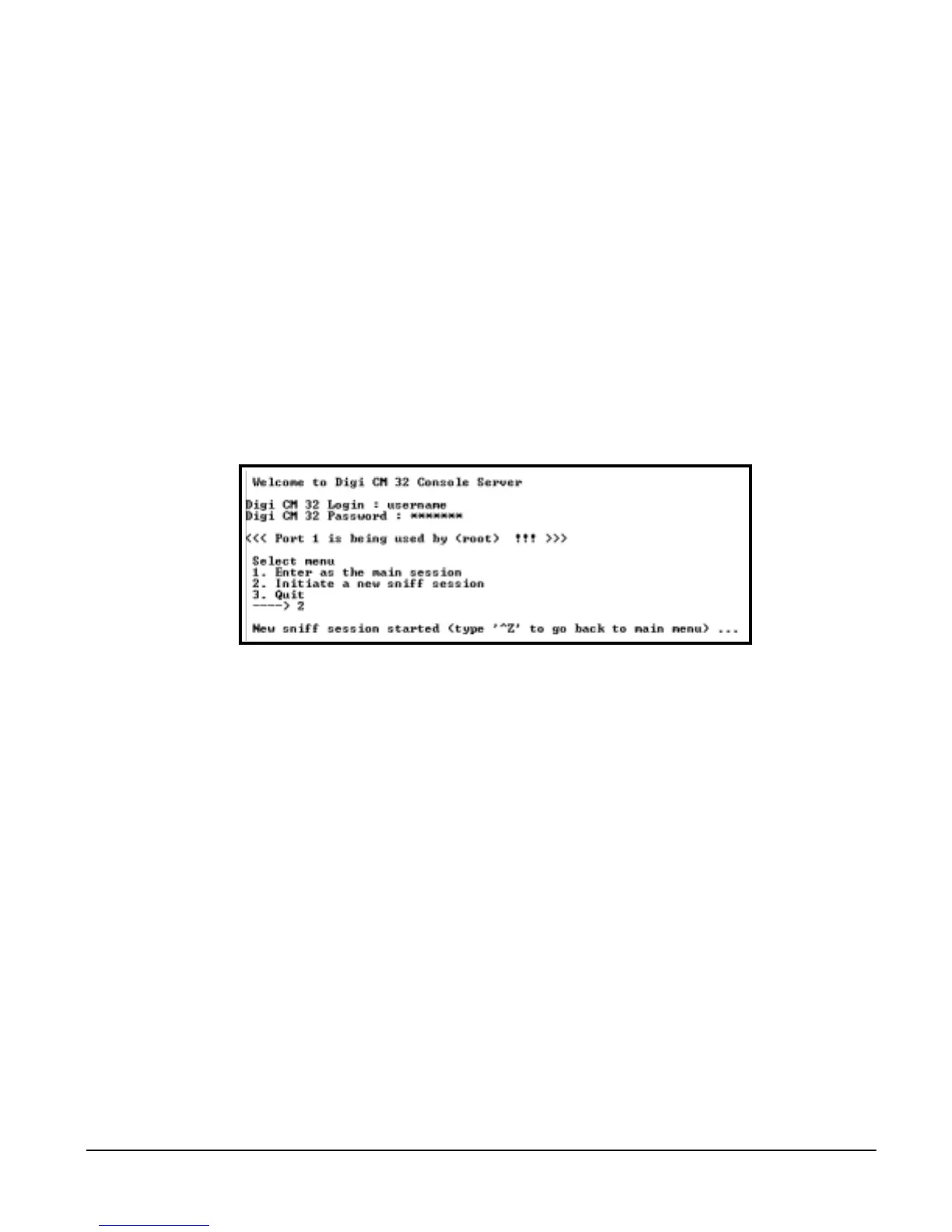
When sniff users login to a port from a Telnet session, a sniff session menu is
displayed with three options. The options and the resulting actions are:
• Enter as the main session: Choosing this action disconnects any other
user from the port and displays a command prompt to the device on the
port. A message “Session killed by administrator” is sent to other users
logged on to that port.
• Initiate a new sniff session: This option displays the port logs of the port
being sniffed. Pressing Ctrl-Z returns the user to the sniff session menu.
• Quit: This option closes the Telnet session.
Authentication
The Digi CM supports four methods of user authentication. The following
methods are supported: Local, TACACS+, RADIUS, and LDAP. The type of
authentication protocol you use is dependent on your environment.



 To Next Page