Custom and Default Menus
Chapter 8 57
Using the Configuration Menu
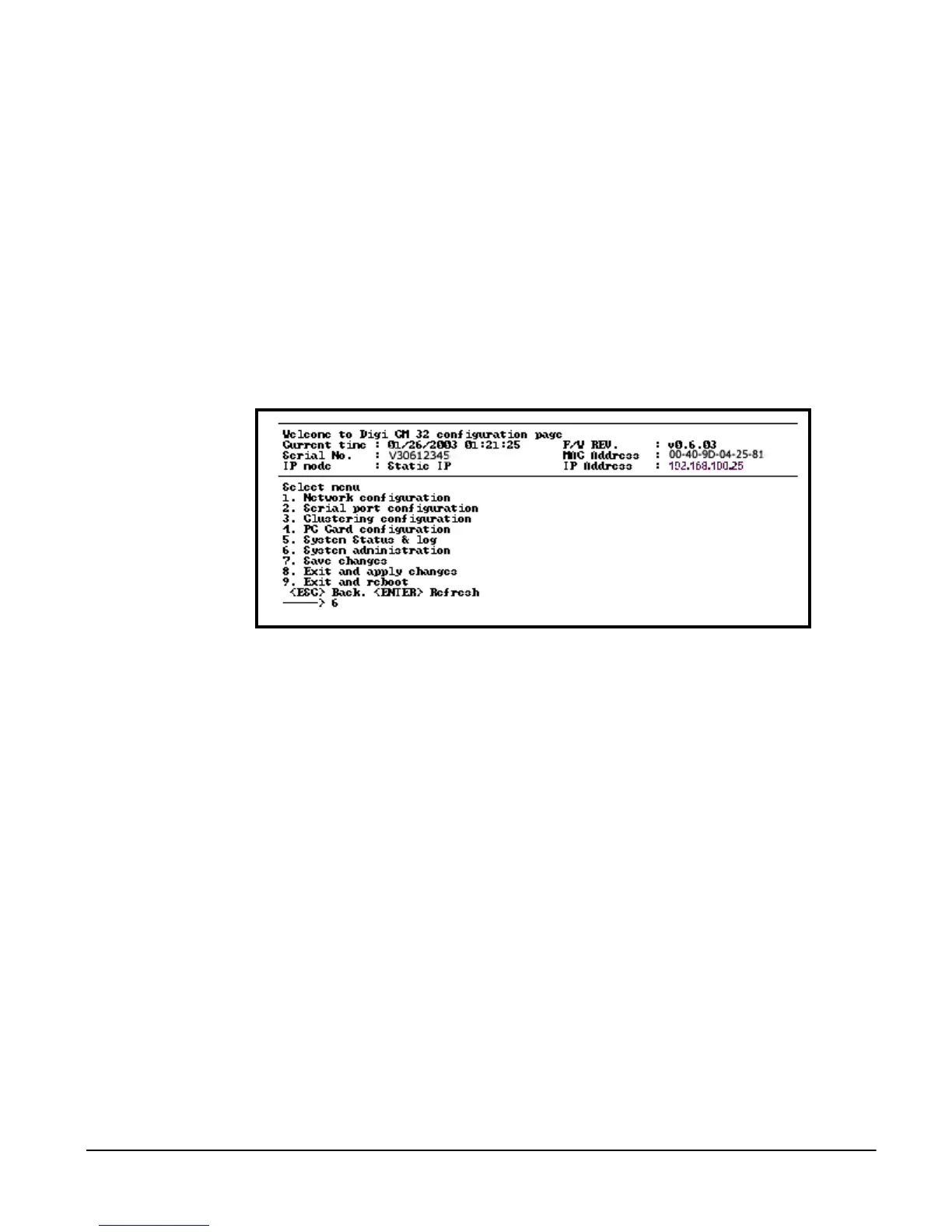
The configuration menu is available through a Telnet or SSH session both to
the root user and system administrator. The configuration menu enables the
authorized users to configure the Digi CM with the same functionality as the
web interface. The only functionality missing from the configuration menu is
the ability to create custom menus.
The root user, by default, is connected from a Telnet session to the Linux
command line. In order to access the configuration menu, the root user enters
configmenu at the command prompt. The configuration menu follows the
layout of the web interface.
Choices for the configuration menu are made by selecting the number of a
menu item. The ESC key allows the user to move back a menu each time it is
selected. Sometimes only one menu item is presented, however that single
menu item has two or more options needing to be configured.



 To Next Page