Hardware Information
Chapter 13 81
LED Indicators
Use the LED indicators to confirm your attachment to the network and that the
Digi CM is able to send and receive data.
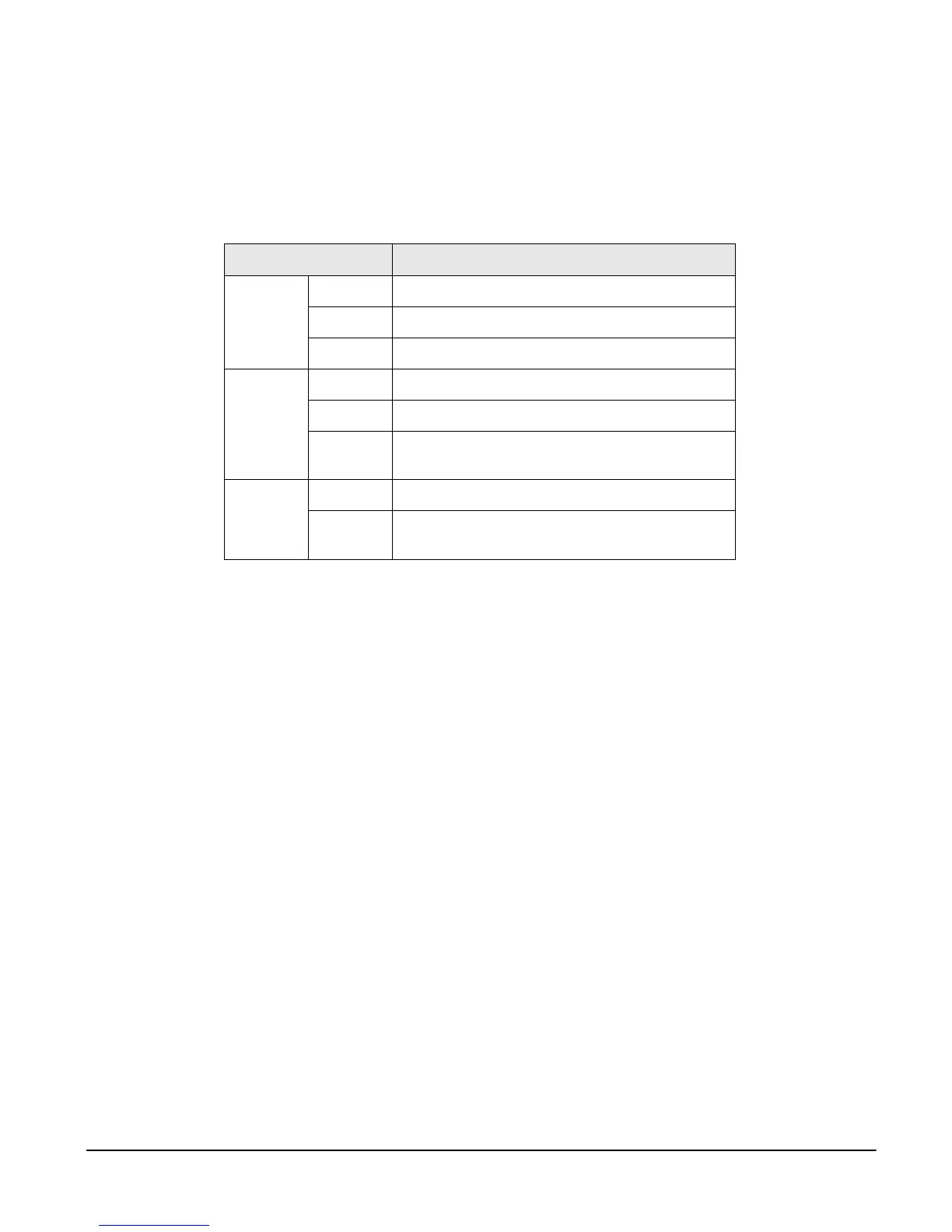
LED
Function
System Power On when power is supplied
Ready On when system is ready to run
PC On when a PC device is running
Ethernet 100Mbps On when 100Base-TX connection is detected
LINK On when connected to an Ethernet network
Act Blinks whenever there is any activity through the
DIGI CM Ethernet port
Serial port In use On when the serial port is ready to run
Rx/Tx Blinks whenever there is any incoming or outgoing
traffic through the serial port of the Digi CM



 To Next Page