Port Clustering
Chapter 10 65
5. Enter the IP address of the Slave unit in the IP address field.
6. Select the Auto Config button and the Master Digi CM automatically
imports the configuration of the Slave serial ports to the Master Digi CM.
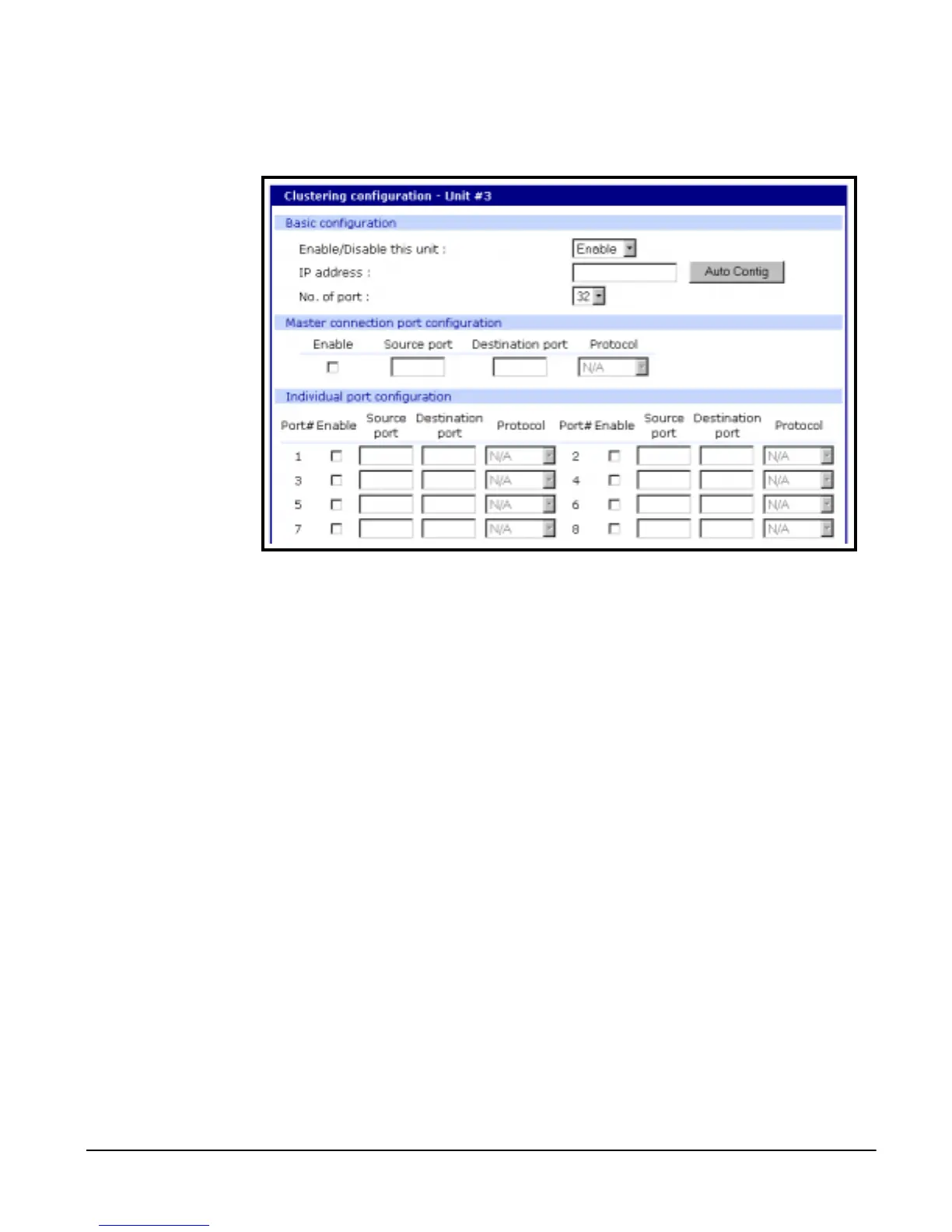
The following screenshot displays serial port configuration imported from a
Slave unit.
7. Choose Save to flash and Apply changes.
Clustering Parameters
Below is a list and a brief description of the clustering parameters .
• Enable: This shows whether the port is enabled or disabled. All ports
are enabled by default.
• Source port: This is the port number on the Master unit.
• Destination port: The destination port is the corresponding port number
on the Slave unit. On a 32 port slave unit, the destination port numbers
range from 7001 to 7032.
• Protocol: The four options are N/A (not available), SSH, Telnet, and
RawTCP.
• Base source port: This sets the first port number on a Master unit. By
default the base source port on the Master unit is 7001. However, you
can change the base source port number to another number and the
rest of the ports on the unit will be sequentially numbered from the base
source port. For example, starting the base source port number with
7010 results in a 32 port unit being numbered from 7010 to 7041.



 To Next Page