Host Mode Configuration
28 Chapter 4
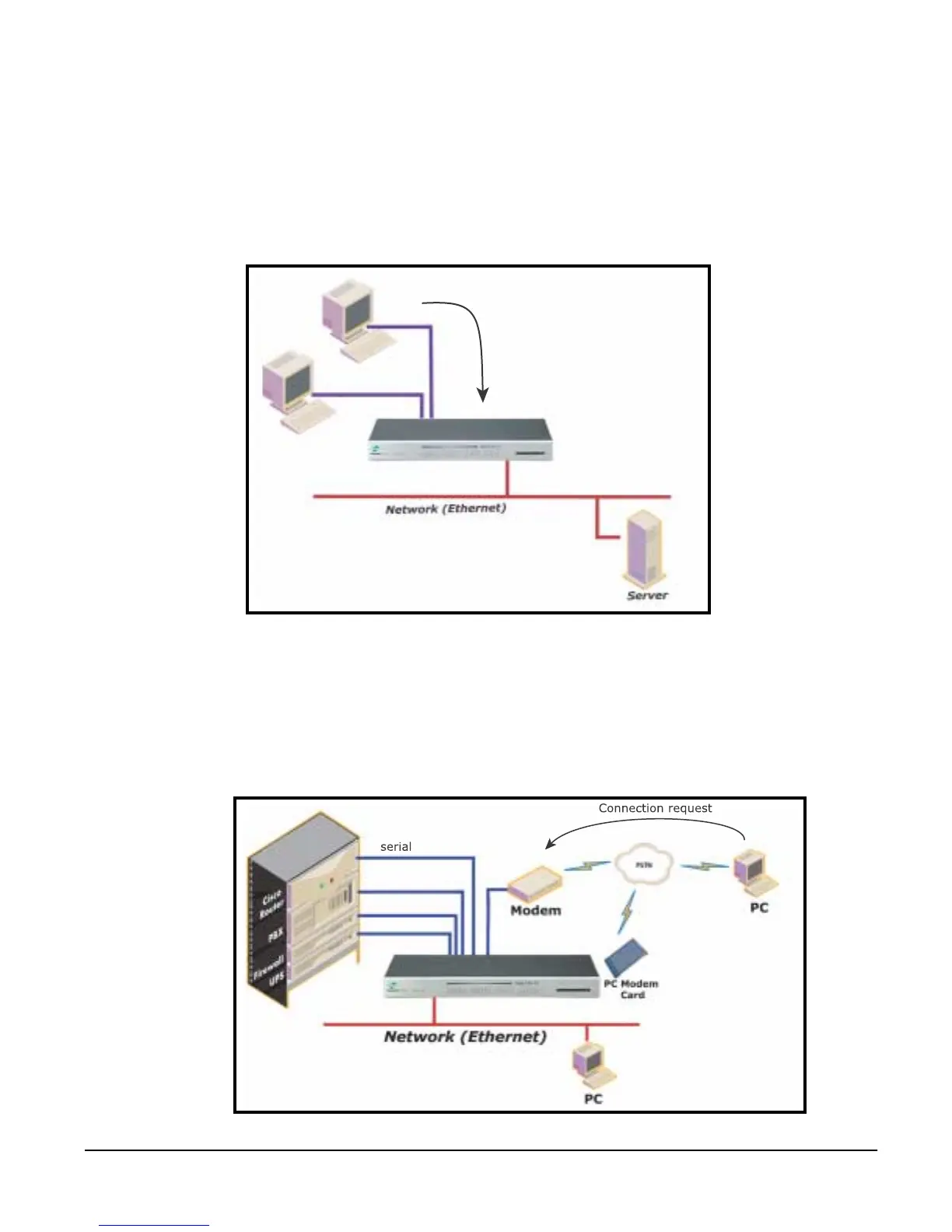
Terminal Server Mode
In terminal server mode, the Digi CM serial port is configured to wait for data
from the device connected to the port. If data is detected, the Digi CM starts a
TCP session as a Telnet or SSH client to a pre-defined server. The server
must be defined by the user before the port can be configured for a Telnet or
SSH client. This mode is used when the user wants to access servers on the
network from a serial terminal. RawTCP is also supported with the Terminal
Server Mode.
Dial-In Modem Mode
In this mode, the Digi CM assumes an external modem is attached to the serial
port and is waiting for a dial-in connection from a remote site. When a user
dials-in using a terminal application, the Digi CM accepts the connection and
displays a menu listing available serial ports. Users can then select a serial
port and access the devices attached to the Digi CM by selecting the serial
port number from the menu.
terminals
serial
Connection request



 To Next Page