SNMP Information
40 Chapter 6
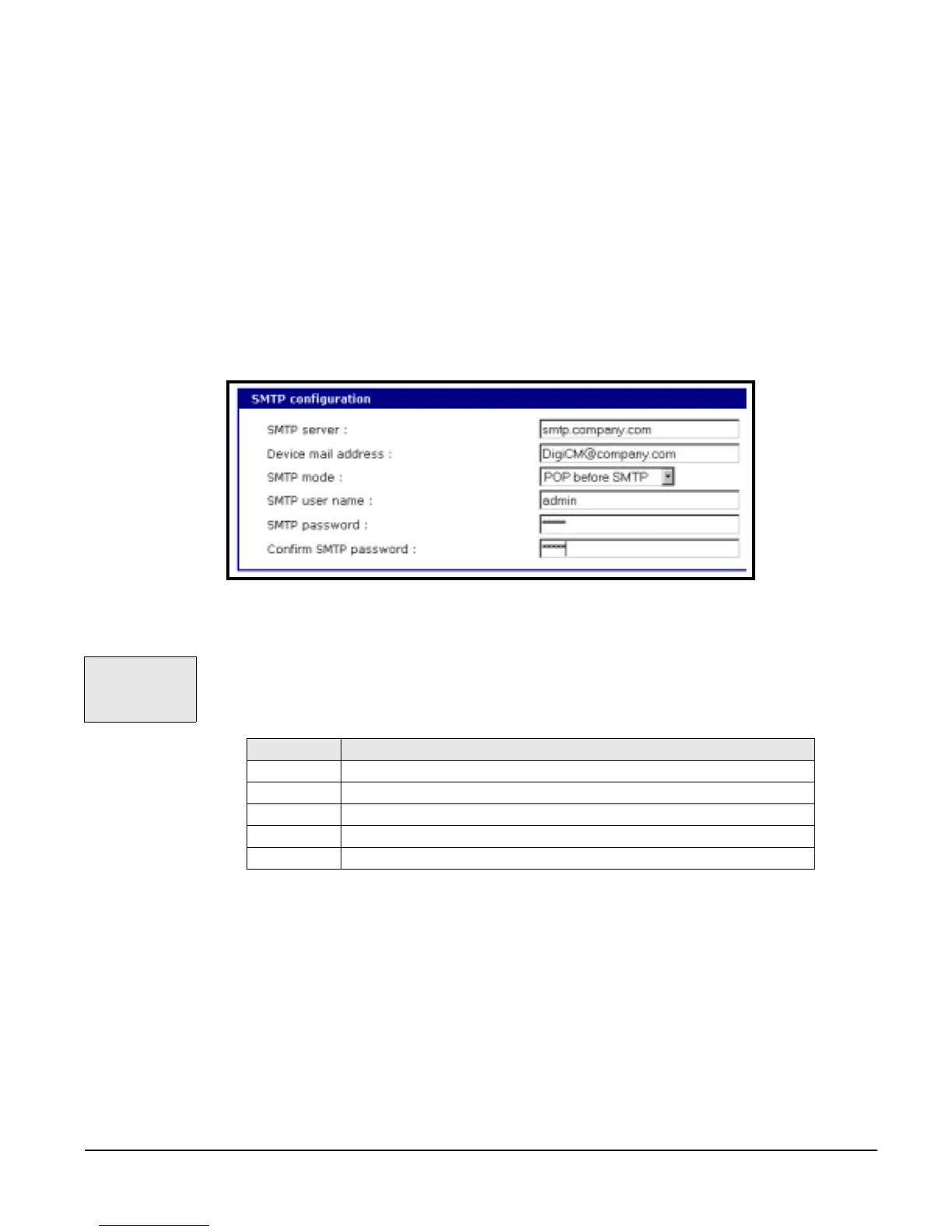
• Device mail address: Specifies the sender’s email address for the log and
alarm delivery
• SMTP mode: The type of SMTP server you want to use
• Username and password: Required for POP before SMTP and SMTP with
authentication servers
To configure SMTP alerts on the Digi CM, do the following:
1. Access the web interface.
2. Under the Network Configuration heading choose SMTP configuration.
3. Fill in the required fields. SMTP with authentication and POP before SMTP
require usernames and passwords.
4. Choose Save to flash and Apply changes.
SNMP Information
Applications such as NMS (Network Management System) or an SNMP
browser can exchange information with the Digi CM and control actions to the
unit. The protocol functions defined for SNMP includes GET, SET, GET-Next,
GET-Bulk, and TRAP. Below are the definitions of the protocol functions found
in SNMP. Authentication traps are supported by the Digi CM.
Configuring SNMP
To configure the Digi CM for SNMP do the following:
1. Access the Digi CM web interface.
2. Under the Network Configuration heading choose SNMP configuration.
3. Fill in information for the MIB-II system objects section and choose Yes
under EnableAuthenTrap.
• sysContact: Identity of the contact person managing the MIB-II system.
The Digi CM
supports SNMP
authentication
traps.
Protocol Function
GET queries a device for more information
SET makes changes to a device’s state
GET-Next after an initial GET query, goes to the next value
GET-Bulk retrieves tables of information and security functions
TRAP notifies a system administrator of a significant event



 To Next Page