Vigor2925 Series User’s Guide
9
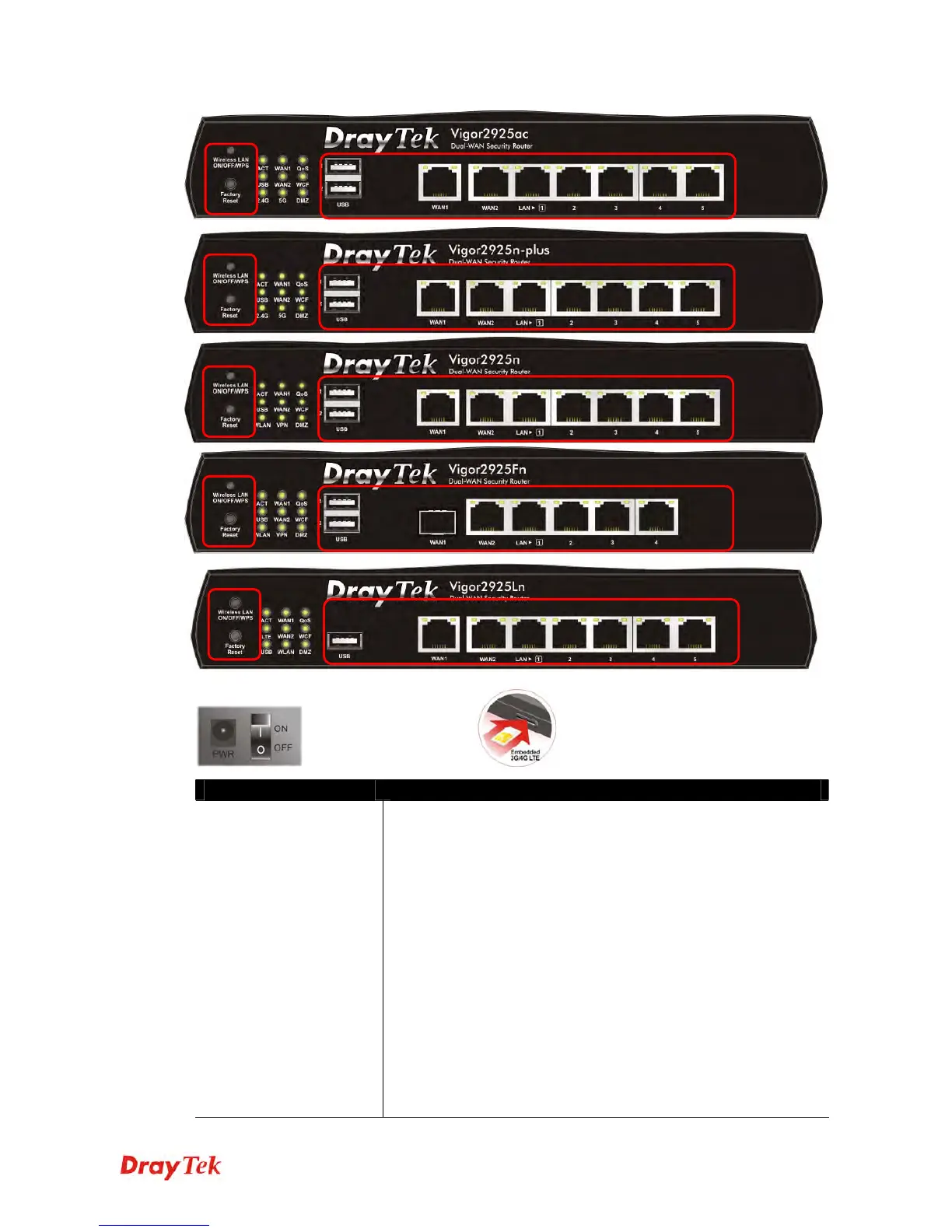
Switch on Rear Side (For Vigor2925Ln only)
Interface Description
Wireless LAN
ON/OFF/WPS
For Vigor2925n/Vigor2925Fn :
Press the button and release it within 2 seconds. When the
wireless function is ready, the green LED will be on.
Press the button and release it within 2 seconds to turn off the
WLAN function. When the wireless function is not ready, the
LED will be off.
For Vigor2925ac/Vigor2925n-plus/Vigor2925Ln :
Wireless band will be switched /changed according to the button
pressed and released. For example,
2.4G (On) and 5G (On) – in default.
2.4G (Off) and 5G (On) – pressed and released the button
once.
2.4G (On) and 5G (Off) – pressed and released the button
twice.
2.4G (Off) and 5G (Off) – pressed and released the button
three times.












 To Next Page