Vigor2925 Series User’s Guide
10
When WPS function is enabled by web user interface, press this
button for more than 2 seconds to wait for client’s device making
network connection through WPS.
Factory Reset Restore the default settings. Usage: Turn on the router (ACT
LED is blinking). Press the hole and keep for more than 5
seconds. When you see the ACT LED begins to blink rapidly
than usual, release the button. Then the router will restart with
the factory default configuration.
USB1~USB2 Connecter for a USB device (for 3G/4G USB Modem or printer
or Environmental Thermometer).
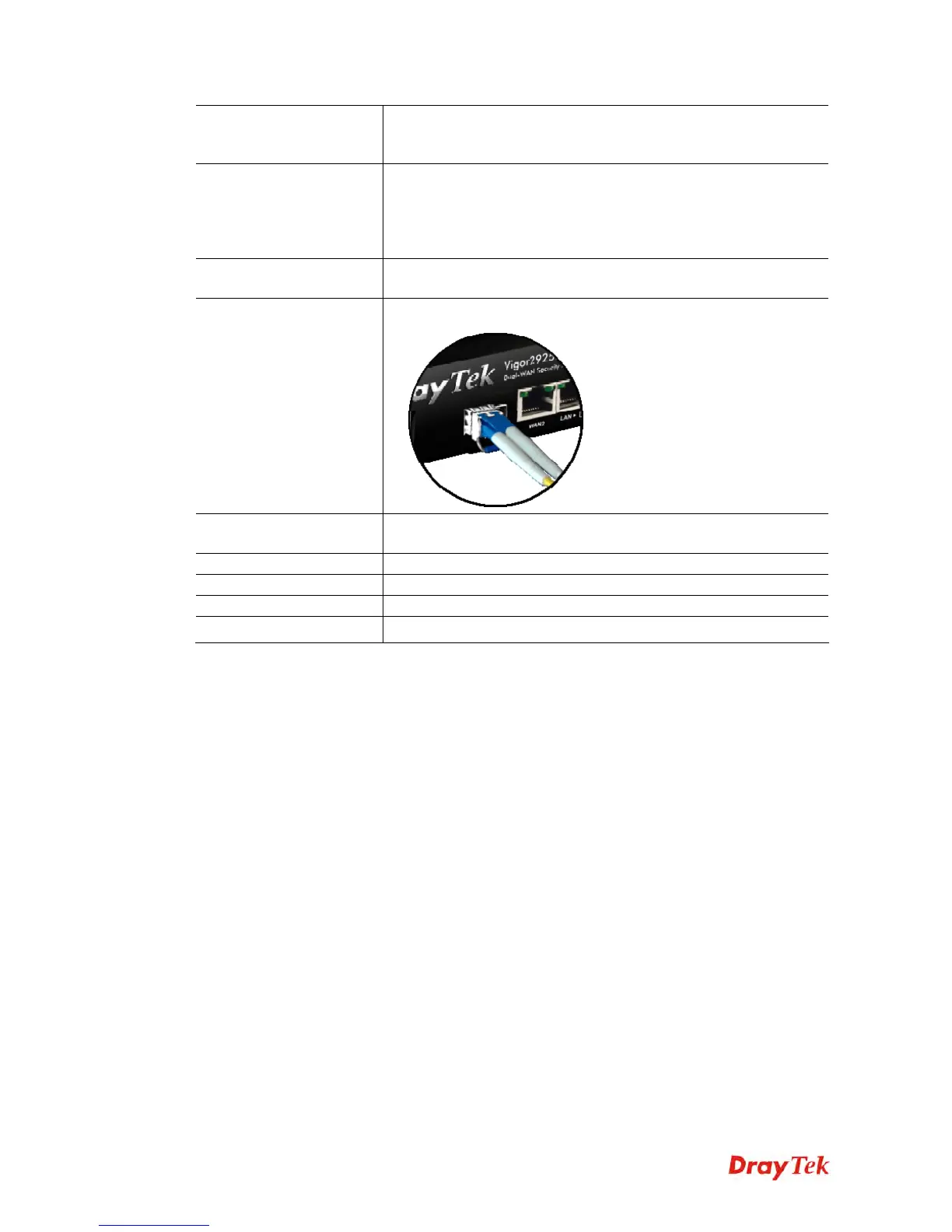
WAN1 (for Vigor2925Fn)
Fiber connection (100Mbps) for accessing the Internet.
WAN1~WAN2 Connecter for local network devices or modem for accessing
Internet.
LAN1~LAN5 Connecters for local network devices.
PWR Connecter for a power adapter.
ON/OFF Power Switch.
SIM Card Slot Connector for a SIM card.












 To Next Page