Vigor2925 Series User’s Guide
329
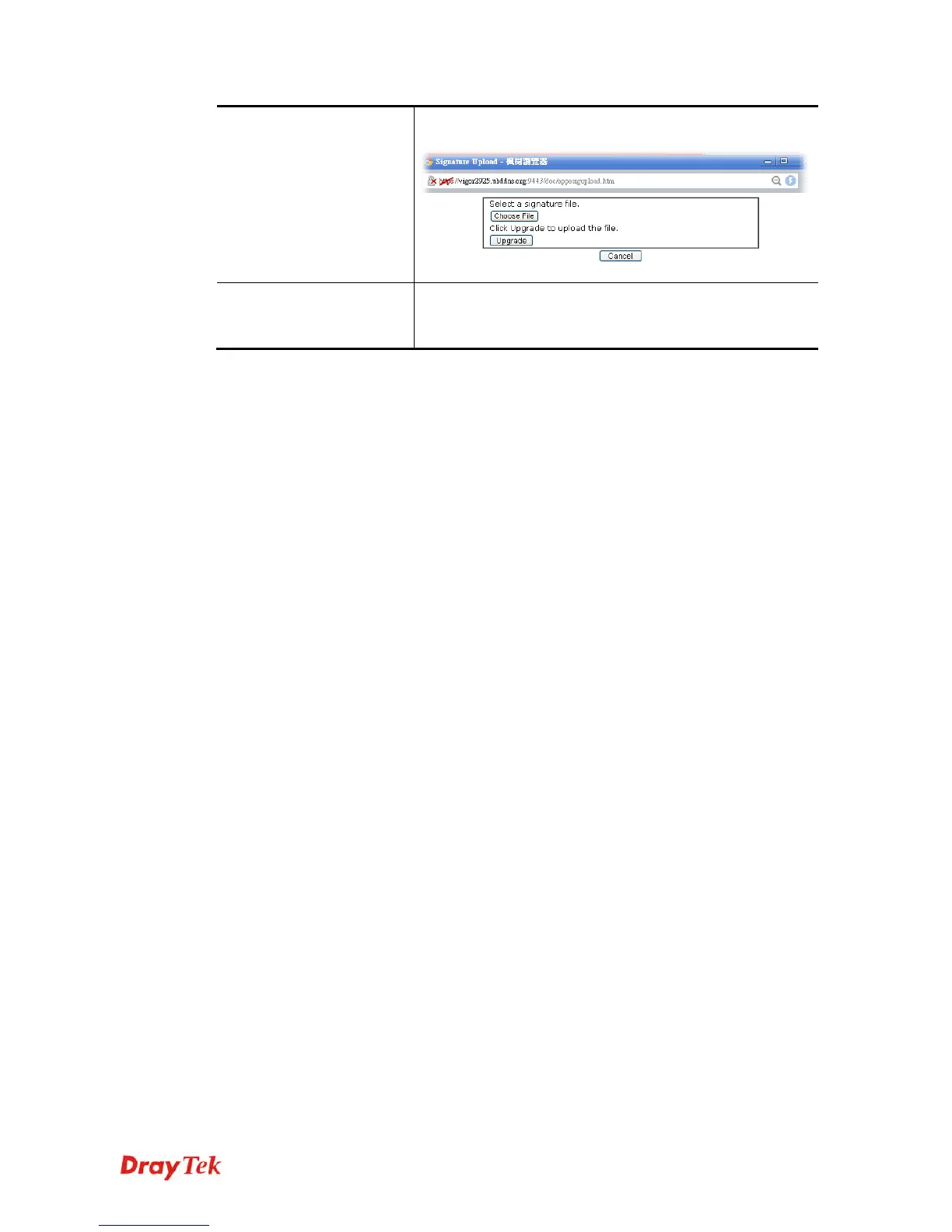
Then, click Upgrade and wait for the system completing
the process.
Upgrade Automatically
Scheduled Update - Check the box to make Vigor router
upgrading the APPE signature based on the schedule
configured here.
After finishing all the settings, please click OK to save the configuration.












 To Next Page