Vigor2925 Series User’s Guide
43
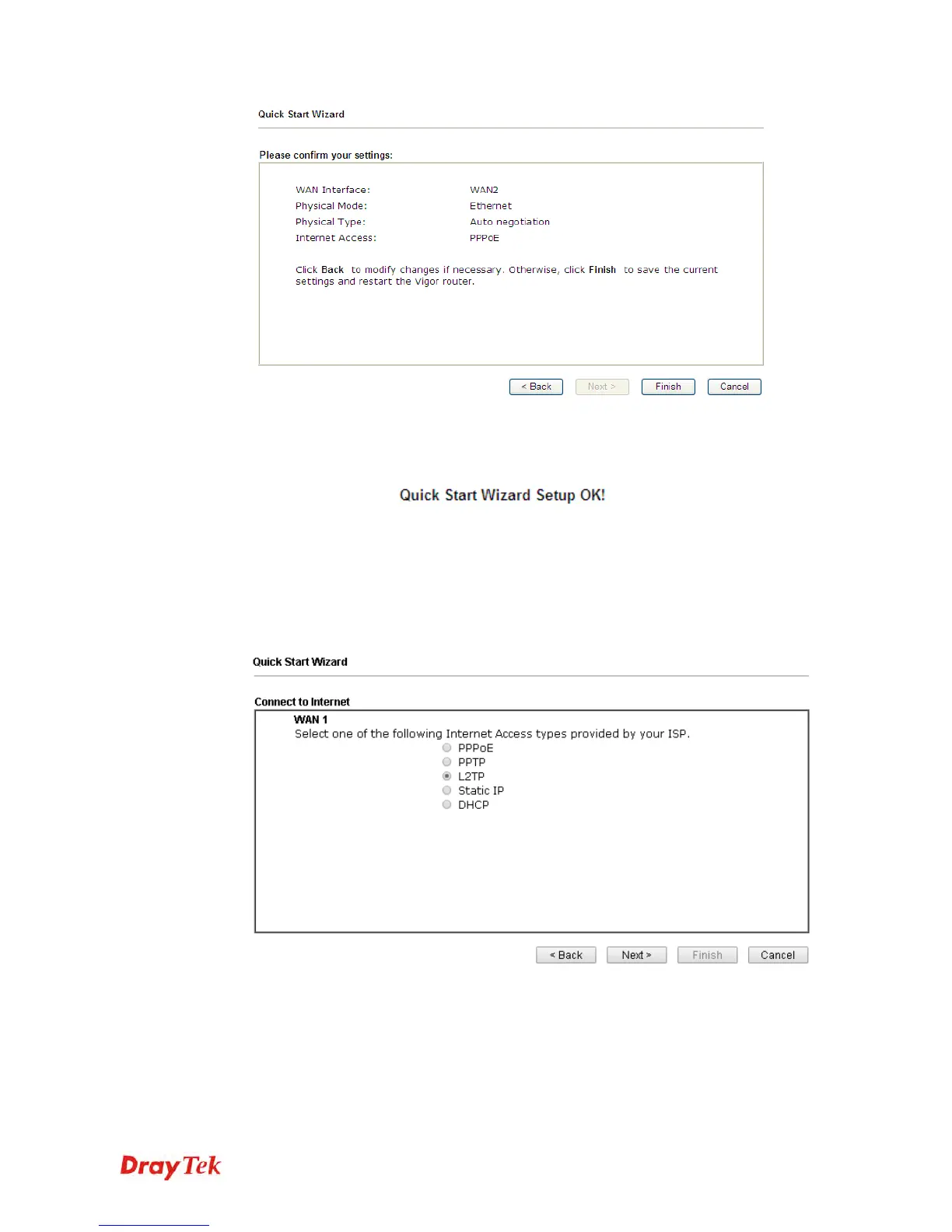
4. Click Finish. A page of Quick Start Wizard Setup OK!!! will appear. Then, the system
status of this protocol will be shown.
5. Now, you can enjoy surfing on the Internet.
P
P
P
P
T
T
P
P
/
/
L
L
2
2
T
T
P
P
1. Choose WAN1/WAN2 as the WAN Interface and click the Next button. The following
page will be open for you to specify Internet Access Type.












 To Next Page