Implementing and Handling Applications
▲
■■■■■■■■■■■■■■■■■■■■■■■■■■■■■■■■■■■■■■■■■■■■■■■■■■■■■■■■■■■■■■■■■■■■■■■
DS1103 Hardware Installation and Configuration March 2004
I■■■■■■■■■■■■■
▼
118
■■■■■■■■■■■■■■■▼
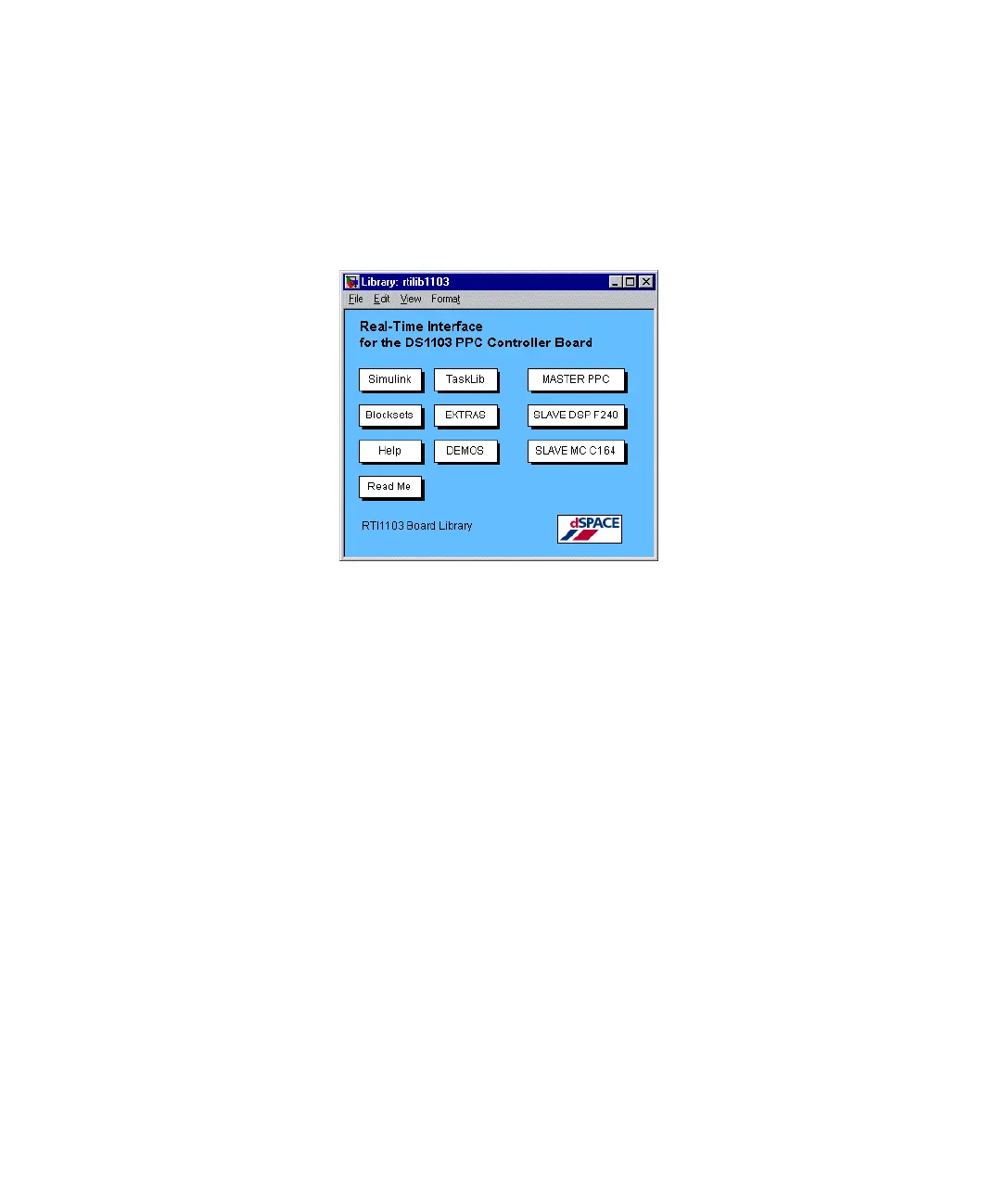
To open a dSPACE board library from the MATLAB prompt
➤ In the MATLAB Command Window, enter
rti1103
.
The dSPACE board library for the DS1103 is displayed.
The DS1103 board library contains information, demos and the icons
available with the DS1103. Double-click the items to obtain more
information.
To switch to another board library
➤ In the MATLAB Command Window, enter
rti<Name of the Library>
to start the appropriate library, for
example
rti1005
.
How to Work with a Model
In the following, the demo model smd_1103_sl is used to describe
how to use the RTI1103 board library. It simulates a damped
spring-mass system stimulated by a square-wave signal. It does not
require any I/O hardware and thus serves as a ready-to-use example. If
you want to use a handcoded application, use the smd_1103_hc
demo – with the
smd_1103_hc.sdf
SDF file – instead (see How to
Implement C Models on page 121).
The related files are located in the directories
%DSPACE_ROOT%\Demos\DS1103\GettingStarted\HandCode
or
...\GettingStarted\Simulink
.


 To Next Page
 Loading...
