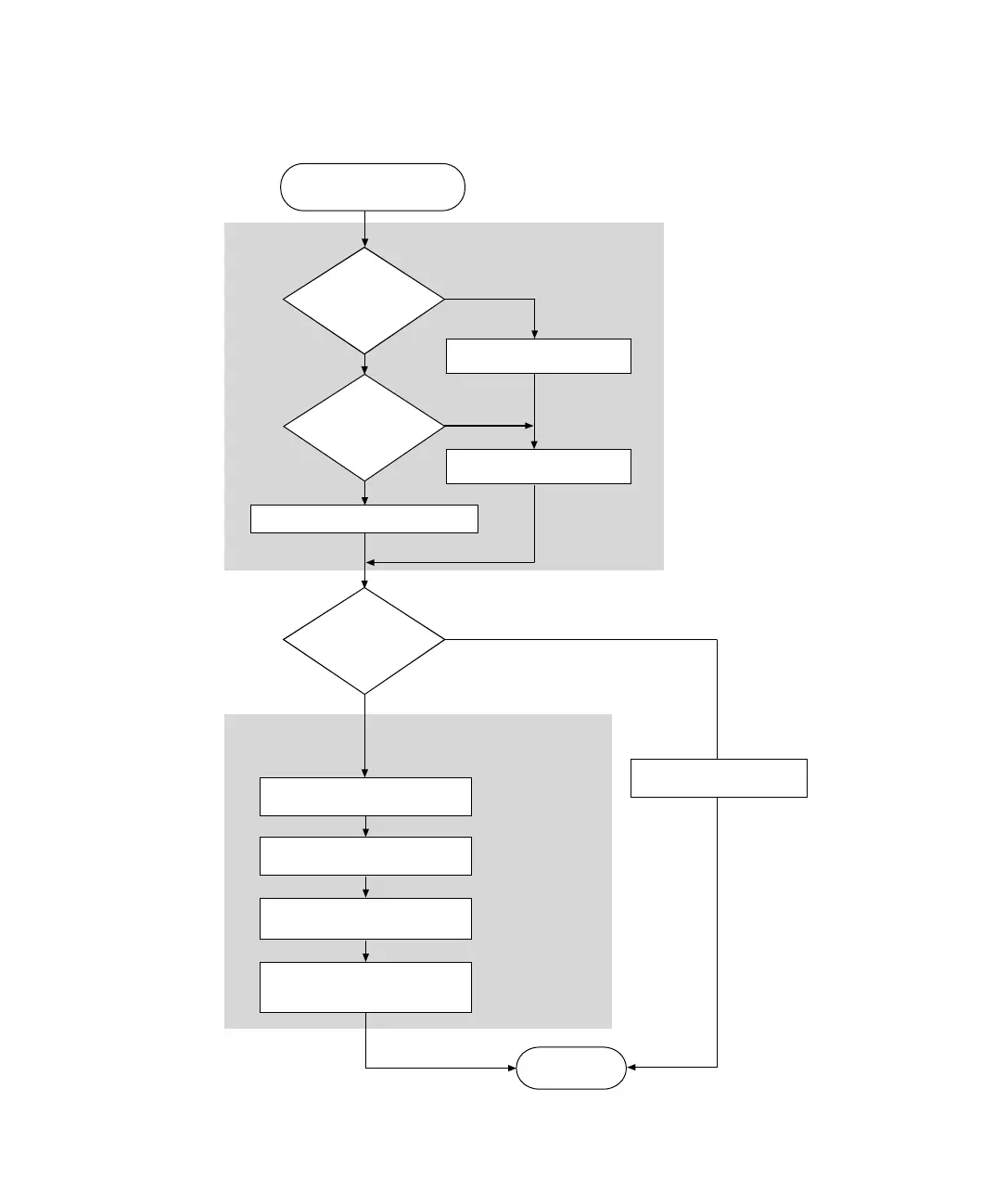
Setting Up an Ethernet Connection Between PC and Expansion Box
▲
■■■■■■■■■■■■■■■■■■■■■■■■■■■■■■■■■■
DS1103 Hardware Installation and Configuration March 2004
I■■■■■■■■■■■■■
▼
70
■■■■■■■■■■■■■■■▼
Expansion Box
Ready for Use
Integrate
the Expansion
Box into an Existing
Network?
Connecting an Expansion
Box via Ethernet Under
Windows NT 4.0
No
No
Yes
Yes
How to Prepare and Set Up
the TCP/IP Protocol
Is a
Network Adapter
Installed on
the PC?
Is the
TCP/IP Protocol
Installed on
the PC?
How to Set Up the TCP/IP Protocol
Installing a Network
Adapter on the PC
How to Install the TCP/IP
Protocol on the PC
How to Set Up a Peer-to-Peer
Connection
How to Integrate the Expansion
Box into a Network
How to Change the IP Address
of the Expansion Box
How to Restore the TCP/IP
Configuration of the PC
How to Connect the Expansion
Box to the Network and
Test th e Connect i on
Yes
No
How to Set Up a
Peer-to-Peer Connection
see page 71
see page 71
see page 74
see page 79
see page 80
see page 81
see page 72
see page 75
see page 75
see page 78


 To Next Page
 Loading...

