88
support@edgeovens.com Technical Support: +1 (724) 628 3050
OPERATION
PREVENTATIVE MAINTENANCE
INSPECT OR CLEAN COOLING FAN FILTER
24
FREQUENCY:
Cooling fan lter should be removed, inspected and if necessary cleaned DAILY.
The cooling fan lter should be replaced SEMI-ANNUALLY.
METHOD:
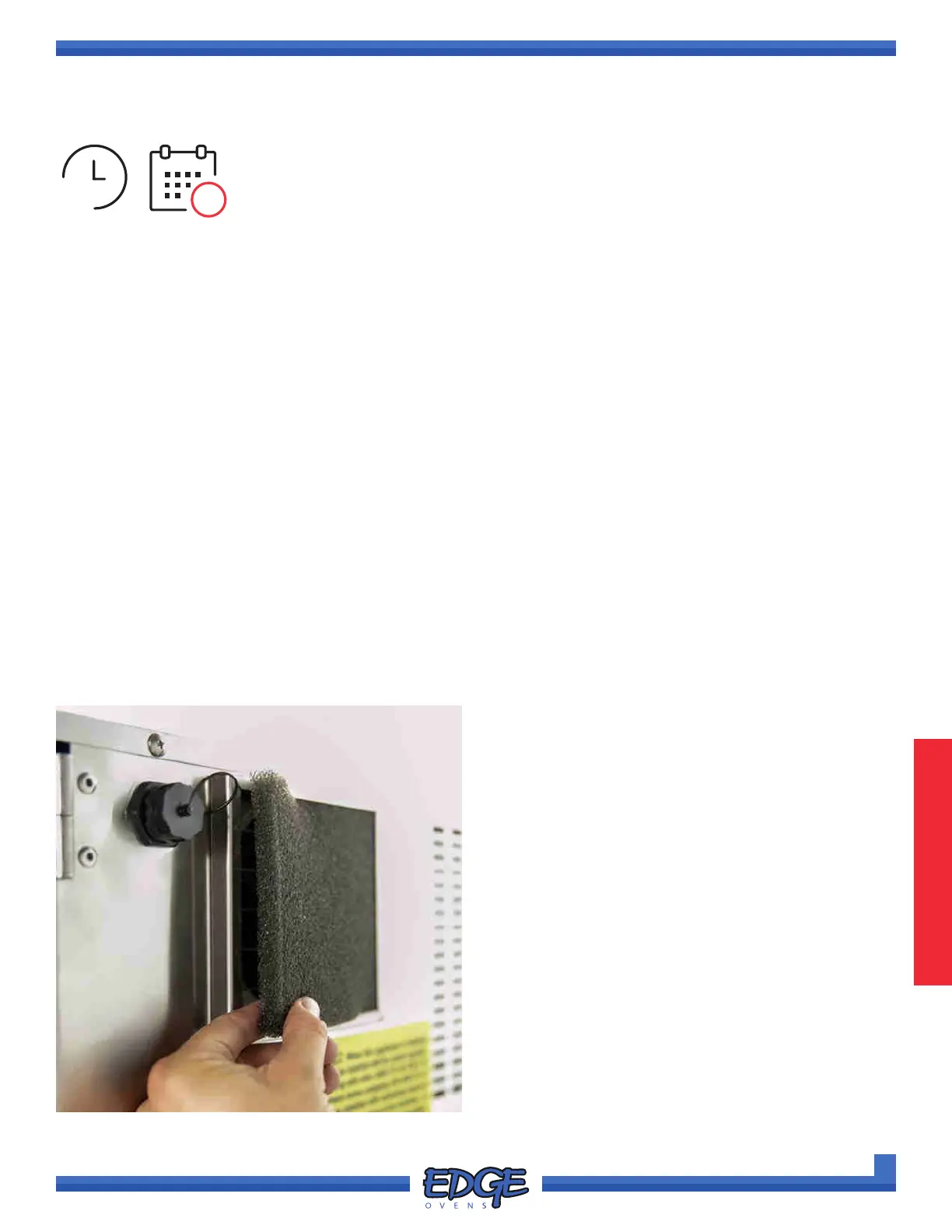
• Locate the 5” x 5” 30PPI lter media on the rear of the control cabinet.
• Pull the lter media free from the lter bracket and inspect.
• If required, using only warm water and a light amount of mild soap, cleanse and rinse the lter.
• Allow the lter to dry and install.
• If lter is dilapidated, replace the lter by contacting EDGE and requesting P/N: 135137
CAUTION:
• Operation of the equipment without the lter media installed is deemed negligence. Dust will accumulate on
components and insulate them from cooling.
• Heat damage is the leading cause of premature equipment failure.
AREA OF OVEN:
• Rear of the Control Cabinet
FIGURE 3-4
180



 To Next Page