81
support@edgeovens.com
Technical Support: +1 (724) 628 3050
OPERATION
OVEN OPERATION
OVEN INFORMATION (CONTINUED)
OVEN SYSTEM INFORMATION
Contained within the SYSTEM option of the INFORMATION MENU is a variety of relevant oven system
information. This includes:
• serial number
• oven build date
• user interface (UI) software version
• mains control (MC) software version
SYSTEM
✔
✖
3
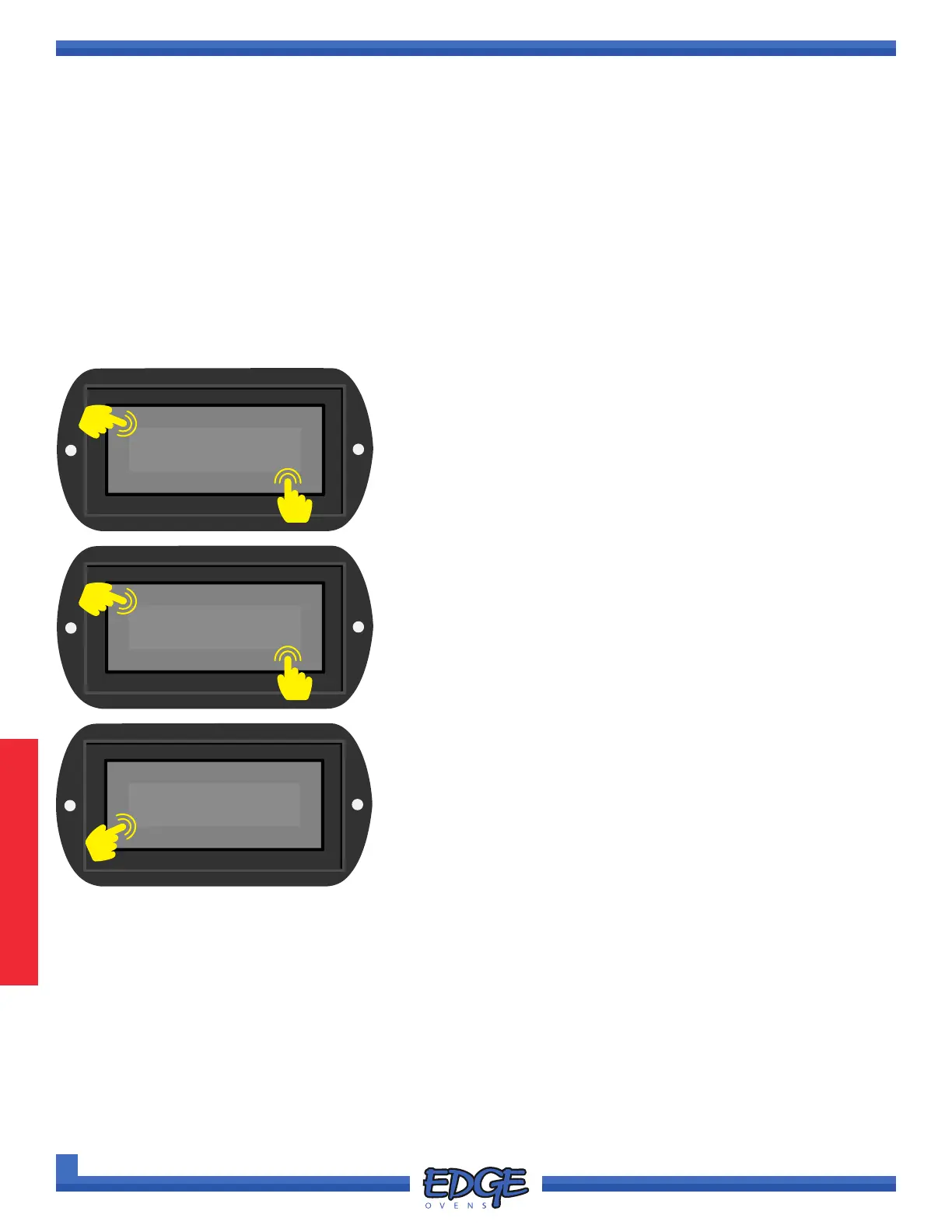
2. Use the UP () or DOWN () arrows to navigate to the
SYSTEM option.
3. Touch the tick (✔) icon to conrm selection.
2
UI VERSION
✔
✖
5
4
4. Use the UP () or DOWN () arrows to navigate to the desired
option.
5. Touch the tick (✔) icon to conrm selection.
✔
✖
6
6. Touch the cross (✖) icon to exit and return to the desire menu
level.
• system voltage
• belt demand percentage
• and burner blower fan speed
1. Follow steps 1 - 4 of the “ACCESSING THE INFORMATION MENU” section, for instruction of how to
access the INFORMATION MENU options.
35



 To Next Page