119
support@edgeovens.com
Technical Support: +1 (724) 628 3050
SERVICE
BELT, BURNER & CIRCULATION FAN ISOLATION
For the purpose of isolating and testing, the conveyor motor, burner assembly and main blower fan (circulation
fan) can each be switched off and on independently, when in SERVICE MODE. Please note that once this
functionality has been activated the oven will need to be powered off and on to exit the SERVICE MODE and
return to standard operating conditions.
1. Follow steps 1 - 5 of the “ACCESSING THE SERVICE MENU” section.
SERVICE OPERATION
BELT
✔
✖
8
9
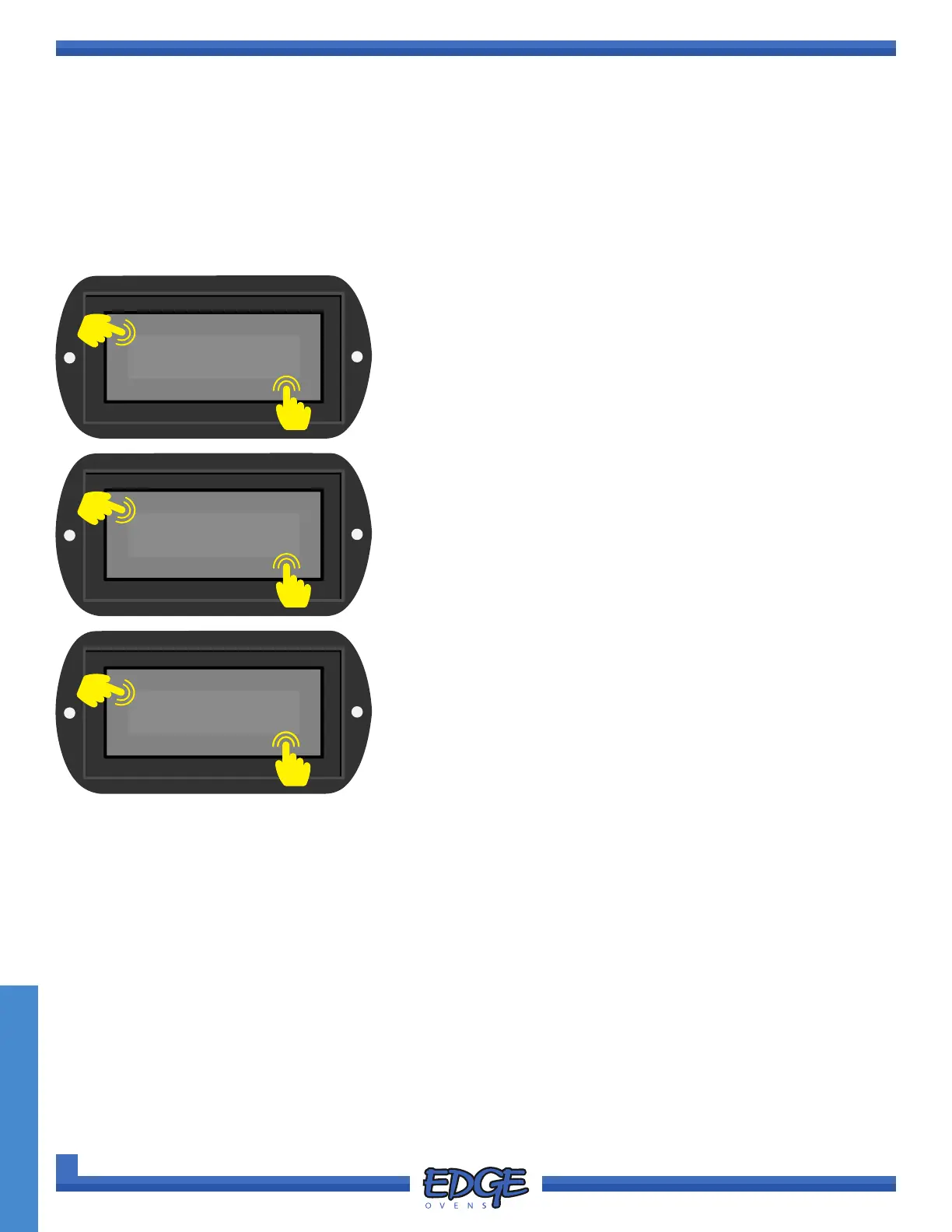
8. Use the UP () or DOWN () arrows to navigate to the BELT,
BURNER or CIRC. FAN option.
9. Touch the tick (✔) icon to conrm selection.
10. Use the UP () or DOWN () arrow icons on the right hand
side of the screen to toggle between ON and OFF.
11. Press the tick (✔) icon to accept or the cross (✖) icon to cancel.
OFF
✔
✖
10
11
SYSTEM
✔
✖
6
7
6. Use the UP () or DOWN () arrows to navigate to the
SYSTEM option.
7. Touch the tick (✔) icon to conrm selection.



 To Next Page