116
support@edgeovens.com Technical Support: +1 (724) 628 3050
SERVICE
SERVICE OPERATION
MIN & MAX OPERATING TEMPERATURE ADJUSTMENT
Minimum and maximum operating temperature adjustments must be authorized by EDGE. Although the
parameter is adjustable, this does not ensure the system is capable of achieving the set value.
185°F (85°C) is the allowed MINIMUM set-point. 600°F (316°C) is the MAXIMUM allowable operating temperature,
these settings should NEVER be adjusted below or above these values. Factory default is 300°F (149°C).
1. Follow steps 1 - 5 of the “ACCESSING THE SERVICE MENU” section.
MIN
✔
✖
8
9
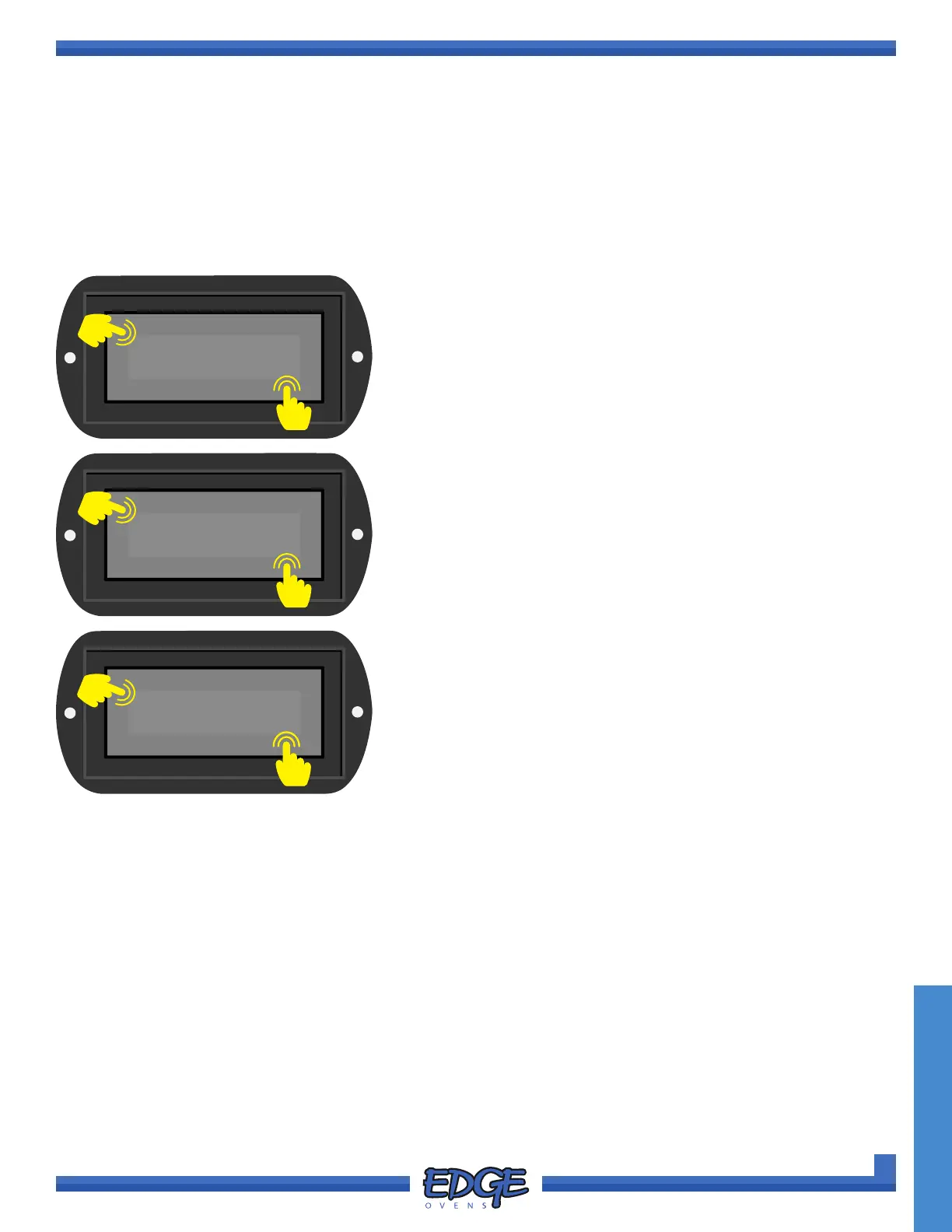
8. Use the UP () or DOWN () arrows to navigate to the MIN or
MAX option.
9. Touch the tick (✔) icon to conrm selection.
10. Adjust the temperature by using the UP () and DOWN ()
arrows on the right hand side of the screen.
11. Once the adjusted time has been entered correctly, press the
tick (✔) icon to accept or the cross (✖) icon to cancel.
300°F
✔
✖
10
11
TEMP
✔
✖
6
7
6. Use the UP () or DOWN () arrows to navigate to the TEMP
option.
7. Touch the tick (✔) icon to conrm selection.



 To Next Page