80
support@edgeovens.com Technical Support: +1 (724) 628 3050
PREFACEOPERATION
SERVICE
OVEN ERROR ALARMS
The EDGE G2 control system, records and logs all errors seen and unseen, as well as component I/O’s,
operator adjustments and oven interactions. It does this for a period of 14-21 days.
The ALARMS feature found in the INFORMATION MENU, provides a list of the ten (10) most recently
displayed error alarms from the point the MAIN POWER was switched ON. The alarms displayed during this
session will be cleared once the MAIN POWER switch is turned OFF.
The purpose of the ALARMS feature is provide a simple and cascaded list of the displayed alarms that
occurred in the current oven session. The information provided in this feature can be relayed to EDGE service
team or attending service technician in the rst instance of an oven issue occurring and can be a useful
indicator of the problem that has occurred.
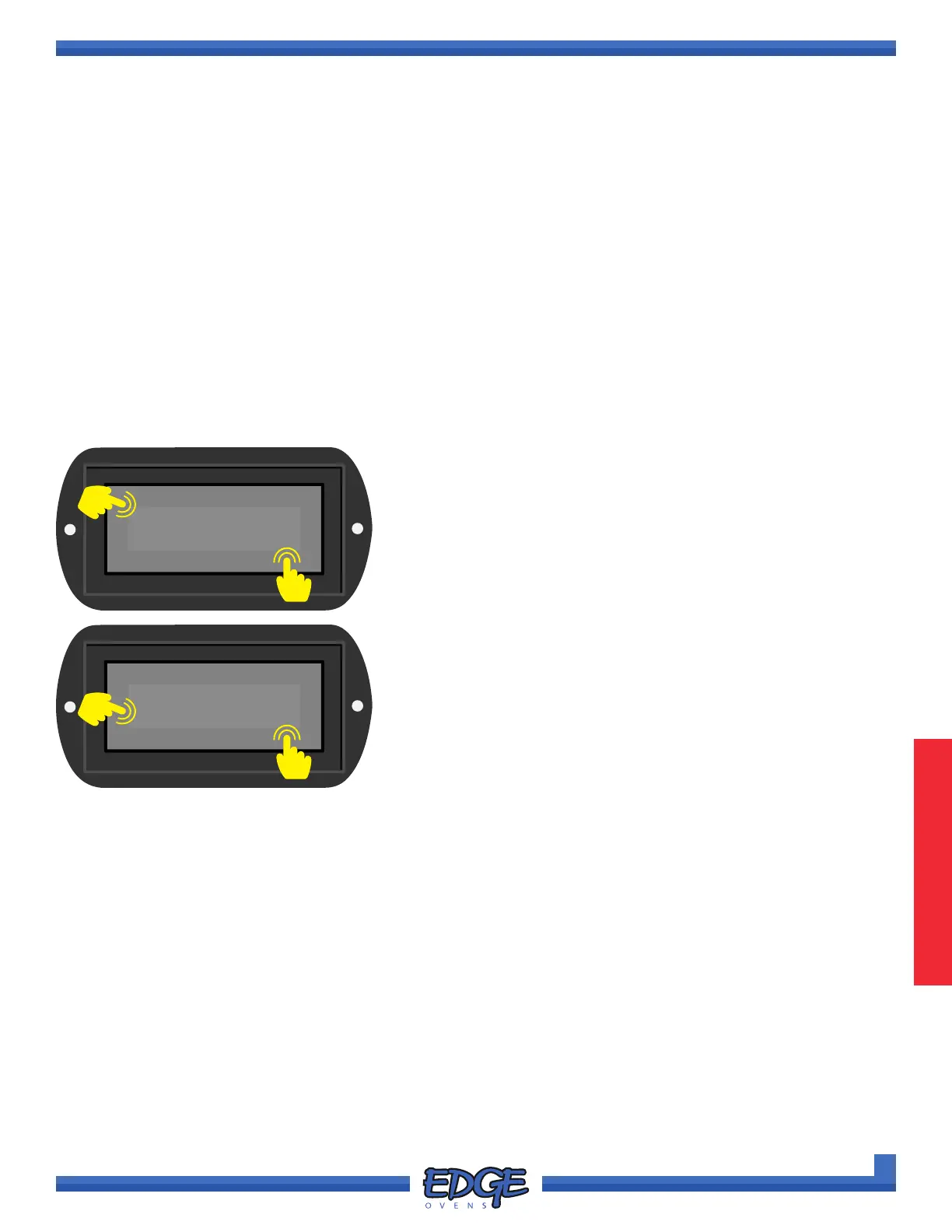
1. Follow steps 1 - 4 of the “ACCESSING THE INFORMATION MENU” section, for instruction of how to
access the INFORMATION MENU options.
OVEN OPERATION
OVEN INFORMATION (CONTINUED)
2. Use the UP () or DOWN () arrows to navigate to the
ALARMS option.
3. Touch the tick (✔) icon to conrm selection.
ALARMS
✔
✖
2
3
4. Use the UP () or DOWN () arrows to navigate through the
list of recently displayed ALARMS. Alarms will be displayed in
newest-to-oldest order.
5. Touch the cross (✖) icon to exit and return to the
INFORMATION MENU.
✖
4
5
Alarm1 - Newest
Ignite



 To Next Page