118
support@edgeovens.com Technical Support: +1 (724) 628 3050
SERVICE
BYPASS ACTIVATION TEMPERATURE ADJUSTMENT
The BYPASS activation temperature is a reference to the oven set point at which the BYPASS functionality
of the gas valve becomes active. The BYPASS, delivers a predetermined, model specic, constant volume of
gas, which allows the oven to maintain a set temperature with the aid of periodic cycling of the ON/OFF burner.
Adjusting the BYPASS default factory setting from 425°F (218°C) is not recommended and authorization
should be granted by EDGE prior to deviating from the factory setting.
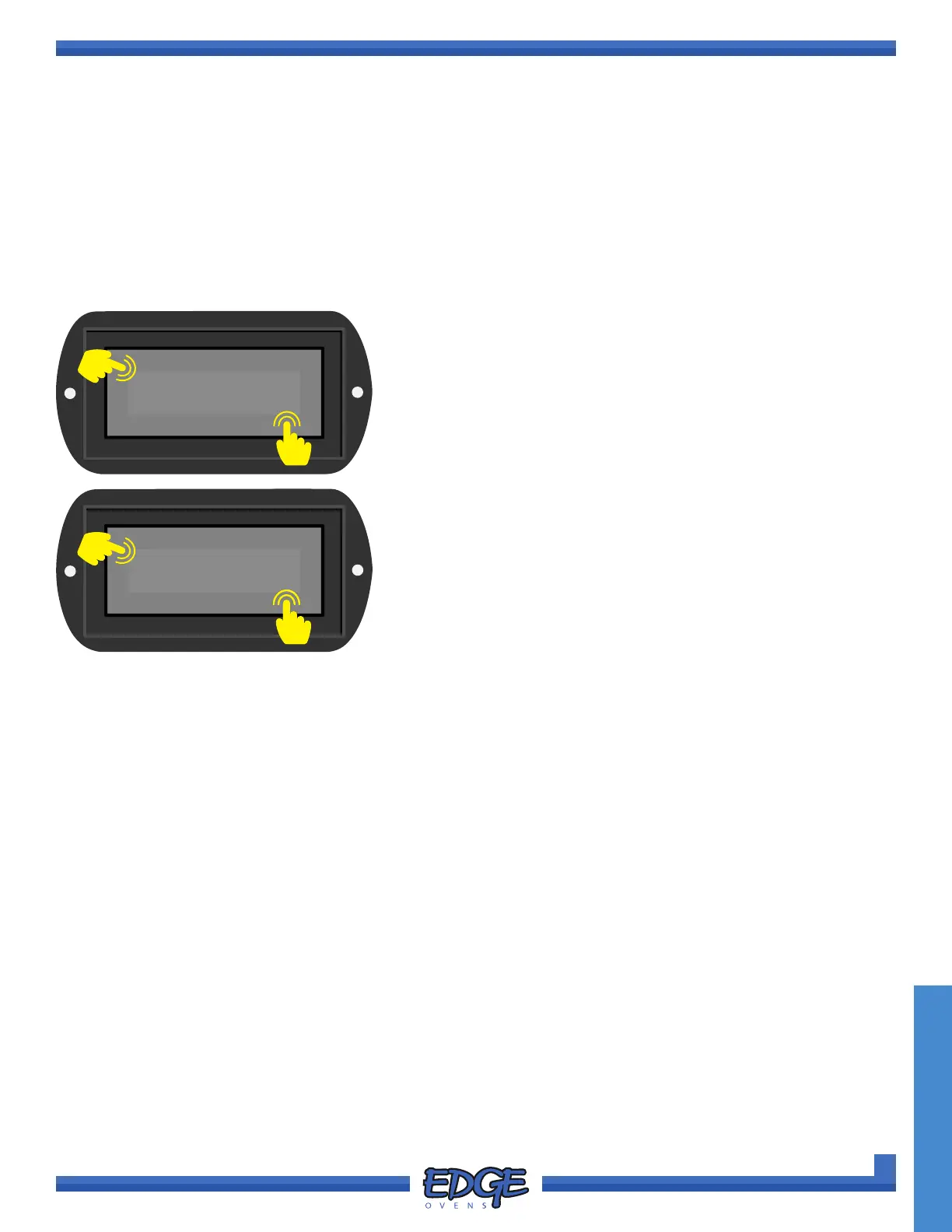
1. Follow steps 1 - 5 of the “ACCESSING THE SERVICE MENU” section.
SERVICE OPERATION
8. Adjust the temperature by using the UP () and DOWN ()
arrows on the right hand side of the screen.
9. Once the adjusted time has been entered correctly, press the
tick (✔) icon to accept or the cross (✖) icon to cancel.
425°F
✔
✖
8
9
BYPASS
✔
✖
6
7
6. Use the UP () or DOWN () arrows to navigate to the
BYPASS option.
7. Touch the tick (✔) icon to conrm selection.



 To Next Page