69
support@edgeovens.com
Technical Support: +1 (724) 628 3050
OPERATION
OVEN OPERATION
ADVANCED OPERATION (CONTINUED)
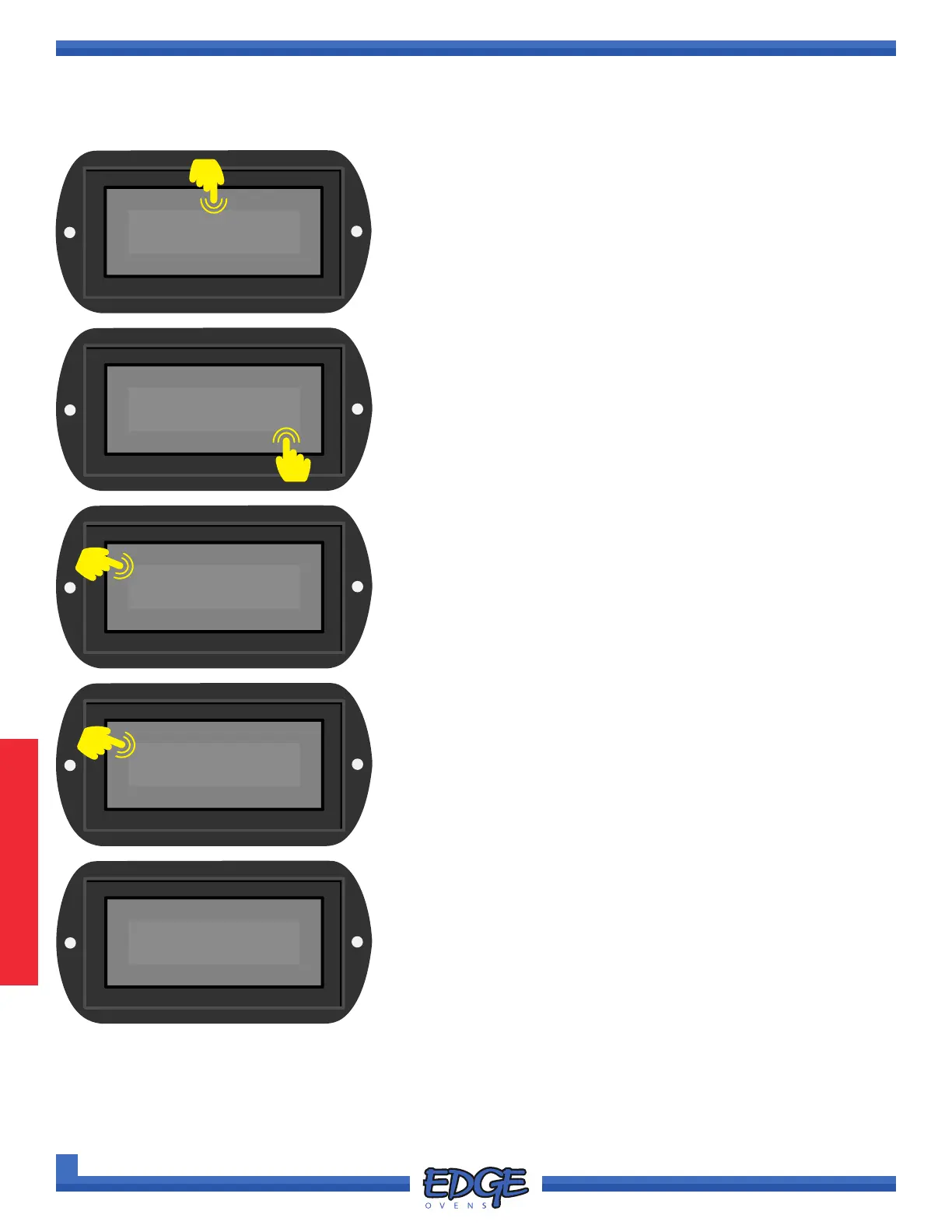
SELECTING A SAVED RECIPE OR MANUAL MODE
1. Touch and hold the RECIPE name space (when working from
manual mode MANUAL will be displayed) above the displayed
temperature for two (2) seconds and release.
WINGS
485°F
F-L►R
06:30
60.0Hz
PIZZA
✔
2. Use the UP () or DOWN () arrows to navigate to your
desired RECIPE or MANUAL.
3. Touch the tick (✔) icon to conrm selection.
✖
WINGS
✔
✖
PIZZA
475°F
F-L►R
05:45
60.0Hz
5. Your selected recipe is now active.
0000
✔
✖
4. When prompted, enter the Customer PIN, default value is
0000. Touch the tick (✔) icon to conrm.
4
3
2
1



 To Next Page