CONFIGURING THE SURVEILLANCE SOFTWARE
INSTALLING THE 16-CHANNEL VIEWER SOFTWARE
A network camera can be added to the system in three dif-
ferent modes: Manual, DDNS free and Edimax PnV.
Note:
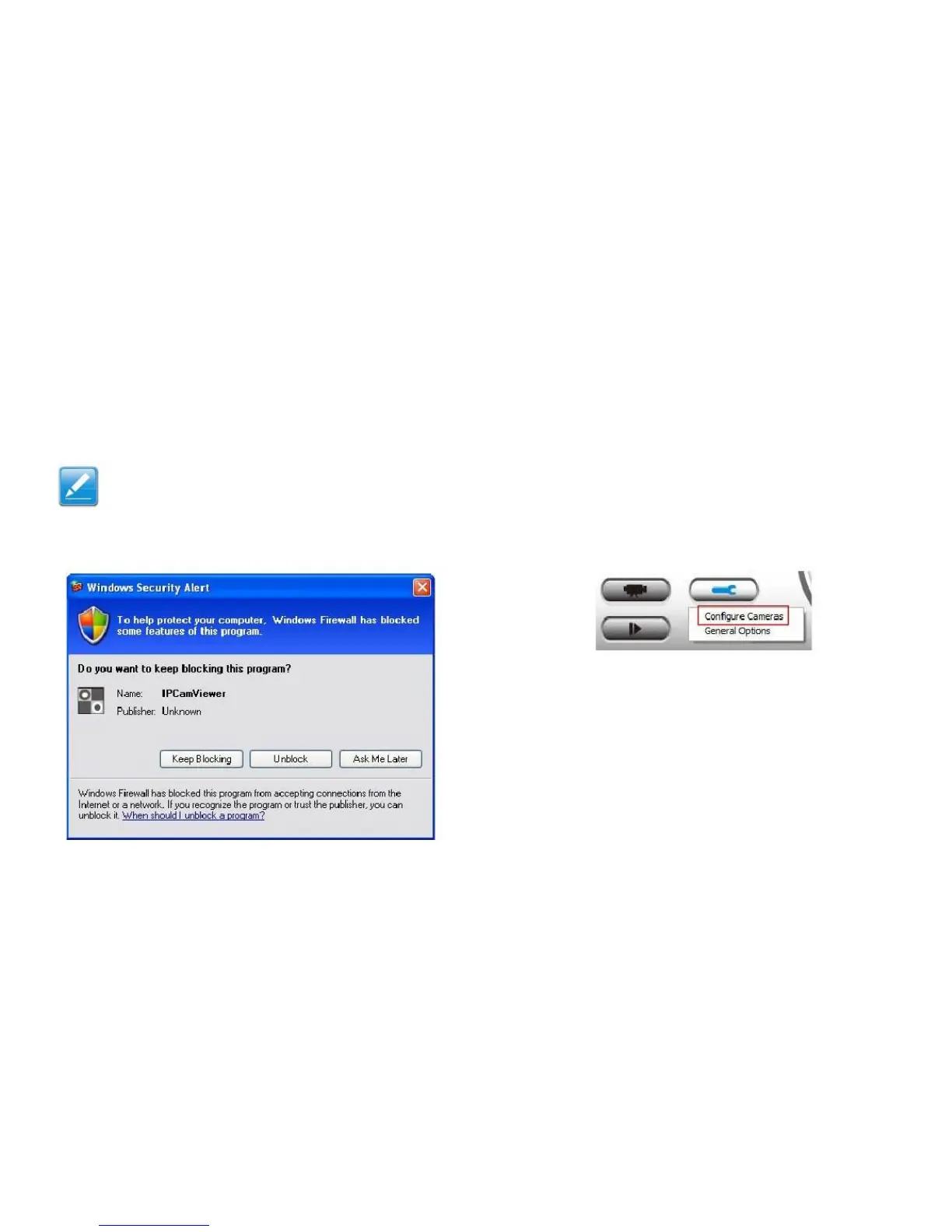
If prompted by a Windows security alert for the
firewall to block or unblock the IPCamViewer
program, click Unblock or the network camera
surveillance software will not function correctly.
Adding a Network Camera on the LAN in Man-
ual Mode
Cameras added in manual mode can only be accessed from
the LAN.
To add a network camera in manual mode:
1. Click the Set Up button to show the configuration
menu.



 To Next Page