CONFIGURING THE SURVEILLANCE SOFTWARE
This option allows you to choose to
upload each recorded video with a dif-
ferent file name composed of the date/
time, or to choose to upload the
recorded video with the same file name
you set. If you choose the latter, the
previously saved recorded video will be
overwritten by the latest recorded
video.
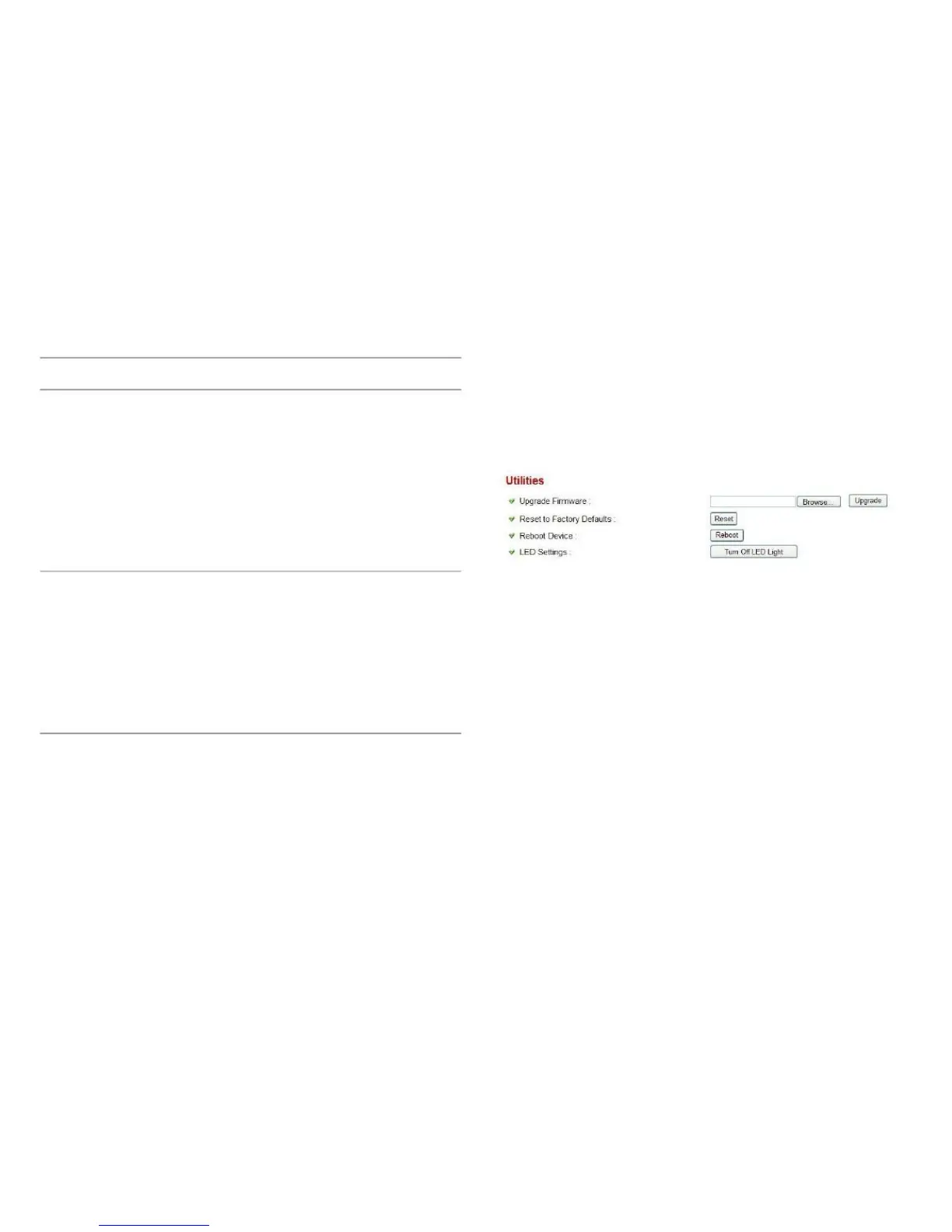
This menu allows you to upgrade firmware, clear all settings,
reboot the network camera, and switch LED lights on/off.
Send Record- Select Enable to send the recorded
ing File to email video to the appointed email address,
or select Disable to disable this fea-
ture. You have to configure email set-
tings in the Email menu first before this
feature will take effect. The Email
menu is found under the Motion
Detection menu.



 To Next Page