CONFIGURING THE SURVEILLANCE SOFTWARE
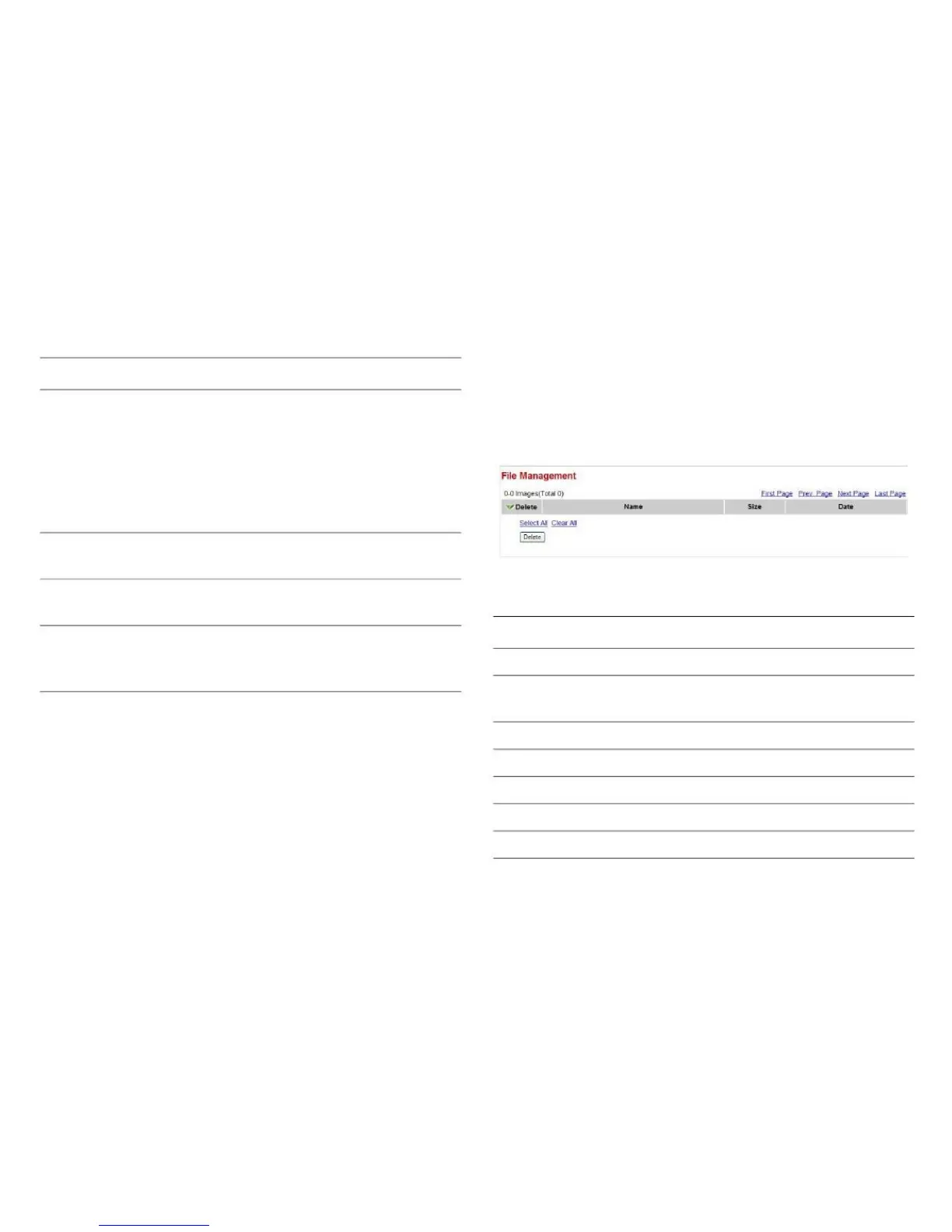
You can use this menu to manage the files stored on the SD
card.
SMTP Authenti- Select Enable if the SMTP server
cationyou're using requires authentication,
and enter the username and password
below. If the SMTP server you're using
does not require authentication, select
Disable. If you're not sure, ask your
network administrator or ISP.
Enter the username for the SMTP
server.
Enter the password for the SMTP
server.
Select, from the dropdown menu, the
amount of SD card space that will be
reserved and will not be used.
Jump to the first page of the file list.
Jump to the previous page of the file
list.
Jump to the next page of the file list.
Jump to the last page of the file list.
Select all files in this page.
Clear all files in this page.
Click Apply to save the settings.
Click Send a Test Email to confirm the configuration
settings are correct.



 To Next Page