CONFIGURING THE SURVEILLANCE SOFTWARE
Changes video quality. There are five
levels of video quality from lowest to
highest. Selecting a higher value will
provide better video quality but requires
more network bandwidth.
Changes video frame rate. Available
options are from 1 to 30, which indicate
how many video frames this camera will
transmit every second. A higher frame
rate provides a smoother viewing expe-
rience, but requires more network
bandwidth. If you are using this video
camera on a low bandwidth network, a
lower frame rate value is recom-
mended.
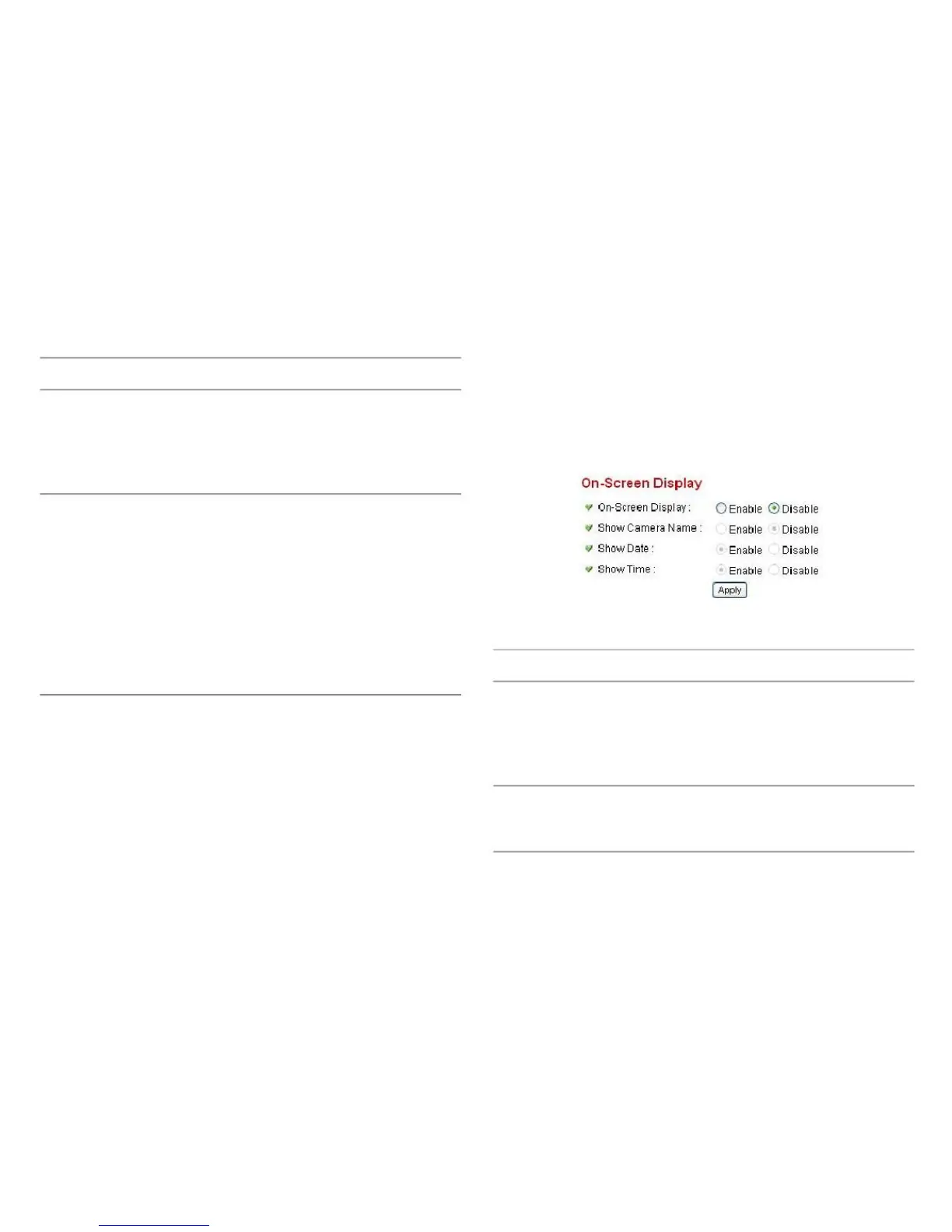
Choose what information to show in the on-screen display.
Select Enable to show the on-screen
display feature (information about this
camera will be displayed on the cam-
era‟s display image) or Disable to
hide it.
Select Enable to show the camera‟s
name on the camera‟s display image or
Disable to hide it.
Click Apply for settings to take effect.



 To Next Page