LOCATING NETWORK CAMERAS ON THE NETWORK
2.5 Locating Network Cameras on the Network
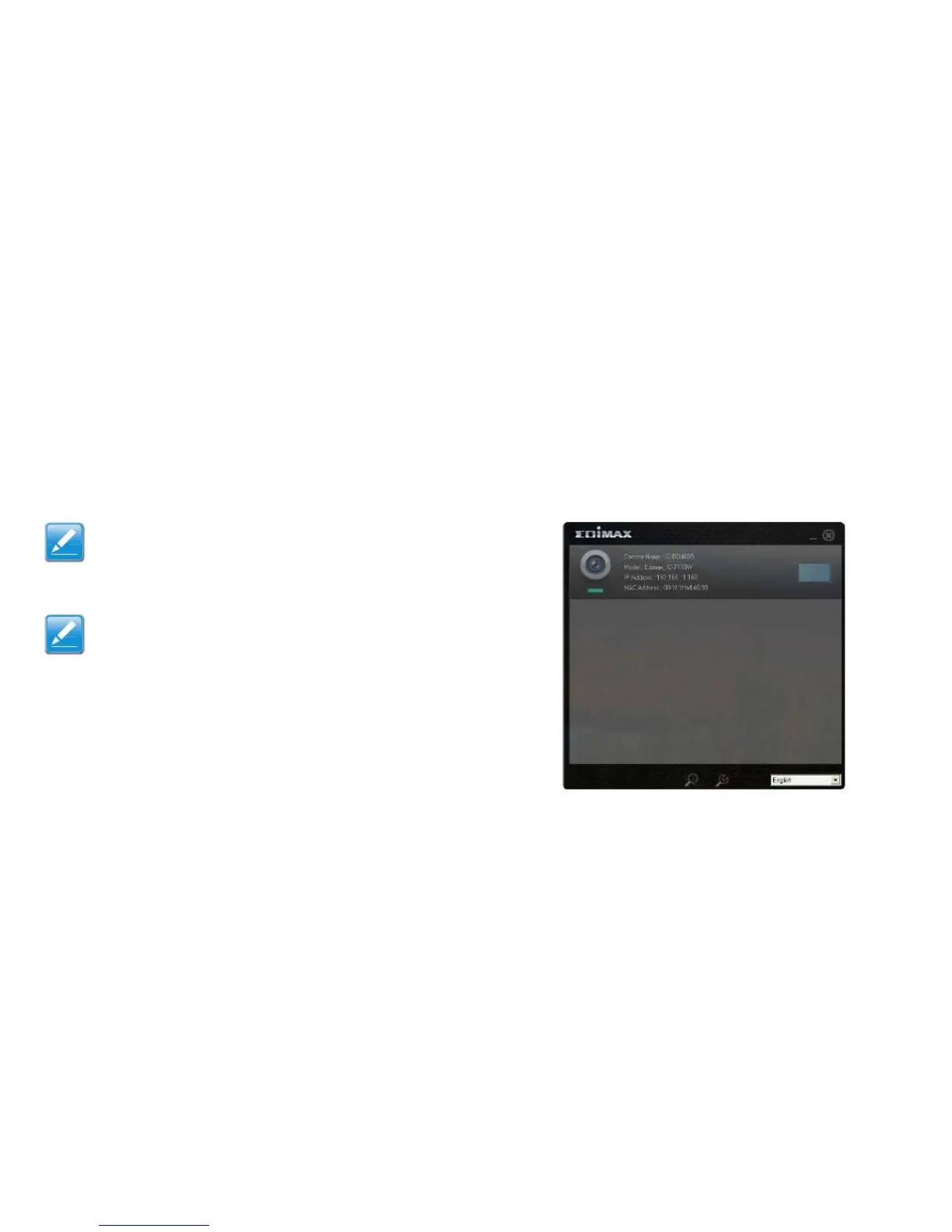
The network camera comes with a software utility, called
EdiView Finder, which locates and sets up network cam-
era(s) on a LAN and defines a camera‟s name and pass-
word.
Note:
To install the network camera location application
see Installing EdiView Finder Utility Software (page
2-6).
Note:
If the EdiView Finder utility can not locate a network
camera on the LAN, the PC‟s network settings may
need to be reconfigured. See Appendix B (page B-
1).
Viewing a List of Network Cameras
After EdiView Finder is launched, all cameras found on the
LAN are displayed.
To connect to a specific camera, double-click the camera
listing.



 To Next Page