CONFIGURING THE SURVEILLANCE SOFTWARE
CONFIGURING MOTION DETECTION
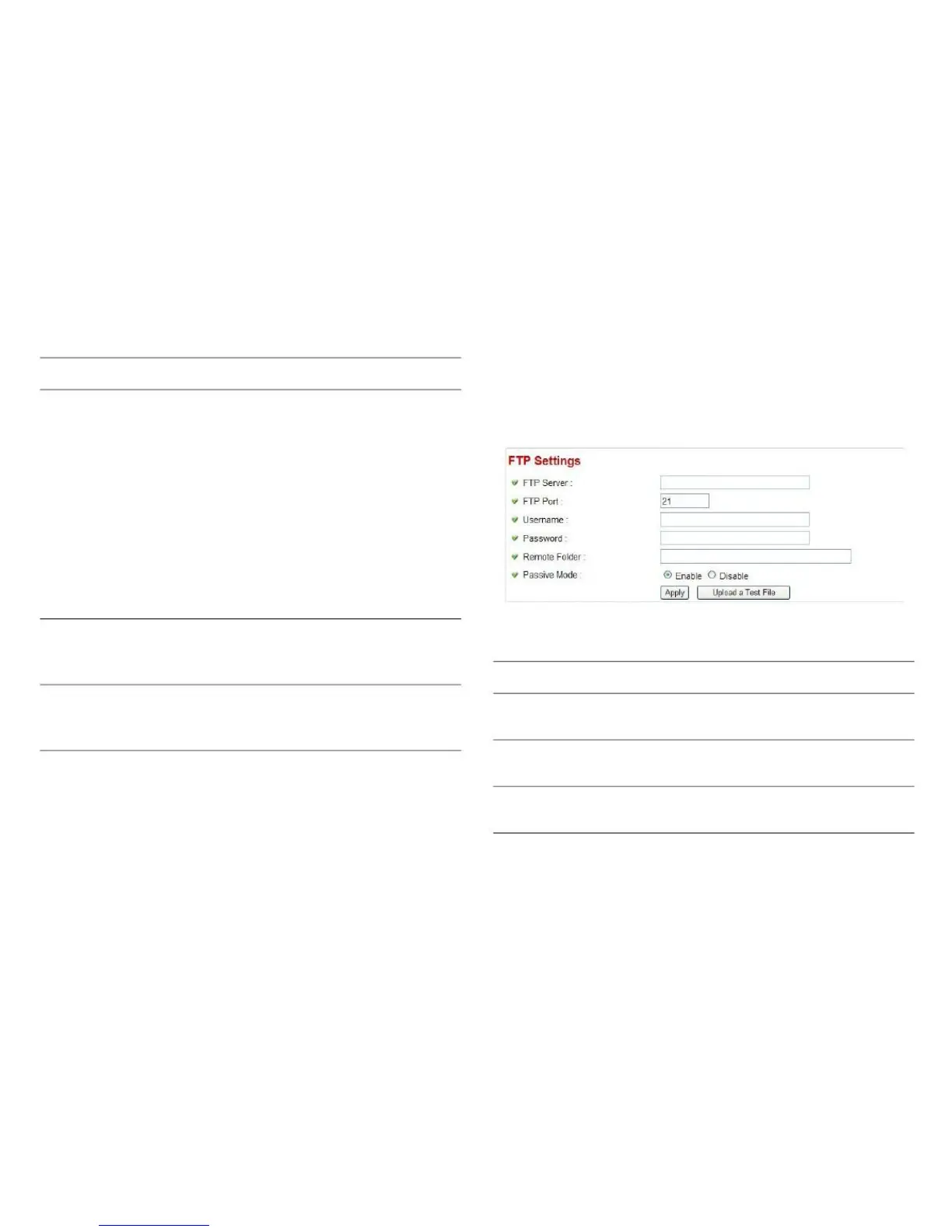
You can set the FTP server‟s parameters here.
SMTP Authenti- Some SMTP servers require mail send-
cationers to be authenticated before they can
send email. If your SMTP server
requires you to do so, please select
Enable, or select Disable to disable
it.
If you don't know, please refer to the
SMTP server you're using in your email
software, such as Outlook our Outlook
Express, or ask your network adminis-
trator or ISP.
Please enter the username of the
SMTP server here, if your SMTP server
requires the use of authentication.
Please enter the password of the SMTP
server here, if your SMTP server
requires the use of authentication.
Enter the IP address or host name of
the FTP server you wish to use here.
Enter the port number of the FTP server
you wish to use here.
Enter the username of the FTP server
you wish to use here.
Click Apply to save the settings.
Click Send a Test Email to confirm the configuration
settings are correct.



 To Next Page