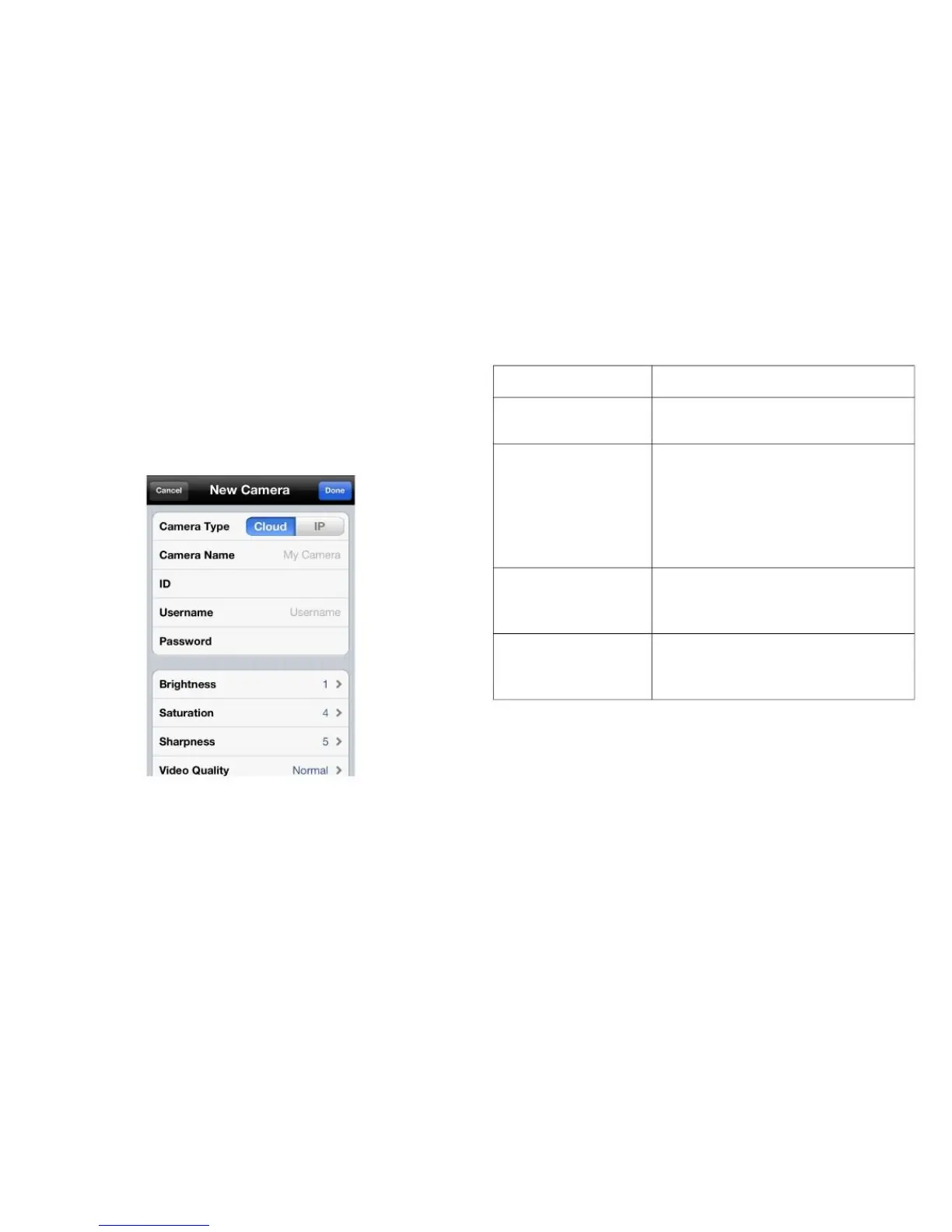
CONFIGURING THE SURVEILLANCE SOFTWARE
SURVEILLANCE SOFTWARE CONFIGURATION OPTIONS
Configuring Network Settings on the
Cloud with Cloud Mode
1. Tap the text box of a parameter and enter new informa-
tion to change the network configuration settings.
Define a name for the camera that
is displayed in the camera list.
Enter the Cloud ID of the network
camera. The Cloud ID is a twelve
character, alphanumeric value of
the network camera found on the
included Cloud ID card (see
Figure 3-1).
Enter the username of the network
camera. The default value is
admin.
Enter the password to access the
network camera. The default value
is 1234.
2. Tap Done to add the network camera to the camera list
or Cancel to discard changes.



 To Next Page