CONFIGURING THE SURVEILLANCE SOFTWARE
Please specify the name of this network
camera. This can be used to identify
your camera when you have more than
one network camera in the same net-
work.
The default name begins with IC- plus
the last 6 characters of the MAC
address of the network camera. The
camera name must be unique within
the same network.
The password to the default admin
account can be changed here. The
default password is 1234. For security
reasons, it is recommended that you
change the default password.
Please enter the same password again
for confirmation.
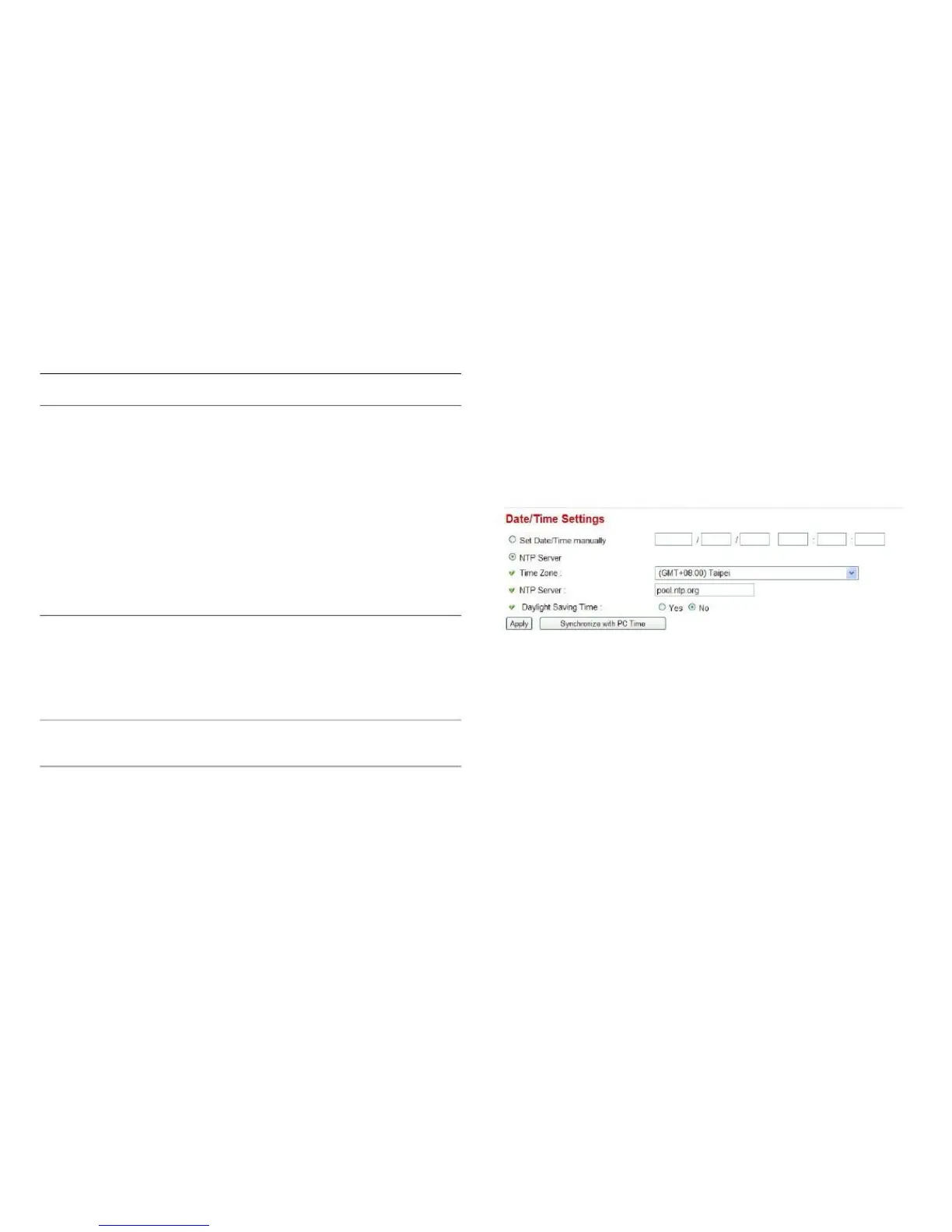
This setting allows you to change the date and time of the
real time clock in this network camera. You can set the time
manually, or use network time protocol (NTP) to set the time
automatically.
Click Apply to save the settings.



 To Next Page