CONFIGURING THE SURVEILLANCE SOFTWARE
CONFIGURING NETWORK SETTINGS
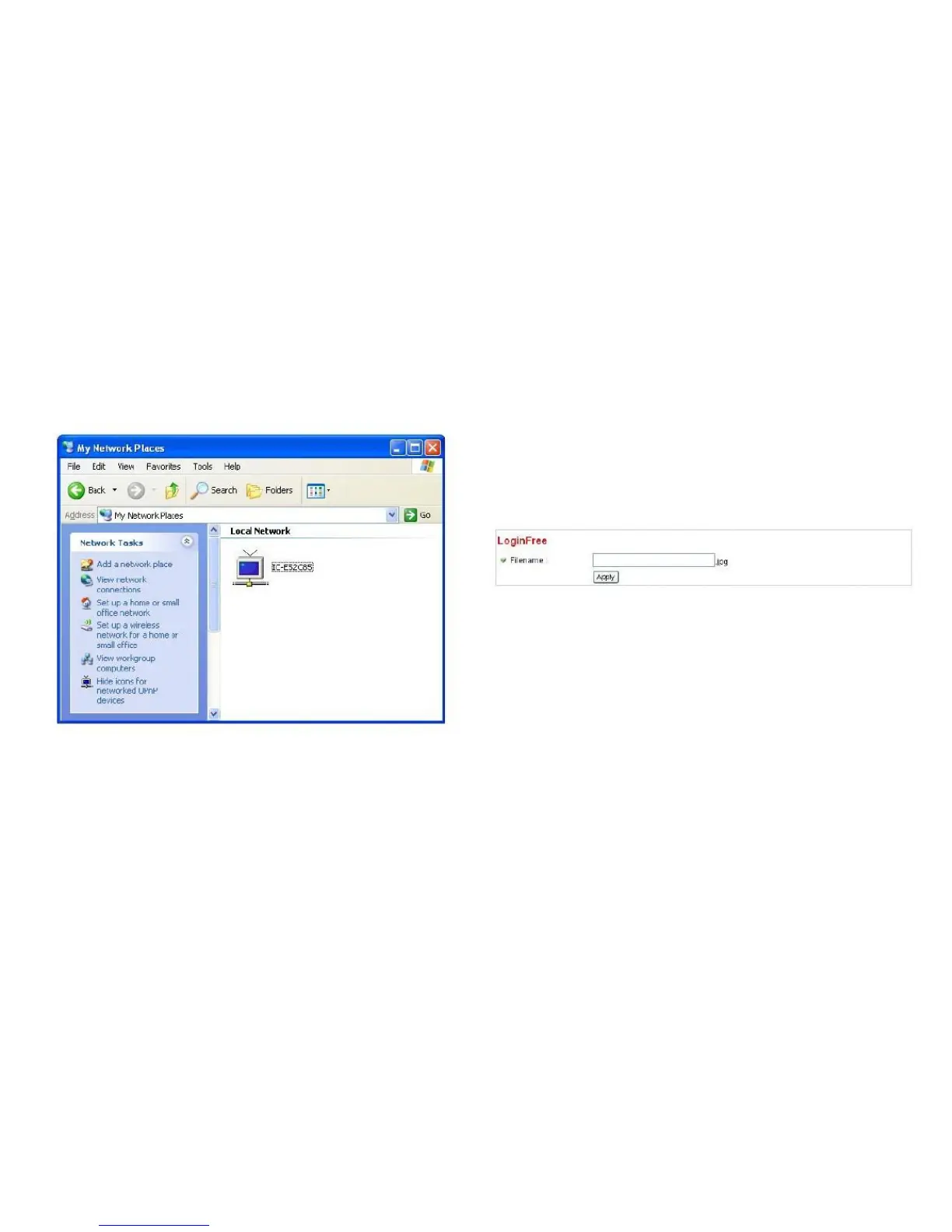
Click the message to open My Network Places and you
will see the network camera:
This camera provides a method to let unauthorized users
view the image captured by this camera, which is called
LoginFree. When you wish to let everyone view the image
captured by this camera, or integrate the image with your
own web application, you can use this feature:
Enter the filename here and click Apply to save settings.
Other users can access the image using this filename with a
*.jpg extension and with the camera‟s IP address as a prefix.
For example, if your camera‟s IP address is „192.168.2.1‟
and the filename you set here is „picture‟, then everyone on
the web can access the image captured by this camera by
using the following address:
You can double-click the icon to launch Internet Explorer
and log onto the network camera‟s web management inter-
face directly.
http://192.168.2.1/picture.jpg



 To Next Page