CONFIGURING THE SURVEILLANCE SOFTWARE
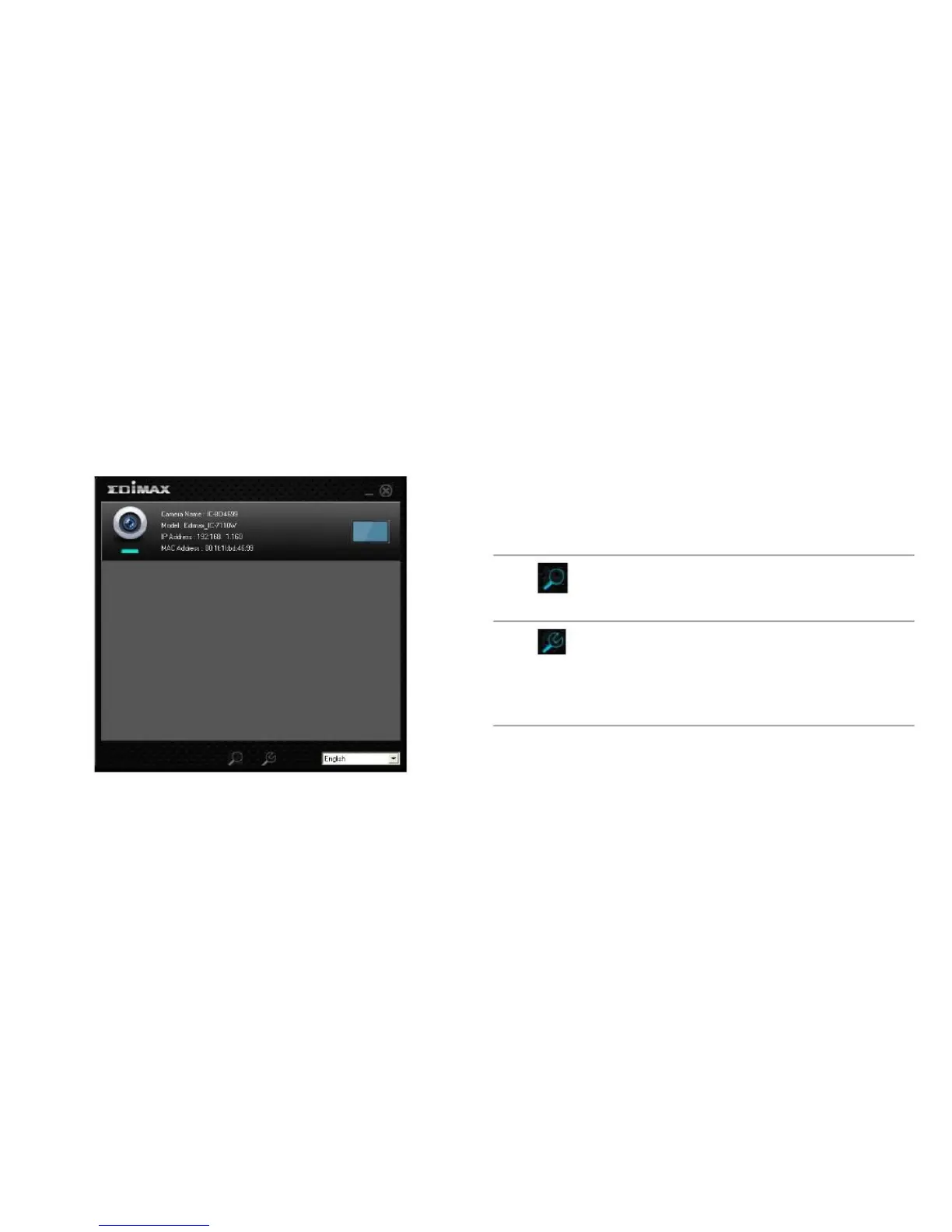
CONFIGURING THE EDIVIEW FINDER UTILITY
3.1 Configuring the EdiView Finder Utility
The EdiView Finder utility provides the ability to locate and
configure camera(s) on your network.
The EdiView Finder utility has two buttons, one to search for
network cameras and one to display a camera‟s configura-
tion settings.
Search Camera: Click this button to
search for all cameras on a local area
network.
Configure Camera: Click this button to
configure a camera‟s network and secu-
rity settings. Enter the camera‟s pass-
word at the prompt. The default
password is 1234.



 To Next Page