CONFIGURING THE SURVEILLANCE SOFTWARE
There are five features that can be set to configure how
video is managed by the software. The first three features
are codecs which affect how the video is recorded, the
fourth sets the parameters for the camera‟s night vision.
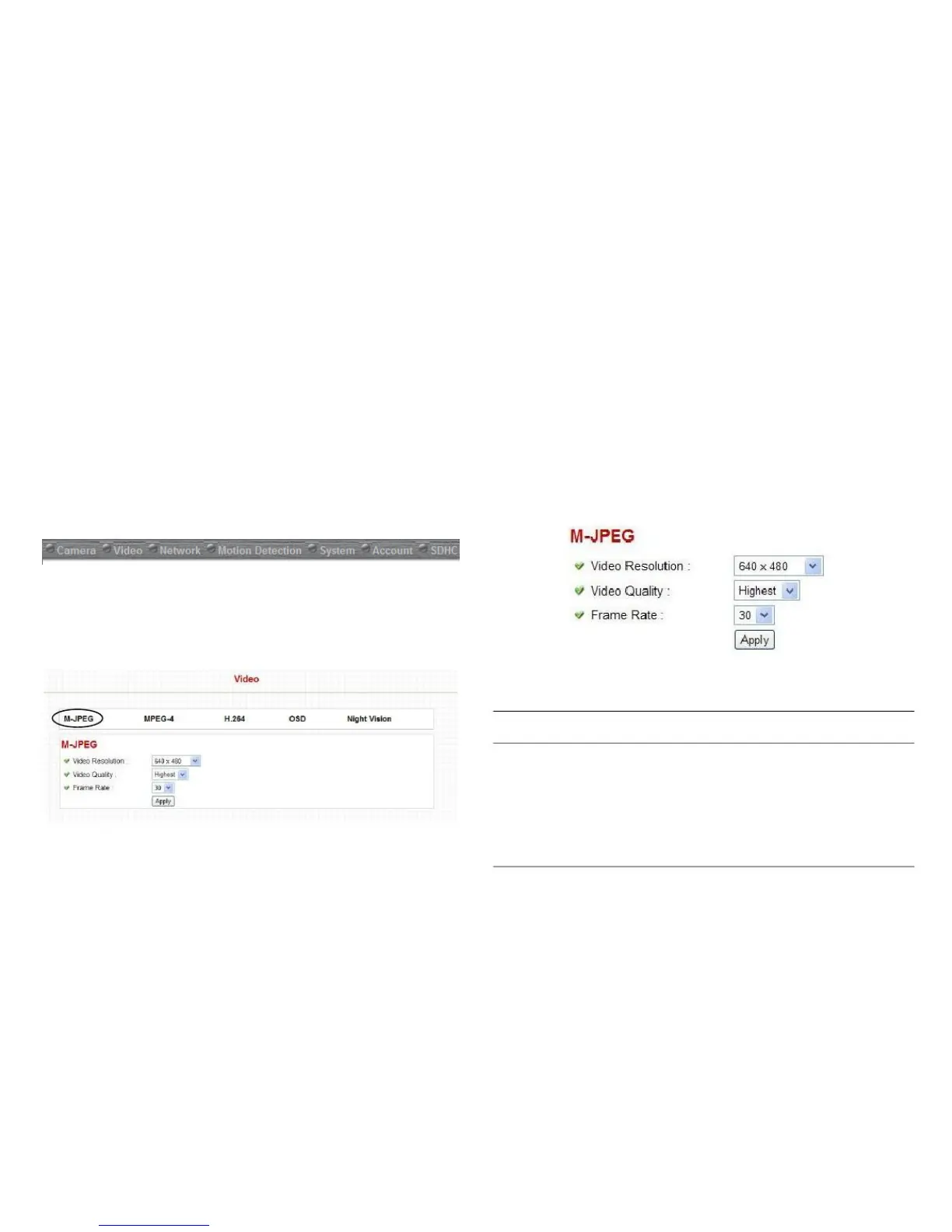
Adjust the video resolution, quality and frame rate settings
on the M-JPEG configuration screen.
To view the video features, click on the Video menu item.
To view the settings of the individual features, hover the
mouse cursor over the menu label.
Changes the resolution of video. Avail-
able options are 1280 x 1024, 640 x
480, and 320 x 240. Higher resolution
provides better video quality and more
detail, but requires more network band-
width.



 To Next Page