CONFIGURING THE SURVEILLANCE SOFTWARE
CONFIGURING THE EDIVIEW FINDER UTILITY
Setting the Interface Language
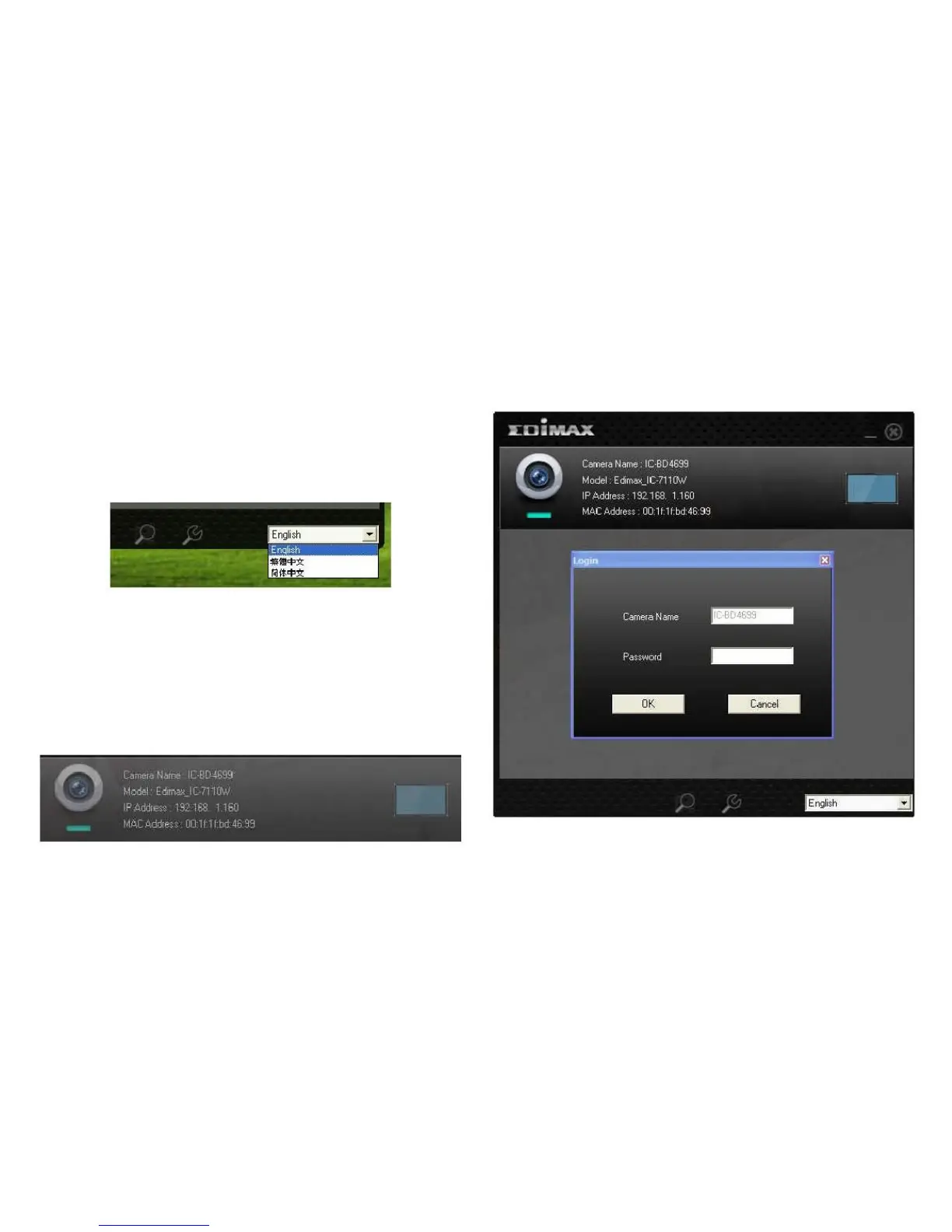
The utility software supports three languages: English, Tra-
ditional Chinese, and Simplified Chinese. You can select the
language to use from the language dropdown menu located
in the lower-right corner of EdiView Finder.
2. Enter the password for the camera (default: 1234) in
the login dialogue.
Configuring a Network Camera
1. To edit a camera‟s settings, select the camera from the
list and click the Configure Camera button or double
click the configuration field.



 To Next Page