CONFIGURING THE SURVEILLANCE SOFTWARE
CONFIGURING NETWORK SETTINGS
If your ISP does not give you a fixed Internet IP address (i.e.
the Internet address you are using when you access the
Internet is not always the same – ask your ISP for detailed
information), you can use this feature to help you locate the
IP address of this network camera when you are away from
your home or office.
Before you can use this feature, you will need to apply for an
account at dyndns.org (http://www.dyndns.org). Detailed
instructions on how to apply for a new account can be found
on dyndns.org‟s website.
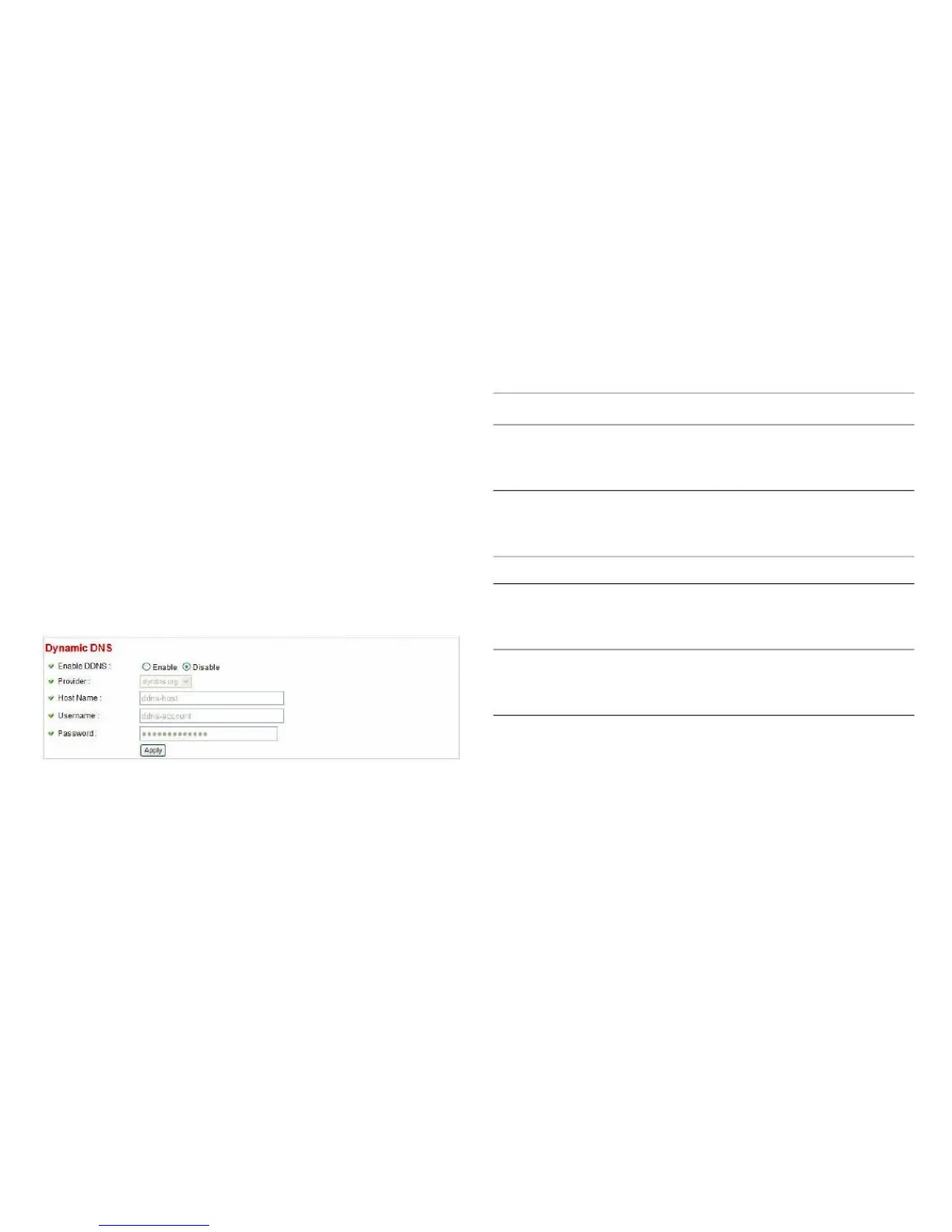
Select Enable to activate the Dynamic
DNS feature of this network camera,
select Disable to disable it.
Select the dynamic DNS service pro-
vider here. Only dyndns.org is available
currently.
Enter dynamic DNS host name here.
Enter the dynamic DNS username
here; it must be the same as the one
you received from dyndns.org.
Enter the dynamic DNS password here,
it must be the same as the one you
received from dyndns.org.
Click Apply to save the settings.



 To Next Page