CONFIGURING THE SURVEILLANCE SOFTWARE
NETWORK CAMERA CONFIGURATION OPTIONS
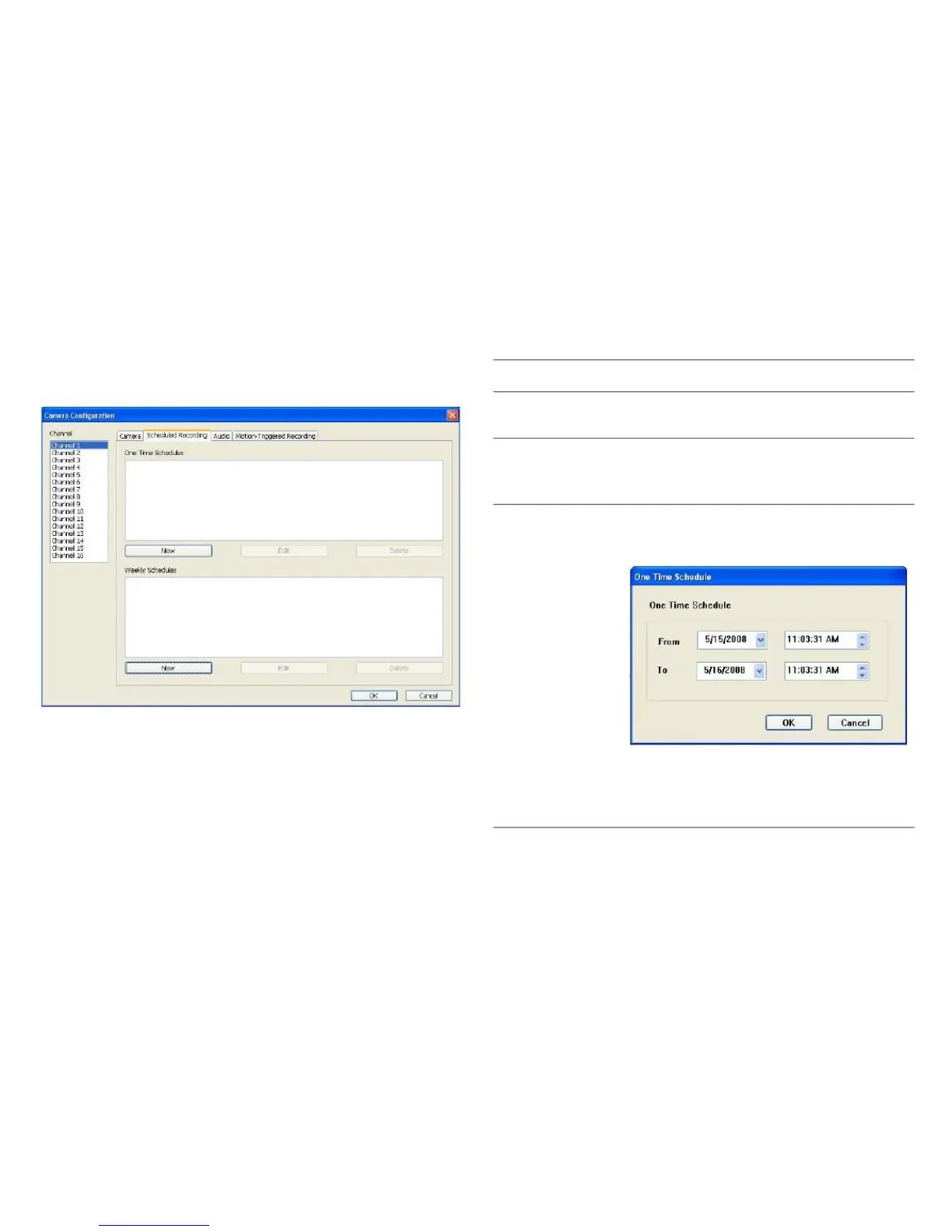
Select the channel number you wish to
set.
You can specify a one-time schedule for
the selected camera; this schedule will
be executed once only.
Click this button to show the One Time
Schedule window:
In this tab, you can set up scheduled video recording, so you
can record the videos captured by all cameras according to
a predefined schedule.
Specify the duration of the schedule
with the From and To fields.
Click OK to save settings.



 To Next Page