Modify a scheduled recording item.
Select a schedule in the One Time
Schedules list. Click the Edit button
to edit the start and end time of this
schedule.
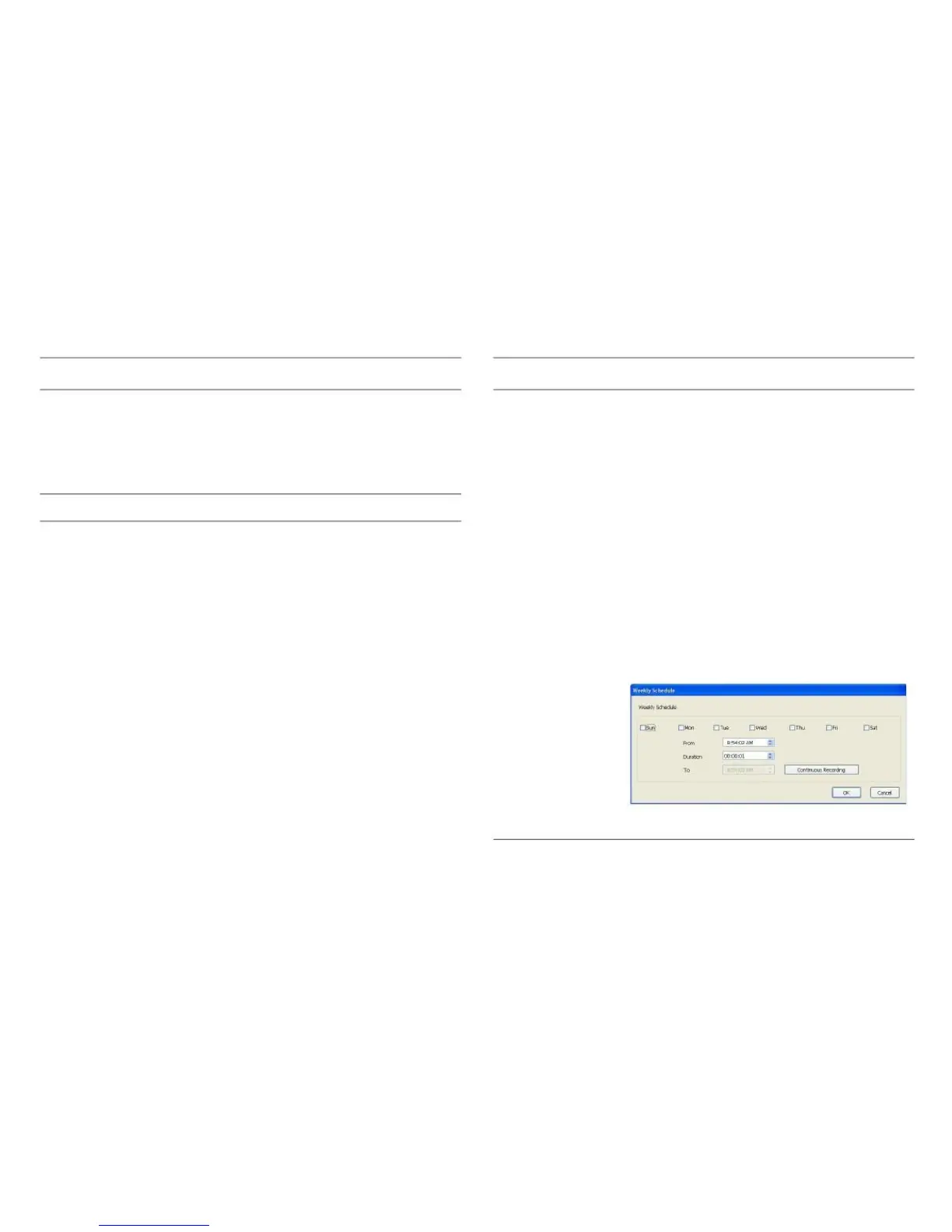
Define the recording schedule that will
be executed at the specified time of cer-
(Weekly Sched-
tain weekday(s) in a week. Please
ules)
check all weekdays that apply and set
the start time in the From field. Set the
duration of video recording in the
Period field, in the format HH:MM:SS,
and the end time will be calculated
automatically and displayed in the To
field. Click the Continuous Record-
ing button to define a recording sched-
ule that will be executed every
weekday, from 12:00:00AM to
11:59:59PM.



 To Next Page