CONFIGURING THE SURVEILLANCE SOFTWARE
GENERAL CONFIGURATION OPTIONS
Available
Recording
Space
Displays remaining storage space.
Defines the maximum file size for vid-
eos. When the size of the file exceeds
this value, the application will open
another file and continue recording.
Set the behavior of the application
when hard disk space is full.
Set the application to delete files
recorded more than a set time period
ago.
Define the time period to pause
between every camera switch when
you activate the Scan feature.
Save settings in this tab.
Discard all changes in this tab.
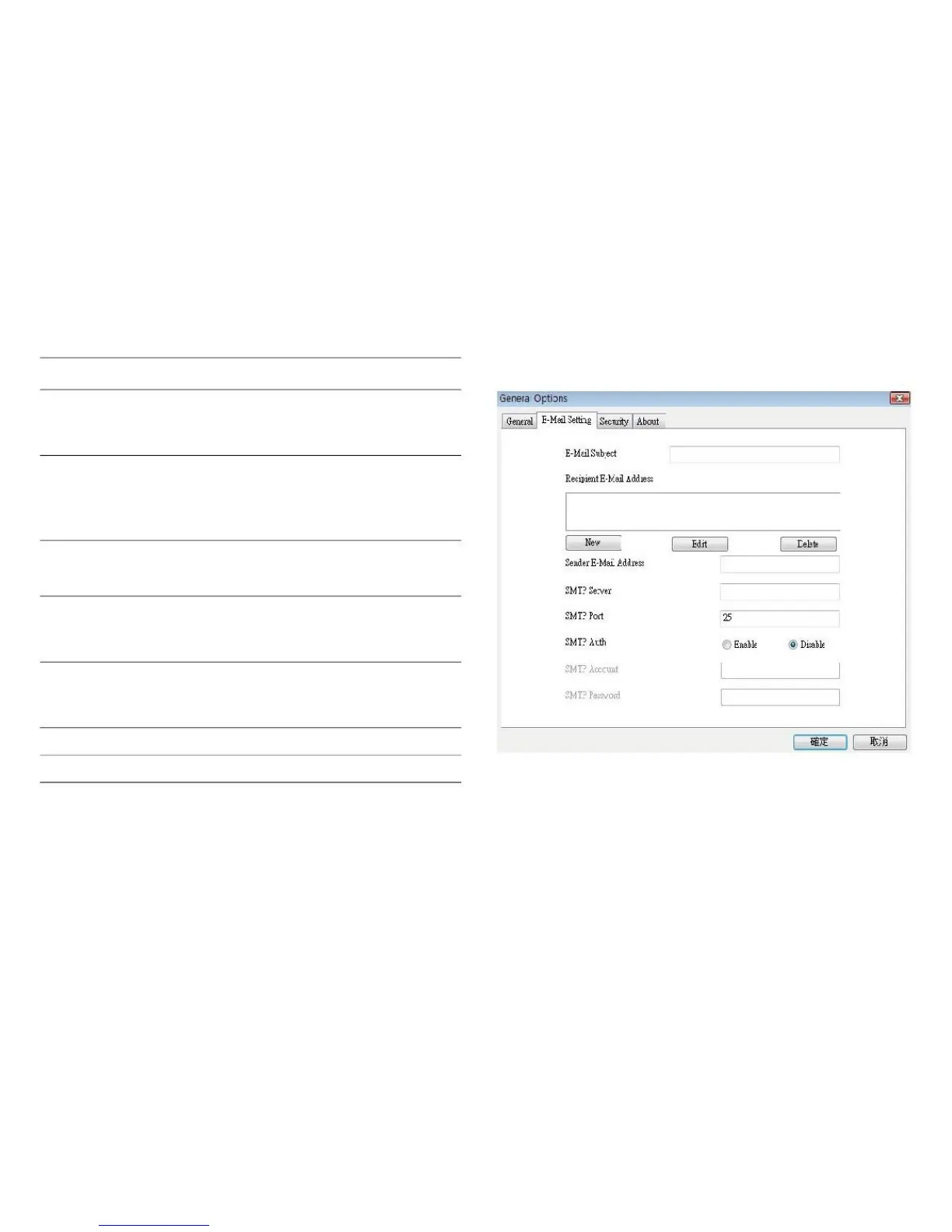
If you want to use the motion detection feature and wish to
receive an email that contains the image captured by the
camera, please set up your email related parameters here
first.
Delete files
recorded more
than



 To Next Page