CONFIGURING THE SURVEILLANCE SOFTWARE
GENERAL CONFIGURATION OPTIONS
The subject of the outbound email.
The list of all email addresses.
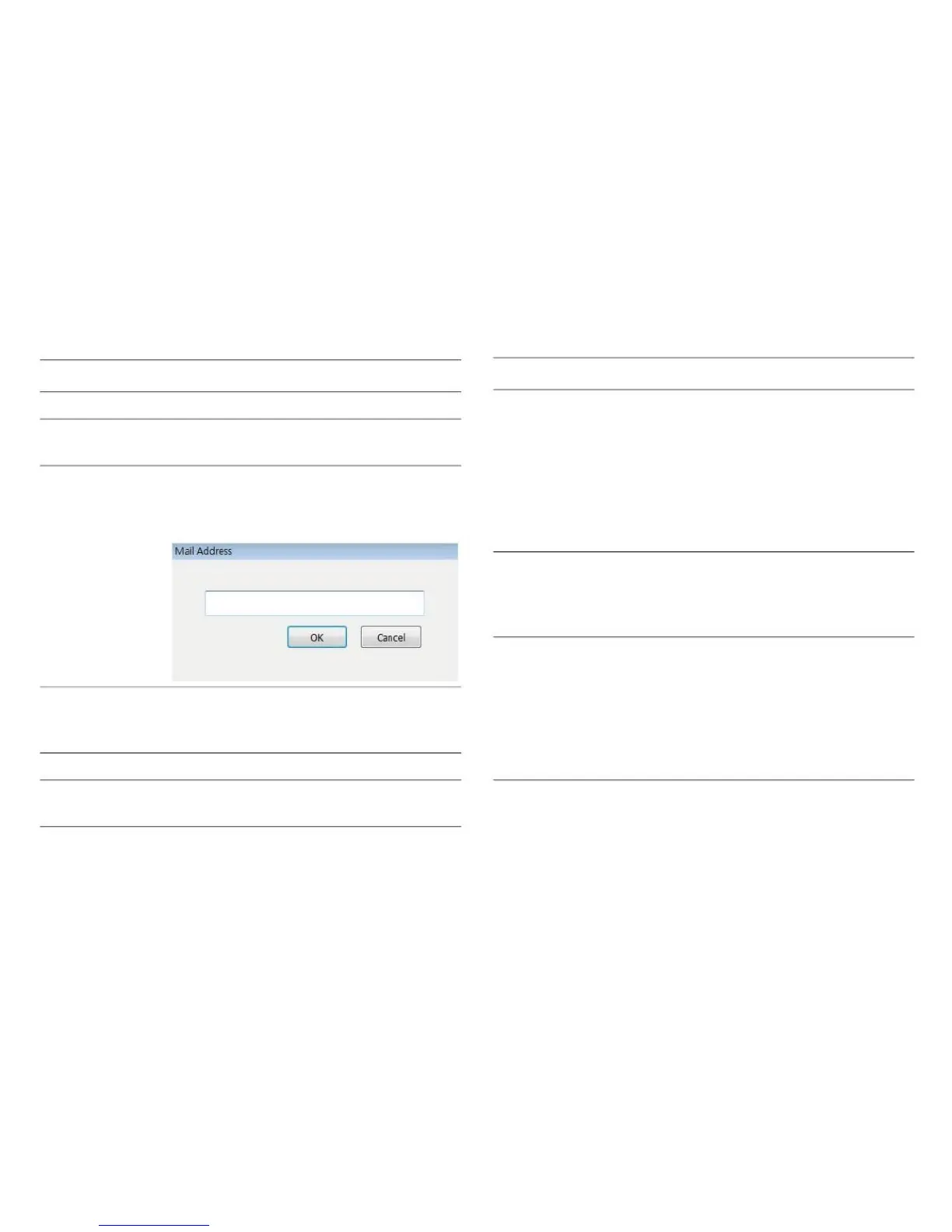
Click this button and you‟ll be prompted
to input the email address. Click OK to
save changes.
SMTP Authenti- Specify the IP address or host name of
cationthe SMTP server you wish to use. Most
ISPs will only allow their subscribers to
use their SMTP servers. If you don‟t
know which SMTP server you should
use, please refer to the settings pro-
vided by your ISP / network administra-
tor.
Specify the port number of the SMTP
server you wish to use here. By default
(and the setting of most of SMTP serv-
ers) it‟s 25.
Select an email address from the
Recipient Email Address box and
click Edit to edit the email address.
Delete selected email address.
Specify the email address of email
sender.
SMTP Authenti- Select Enable if the SMTP server
cationrequires authentication. Select Dis-
able if it is not required. If you do not
know if your SMTP server requires
authentication, refer to the setting of
your email software or ask your ISP /
network administrator.



 To Next Page