CONFIGURING YOUR PC‟S IP ADDRESS
B.1 Configuring Your PC’s IP Address
If you are unable to locate the network camera with the Edi-
View Finder utility and there is no DHCP server in your net-
work environment, perform the following instructions to
manually set up an IP address that is within the same net-
work segment as your network camera.
If the first three segments of the IP address of your com-
puter is not 192.168.2, you must change the IP address of
your computer first.
Note:
The default IP address of this camera is
192.168.2.3. If you wish to assign another IP
address to this camera, refer to Configuring
Network Settings (page 3-19)
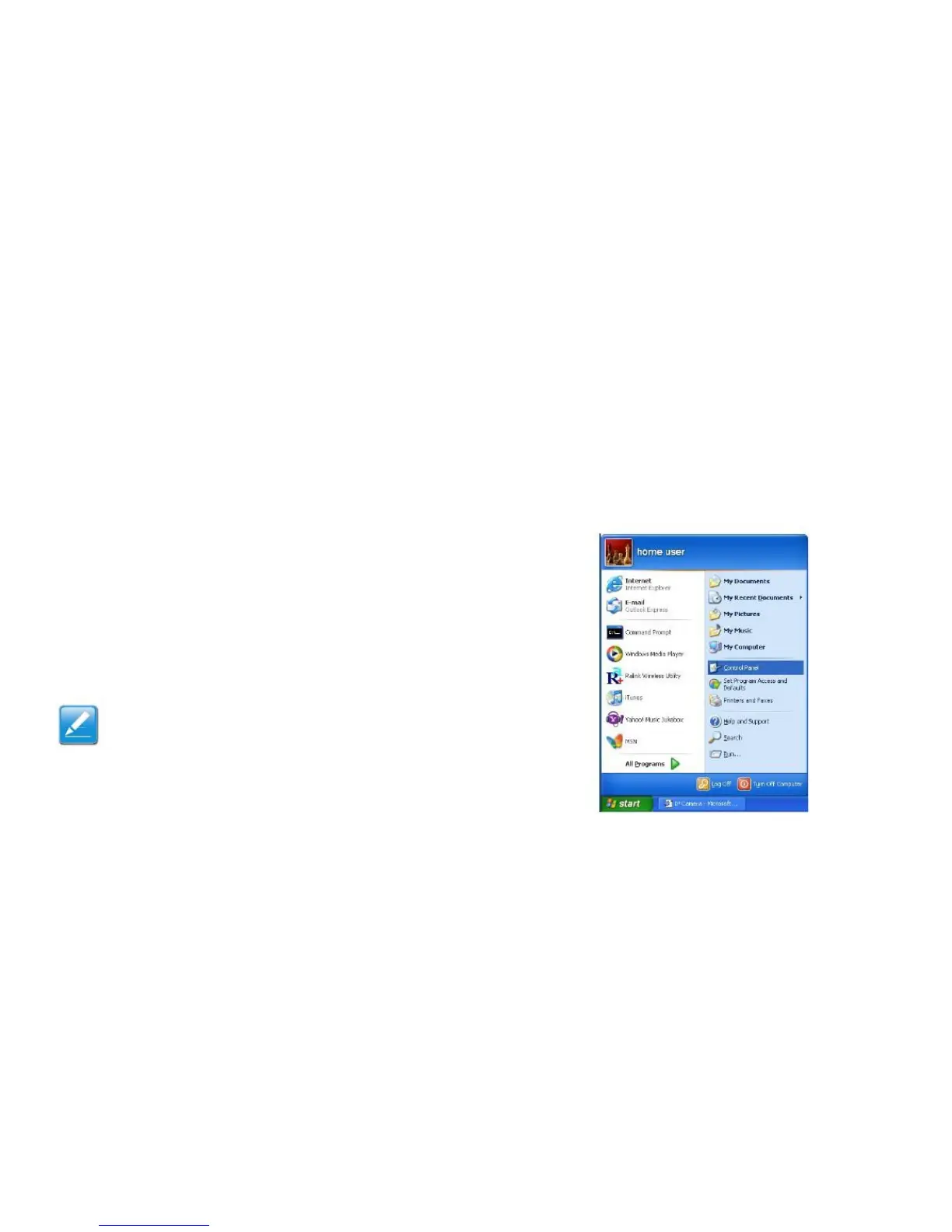
1. Click Start > Control Panel



 To Next Page