CONFIGURING THE SURVEILLANCE SOFTWARE
Configuring the Network Camera from
myedimax.com
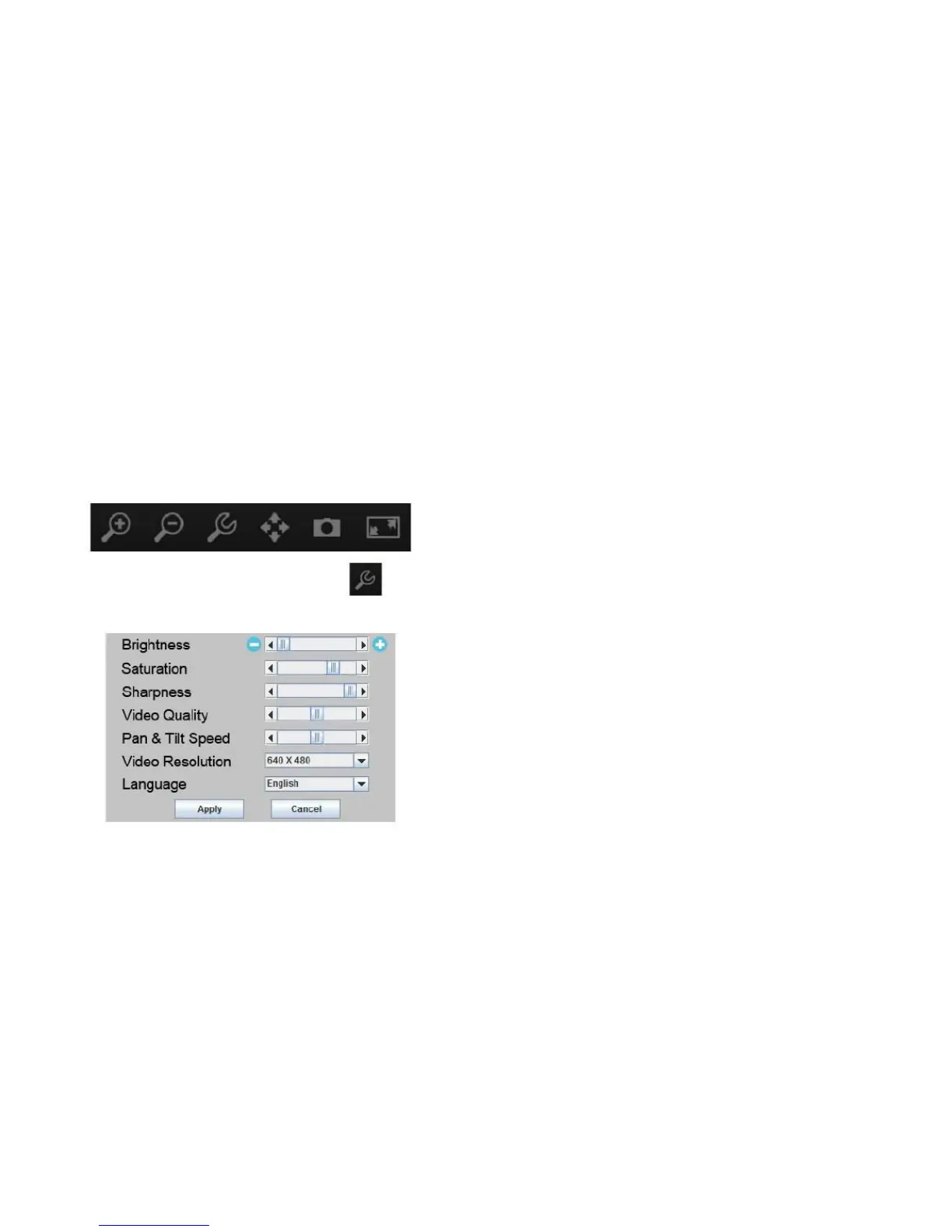
The network camera can be operated and configured by
clicking the configuration icon on the toolbar located below
the image.
speed. Use the dropdown lists to change the video res-
olution and operating language.
3. Click Apply to save the changes or Cancel to discard
them.
1. To configure the network camera, click
the configuration menu window.
2. Use the slider controls to change the image brightness,
saturation, sharpness, video quality and pan and tilt



 To Next Page