CONFIGURING THE SURVEILLANCE SOFTWARE
CONFIGURING NETWORK SETTINGS
Please note that no authentication will be required to see the
captured image. If you wish to disable this feature, clear the
text in the Filename field and click Apply.
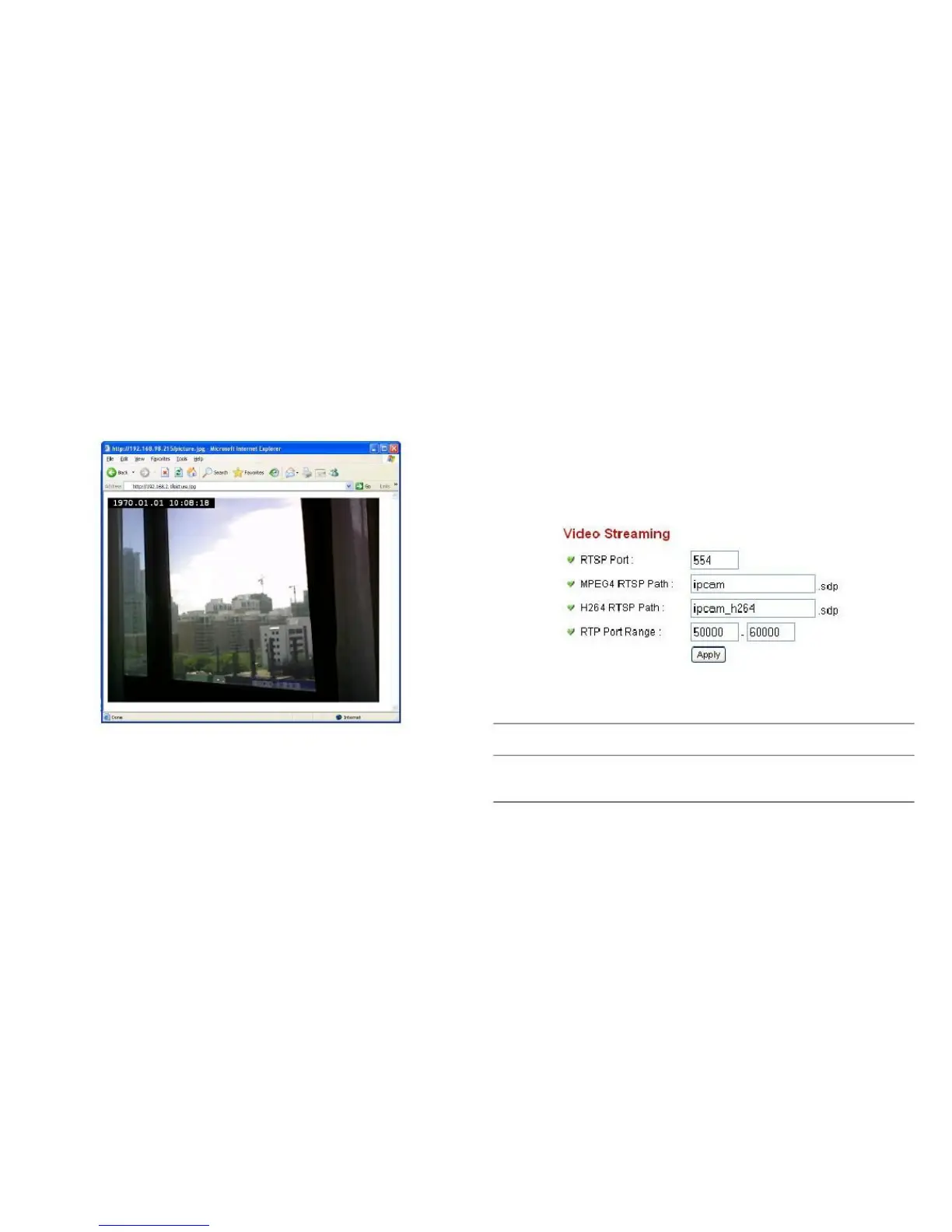
If you want to watch video captured by this network camera
on your own RTSP (Real Time Streaming Protocol) media
player, you can use this feature to set up RTSP parameters,
so your RTSP-compatible player will be able to receive
video data.
Enter the port number of RTSP here.
The default setting is 554.



 To Next Page