CONFIGURING THE SURVEILLANCE SOFTWARE
CONFIGURING MOTION DETECTION
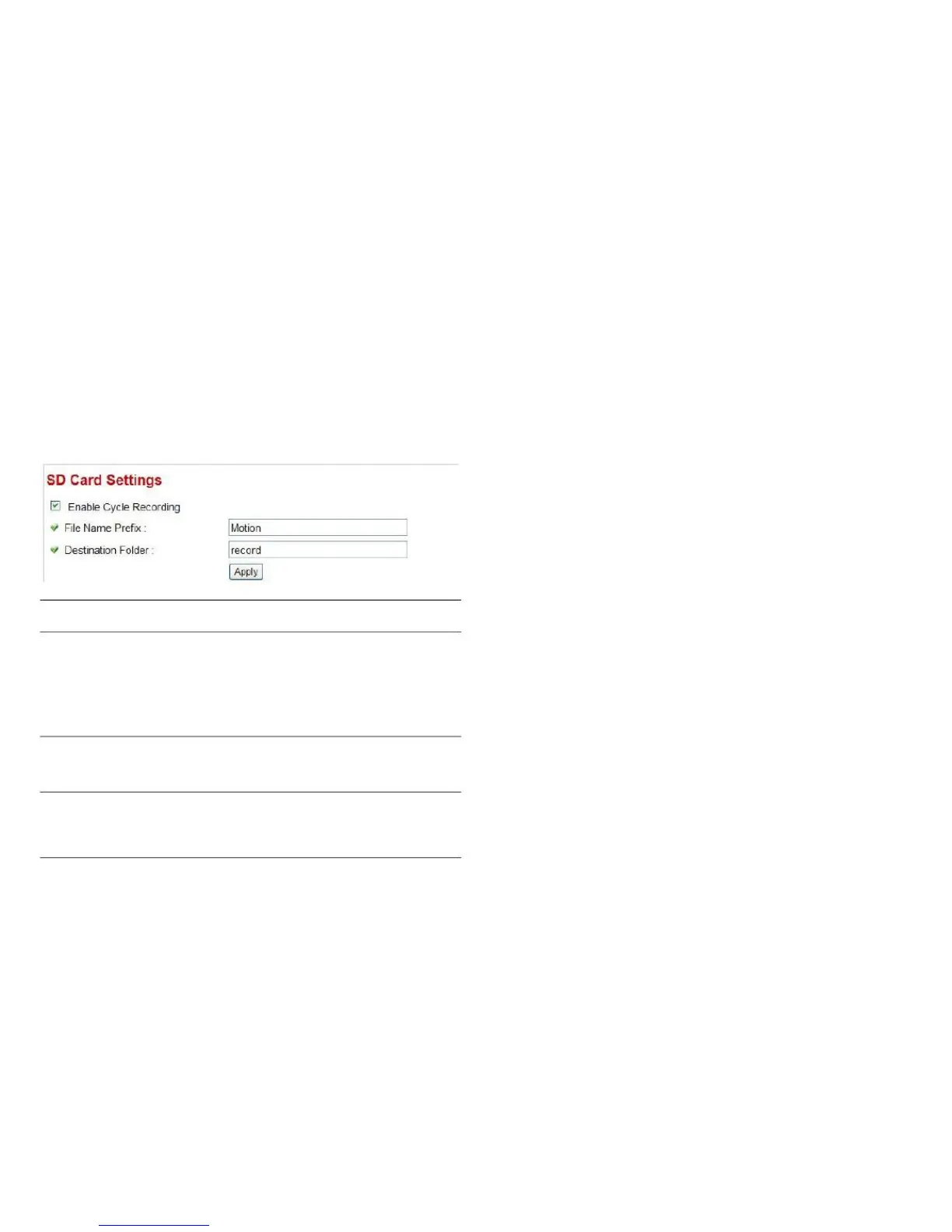
You can define the filename and destination folder when
saving a file in a SD card.
Click Apply to save the settings.
Check the box and this camera will
automatically erase older image files to
make room for new ones when the SD
card is full. If you don‟t want to lose old
image files, do not check this box.
Specify the filename prefix. The text will
appended with a file sequence number.
Specify the folder name where the cam-
era will store the saved image or video
clip.



 To Next Page