CONFIGURING THE SURVEILLANCE SOFTWARE
GENERAL CONFIGURATION OPTIONS
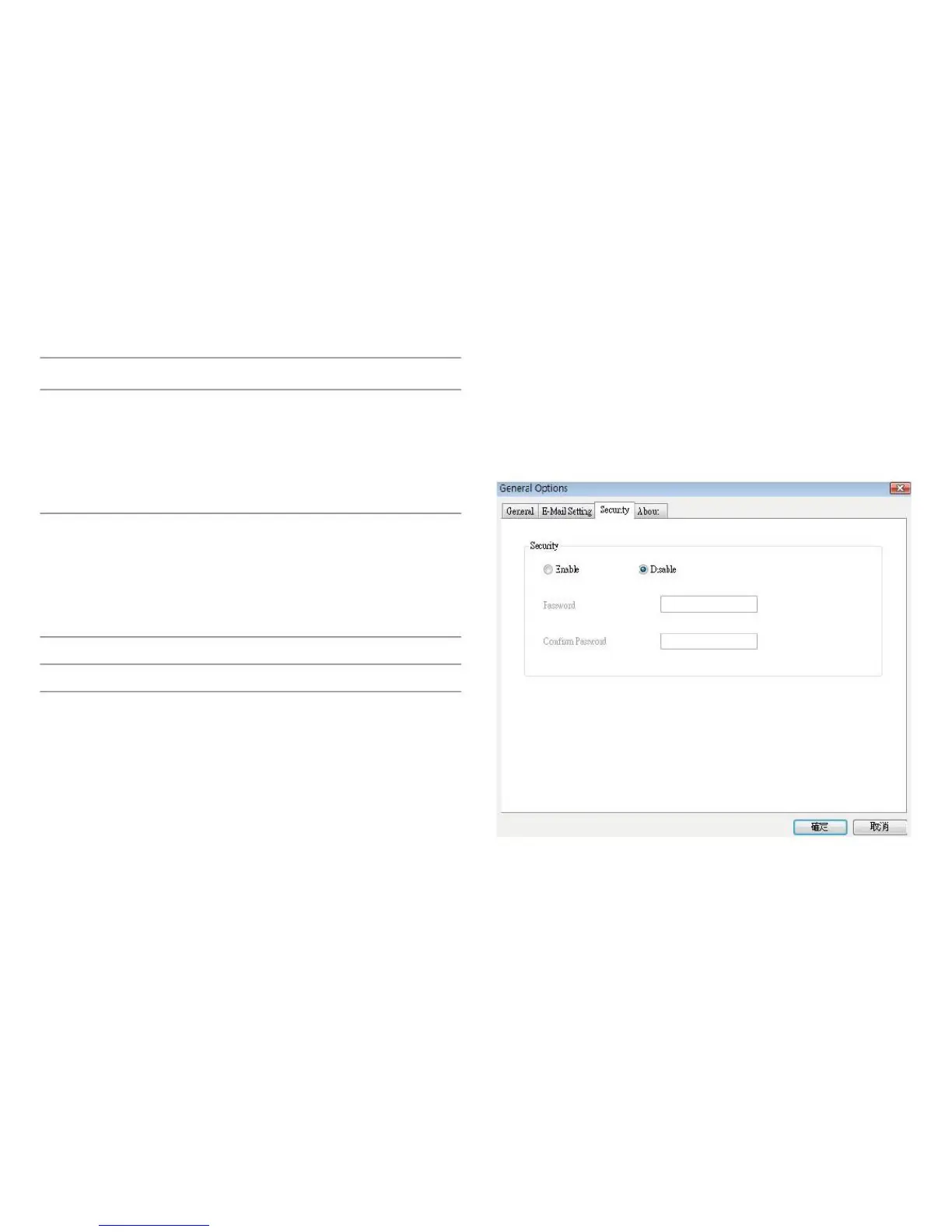
If you don‟t want other people to access this network cam-
era surveillance software, you can set a password to protect
it.
Enter the username for the SMTP
server. In most cases, it‟s the same as
your POP3 username. Please refer to
the setting of your email software or ask
your ISP / network administrator if
you‟re not sure about this.
Enter the password for the SMTP
server. In most cases, it‟s the same as
your POP3 password. Please refer to
the setting of your email software or ask
your ISP / network administrator if
you‟re not sure about this.
Save settings in this tab.
Discard all changes in this tab.



 To Next Page