USING THE SURVEILLANCE SOFTWARE
USING THE SURVEILLANCE SOFTWARE ON THE DESKTOP
4.3 Using the Surveillance Software on the Desktop
4.3.1 Changing the Display Layout
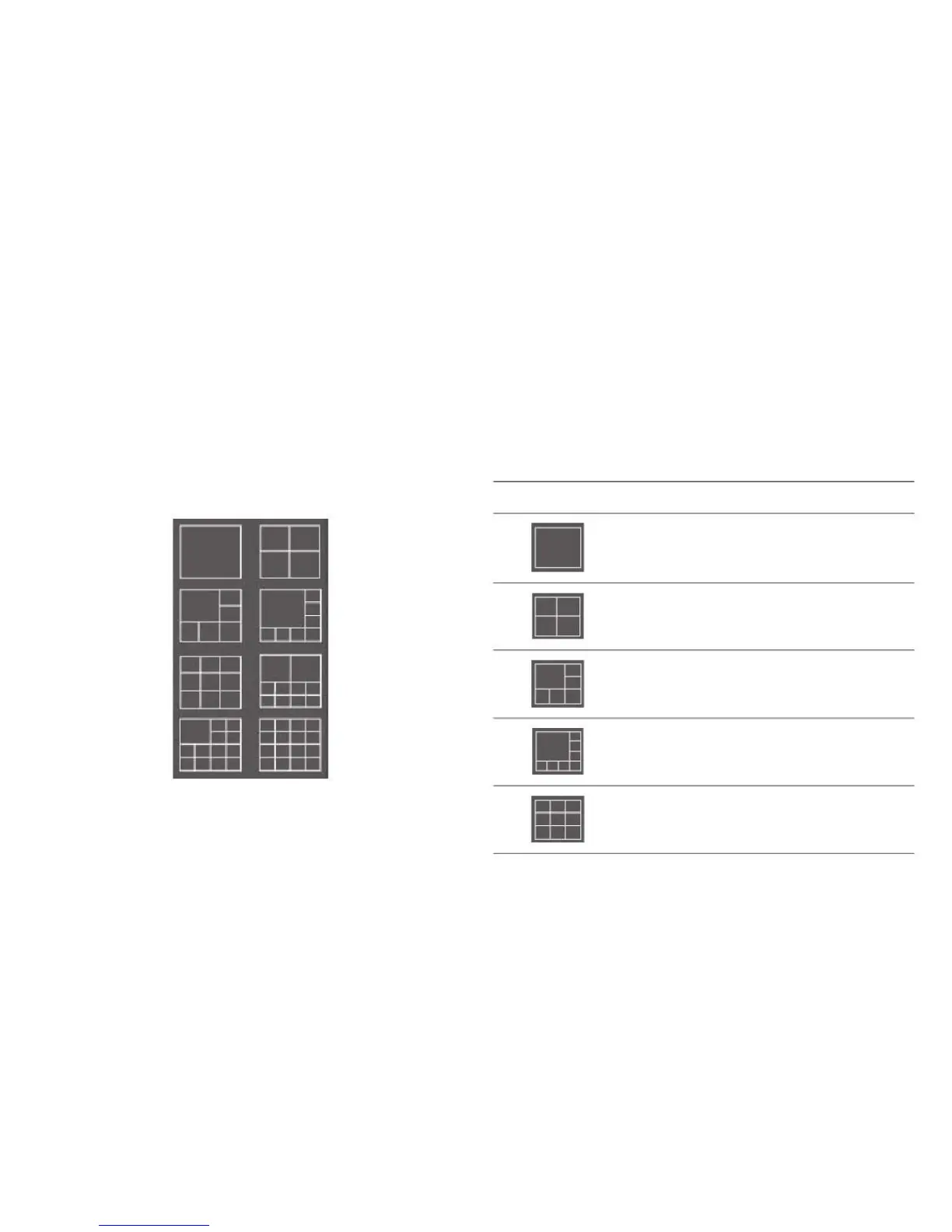
There are 8 display layouts to choose from.
Displays the video of 1 camera only.
Displays the video of up to 4 cameras.
Displays the video of up to 6 cameras.
Displays the video of up to 8 cameras.
Every layout displays a different number of cameras in a dif-
ferent arrangement. Click a display layout icon to change
the arrangement of the camera images.
Displays the video of up to 9 cameras.



 To Next Page